



OneMove Limiter is a free bus limiter from OneMove Audio for iPad and iPhone. It stops a hot synth or band bus from clipping, and its screen shows every peak it caught.
Available on the App Store Version 1.0 is on the App Store. Free.
- StatusAvailable on the App Store
- FormatAUv3 Music Effect and app for iPad and iPhone
- DevicesiPad and iPhone
- PriceFree, no in-app purchases
- Release date19 November 2026
- Get it on the App Store
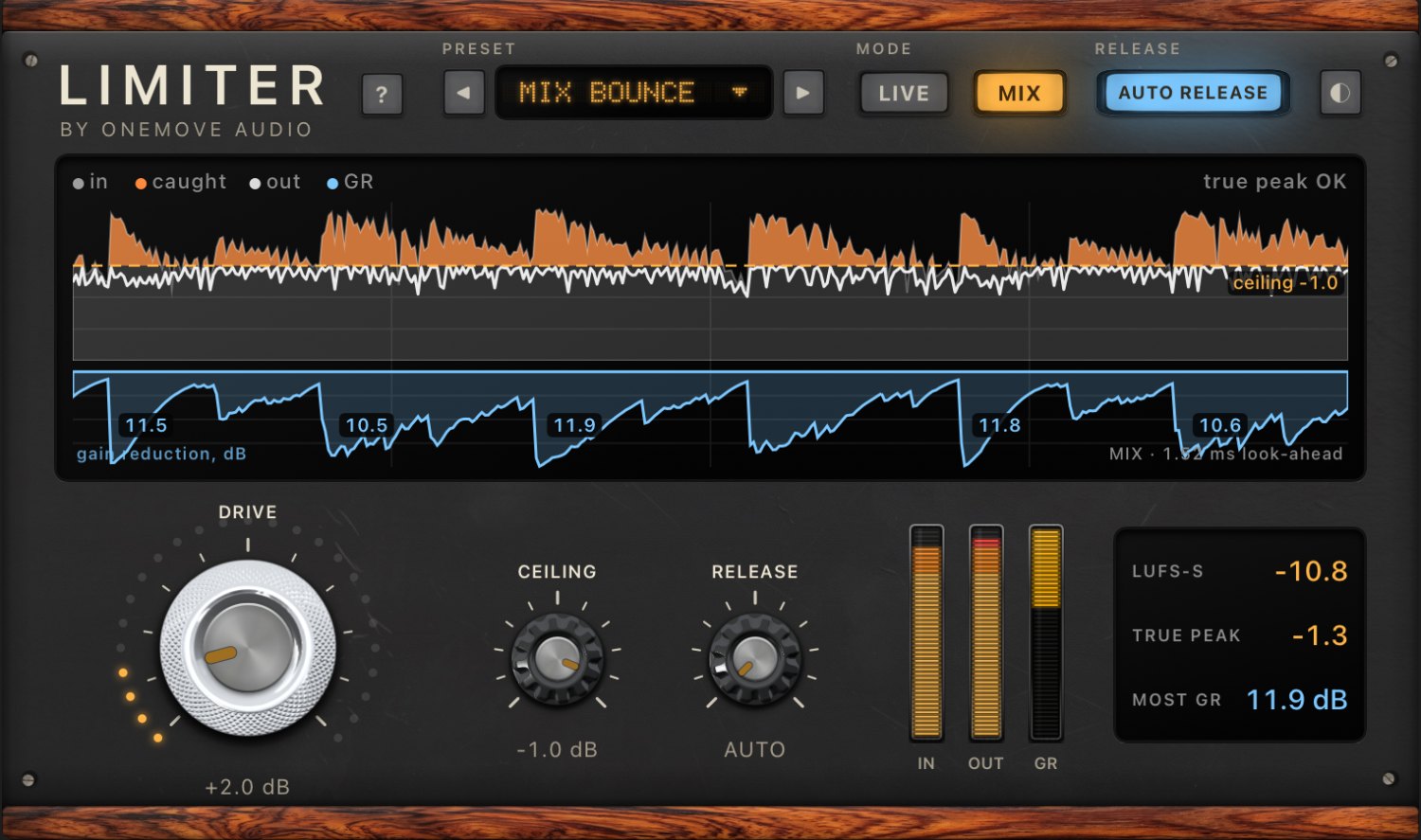
What it does
When a bus gets too hot, the loudest hits go over the top and clip: you hear a crackle, and a bounce can sound harsh. OneMove Limiter catches those peaks and turns them down just enough, only for as long as they last, so nothing passes the ceiling. Everything below the ceiling passes untouched. Turn up Drive and it also makes the bus louder, holding the peaks back while the rest comes up.
Hear it
Our demo band, pushed far too hot. First a hard clip, the crackle a bus makes with nothing to stop it; then the limiter in Live and in Mix. The player switches between the same moment in each version.
Limiter on our demo band, far too hot
Our demo band pushed far too hot into the ceiling: a hard clip, then OneMove Limiter in Live and in Mix. Rendered offline by the limiter's own audio code. All three are set to the same loudness, so you hear the distortion, not a level jump.
Music by OneMove Audio (drums, synth bass, electric piano, pad).
The controls in brief
- Drive: the big knob. Pushes the bus into the limiter: more is caught, and the bus gets louder.
- Ceiling: the level nothing passes.
- Release: how fast the level comes back after a peak. Auto release (on by default) recovers quickly after a short hit and slows down while limiting goes on, so it doesn't pump.
- Mode: Live or Mix (below).
- Presets: Bus Safe, Synth Bus, Loud Bus, Drum Bus Punch and Mix Bounce. Tap the name for the list.
Every control is a host parameter, so you can automate it. Each one, with its range, is in the manual.
Live or Mix
- Live adds no latency, so you can play or sing through the bus. No sample passes the ceiling, and everything below it is your input, untouched. On a very hot, bright source, the peaks between the samples can still go over, and the screen marks them in red.
- Mix looks a short moment ahead, reports that to your host, and keeps the true peak under the ceiling: use it for mixing and for bounces you will upload.
The figures for both are in the manual, under Live and Mix.
See what it caught
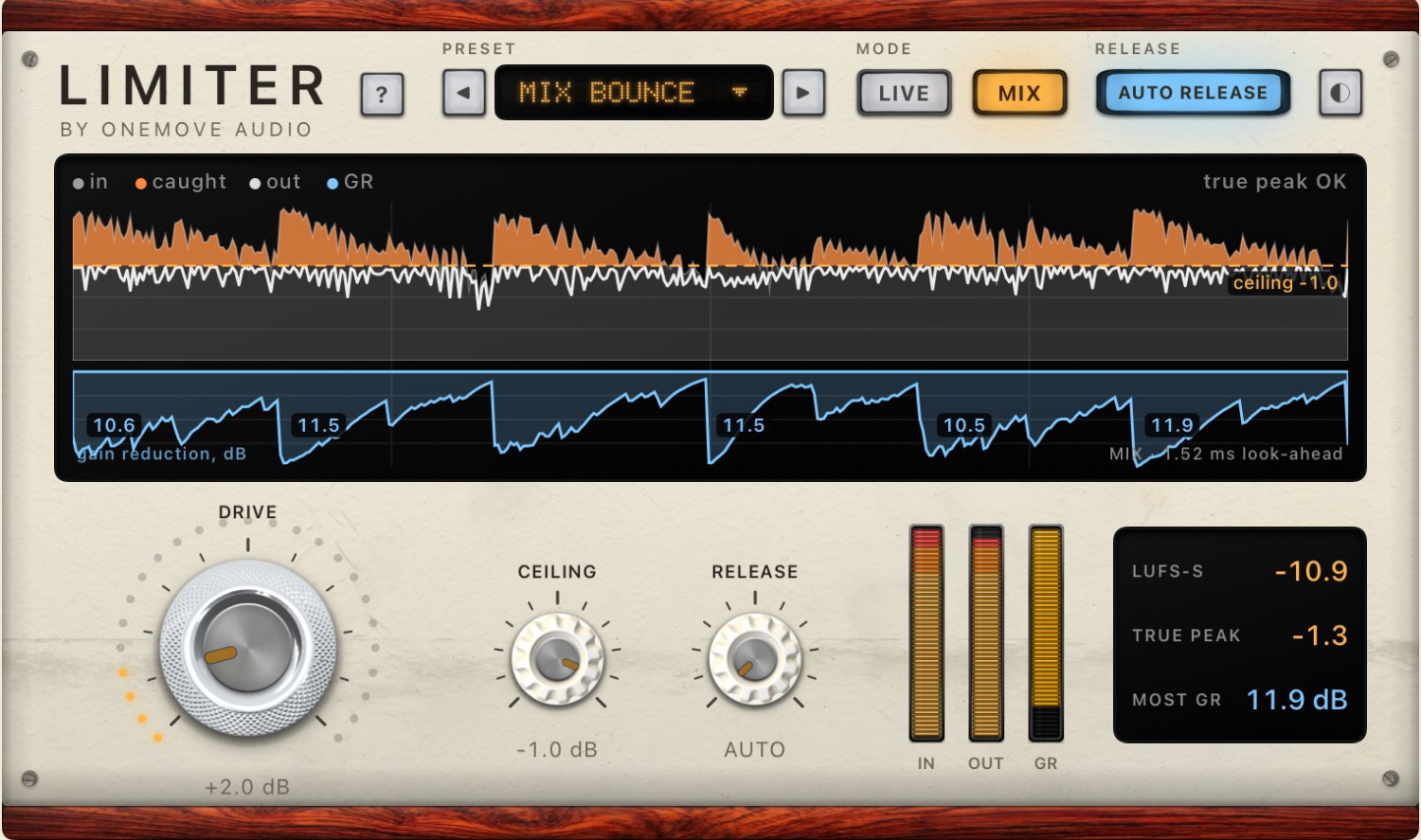
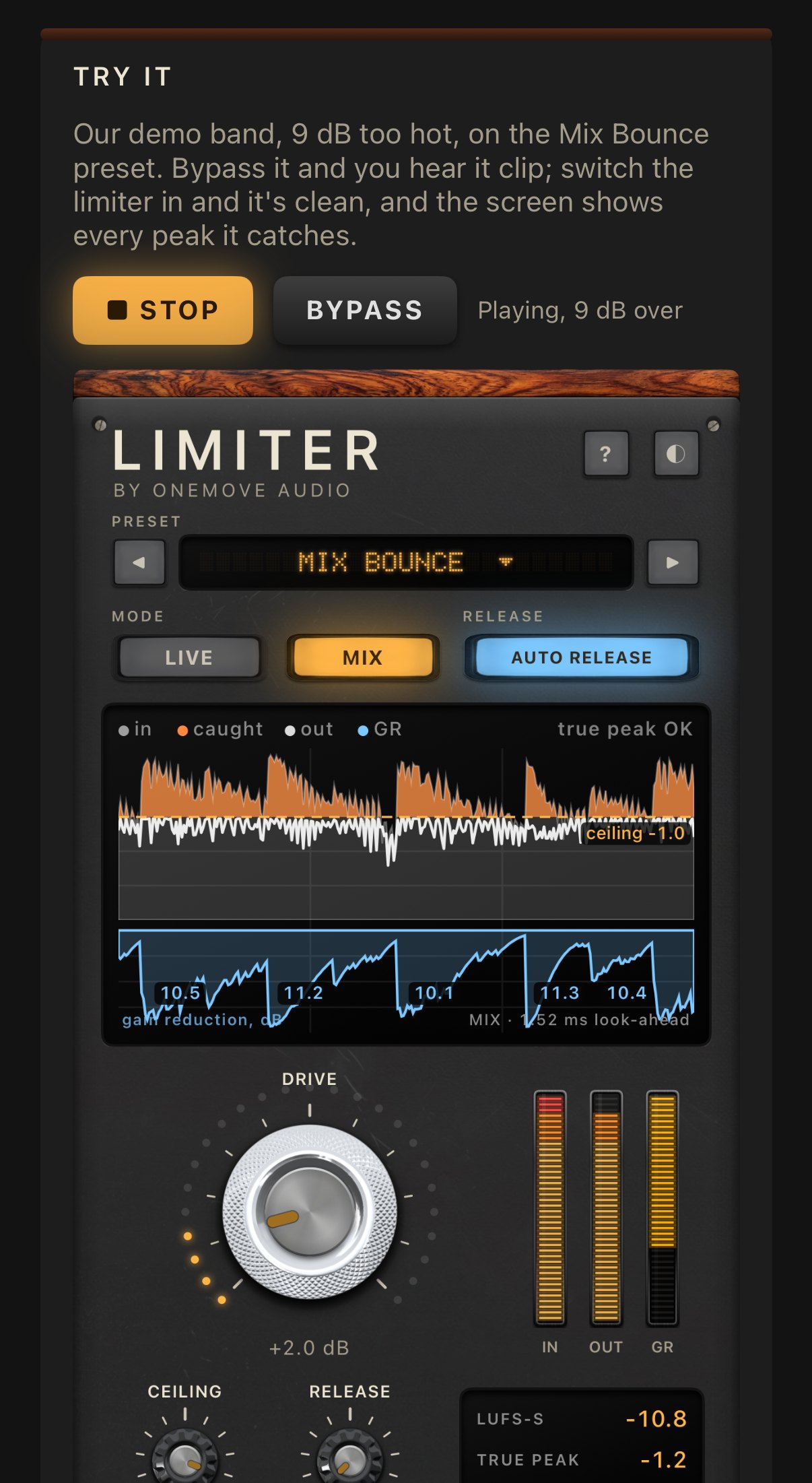
A gain-reduction meter tells you how much. OneMove Limiter's screen also shows where: the last few seconds of the bus, with what came in, the part over the ceiling it caught, what went out, and how much it took off each hit, labelled in dB. The read-outs give short-term loudness, the highest true peak and the most gain reduction on the screen.
Who it's for
- Live looping and performing: a synth, drum or band bus in Loopy Pro or another host, where a hot moment would otherwise crackle through the speakers.
- Producers on iPad and iPhone: the last effect on a bus, so a busy chorus doesn't clip, or a little Drive for a louder synth or drum bus.
- Bouncing a mix: Mix mode on the stereo mix keeps the bounce under the ceiling.
It works in AUv3 hosts on iPad and iPhone, as an audio effect. The app has its own player, so you can hear it before you open a host. Every step, and troubleshooting.
Related tools
- OneMove Master: when the song is finished, a loudness target and a tone character for the whole mix.
- OneMove Compressors: a 76-style FET and a 2A-style opto, for shaping dynamics before the limiter.
- OneMove Mix Scanner: checks a bounce for clipping and true peak, and tells you where.
- OneMove Air: free, for a more open top on a vocal or a synth.
User manual
Every control, the presets, Key Link, host setup and troubleshooting: the OneMove Limiter manual.
Questions
Is it really free?
Yes. No in-app purchases, no ads, no account and no time limit.
Live or Mix?
Live adds no latency, for playing or singing through a bus. Mix adds 1.5 ms and holds the true peak under the ceiling, for mixing and bouncing.
Can I try it without a host?
Yes. The app plays a demo band 9 dB too hot through the limiter, with Bypass.
Is it true-peak safe?
In Mix, yes: with the ceiling at −1 dB it measured −0.85 dBTP on our test material. Live sees samples only: no sample passes the ceiling, but the true peak can read up to about +1 dBTP, and the screen marks those overs in red.
How is it different from OneMove Master?
Limiter does one job on a bus: it stops the peaks. Master is a mastering tool for a finished song, with a loudness target and tone characters.
Which hosts does it work in?
Any host that loads AUv3 audio effects on iPad or iPhone. Loopy Pro is the host we test our plug-ins in. If it doesn't work in yours, tell us which one.