

OneMove Ears user manual
OneMove Ears is a free ear trainer for iPhone and iPad. It trains your ears on what vocals need: EQ boosts, harsh rings, compression, sibilance, level and panning. After every answer you hear the difference. Found a bug or have an idea? Tell us.
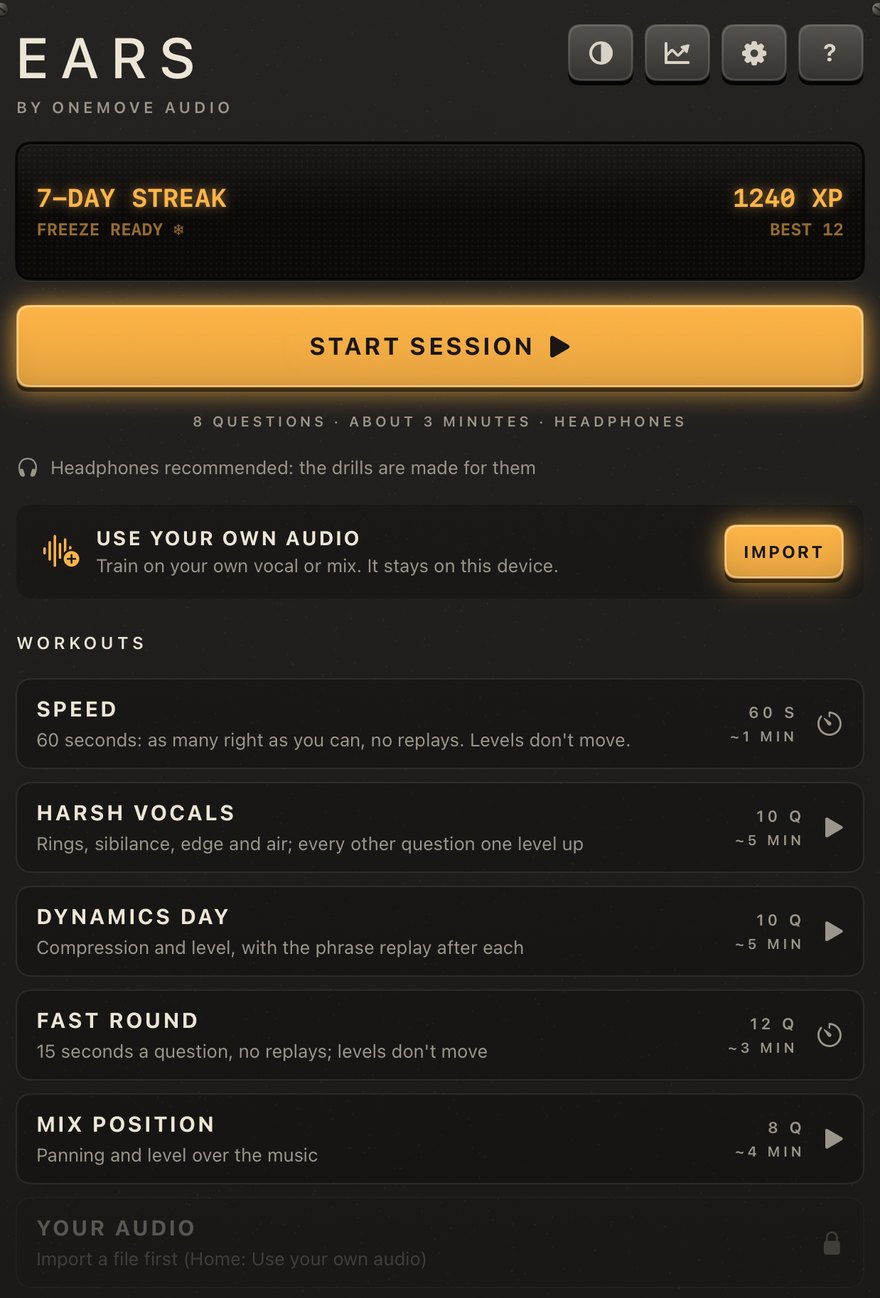
Getting started
- Install OneMove Ears from the App Store and open it.
- Put on headphones: the drills are made for them. Ears offers a short headphone check at the start, and again under Settings.
- Tell Ears how often you work on music. That sets your first level; you can't get it wrong, because levels adapt.
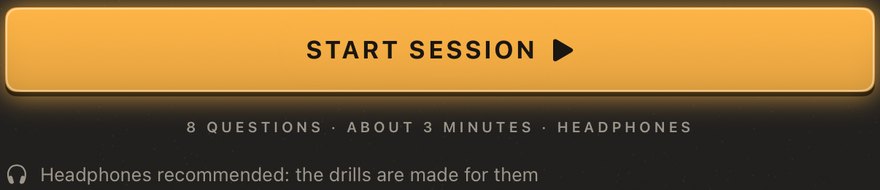
- Tap Start session: 8 questions, about 3 minutes.
The home screen


How a question works

You hear two or more takes of the same clip and answer a question about them. Every A/B is loudness-matched (RMS), so the louder one never gives the answer away, except in Level (the question is loudness) and Pan. Tap an option to switch while the clip loops; the stop button stops it.
After you answer
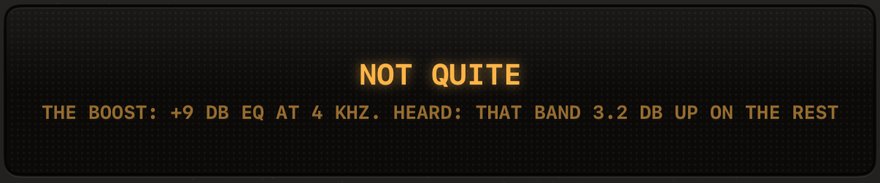
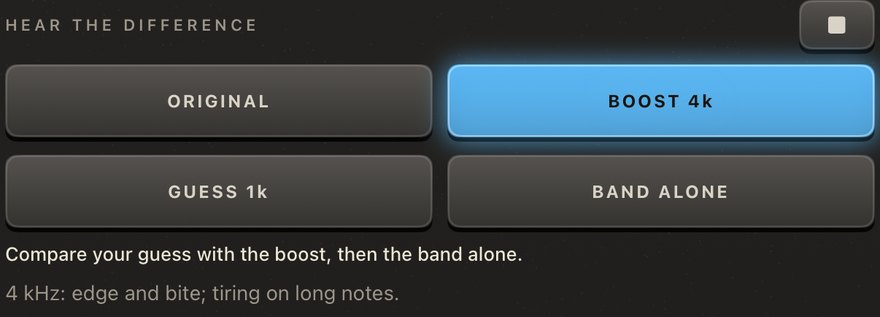
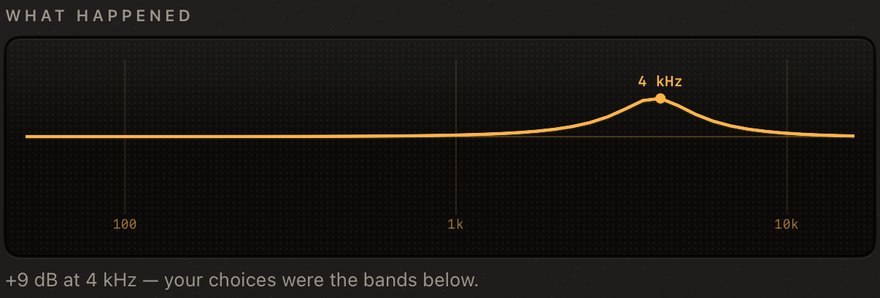
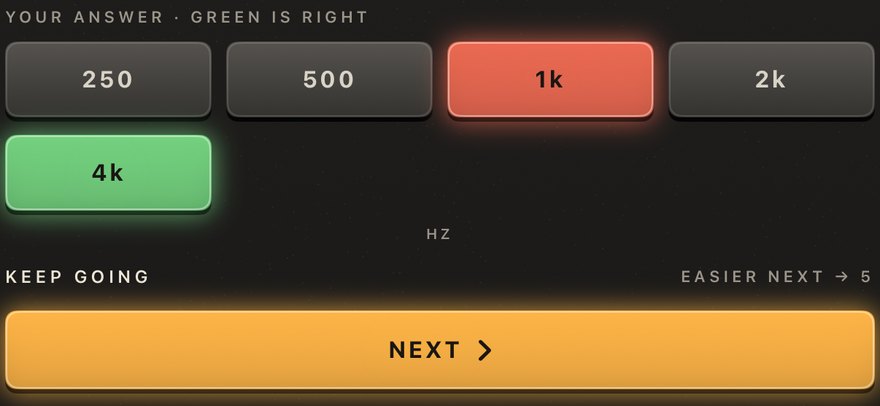
Ears plays the difference: the original against the change, your guess against it, and, for EQ, the band alone, with a short note on what to listen for. What happened draws it as a curve, a level bar or a pan dot. The number shown is measured on the clip you heard, after loudness matching.
The ten drills
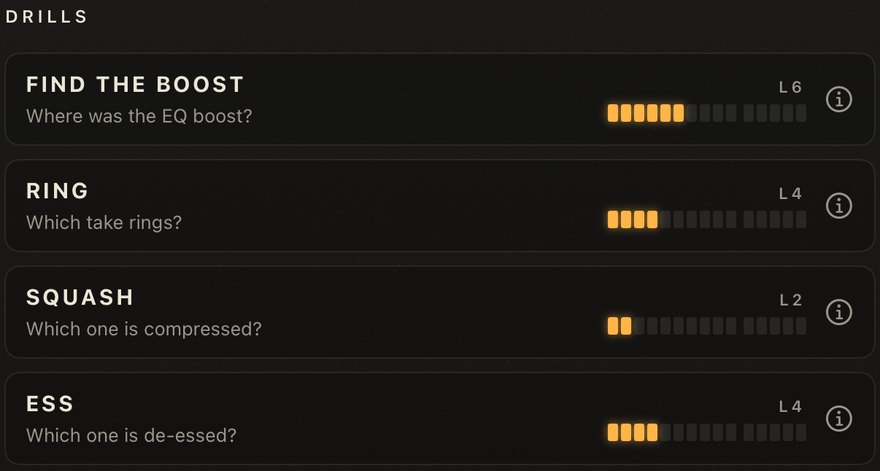
| drill | question |
|---|---|
| Find the boost | Where was the EQ boost? |
| Ring | Which take rings? |
| Squash | Which one is compressed? |
| Ess | Which one is de-essed? |
| Level | Which is louder? |
| Air | Which has more air? |
| Tilt | Brighter or darker? |
| Boost or cut | Boost or cut at the named band? |
| Q width | Wide or narrow? |
| Pan | Where is the vocal: left, centre or right? |
Each drill has an ⓘ lesson card. Tap a drill card for free practice of that drill alone; it doesn't count for the streak. Drills open as you play, and a locked card says what it waits for.
Levels and progress
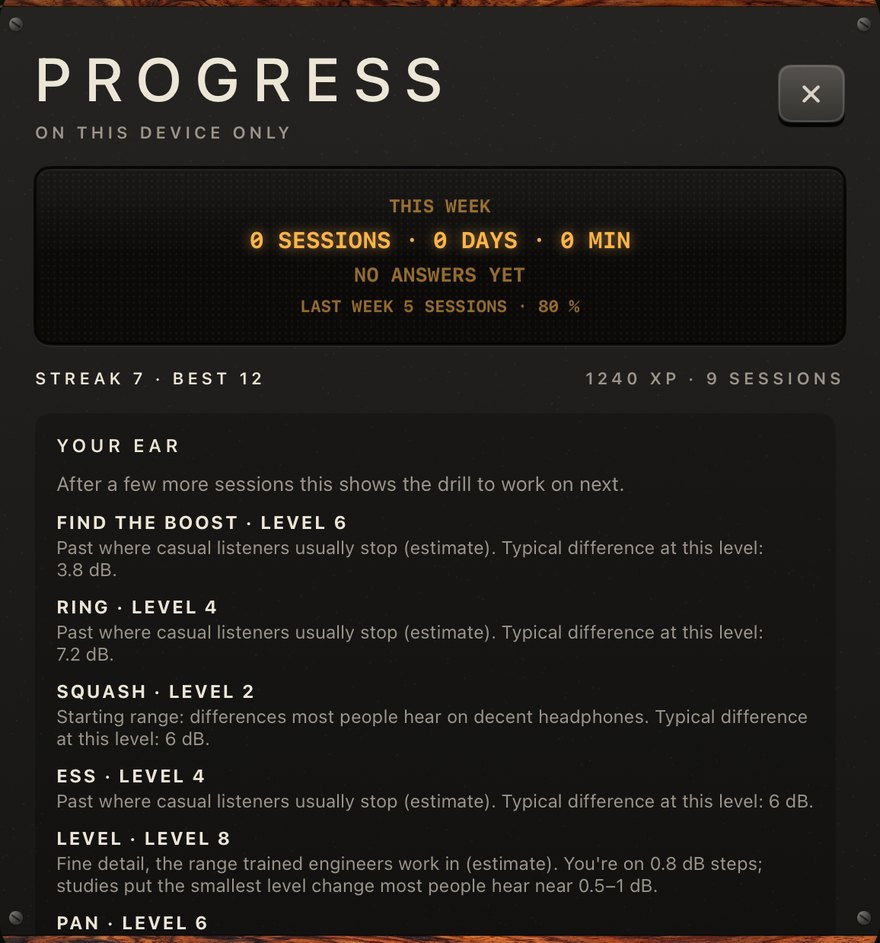
- Every drill has levels 1 to 10, then Expert 11 to 15. Two right answers in a row make it harder; one wrong makes it easier.
- After a session, How did that feel? nudges every drill up or down.
- XP and a streak: a day counts when a session is finished. One missed day a week is covered by an automatic freeze.
- The Progress screen shows this week against last, the level over time per drill, your best levels and milestones. A milestone can be shared as a picture, with no name or other personal data.
Workouts
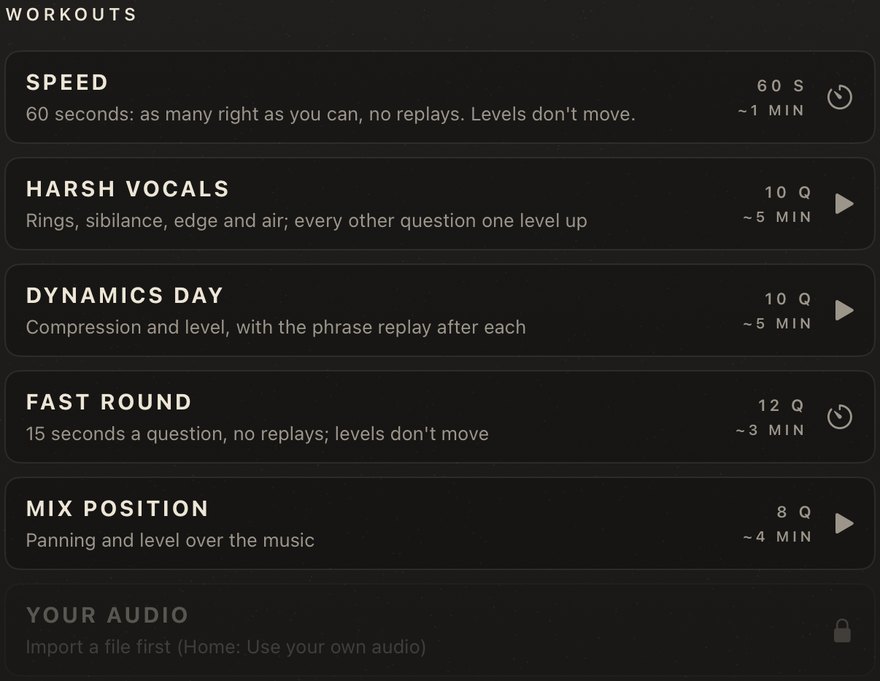
| workout | what it is |
|---|---|
| Speed | 60 seconds, as many right as you can, no replays |
| Harsh vocals | rings, sibilance, edge and air |
| Dynamics day | compression and level, with the phrase replayed after each |
| Fast round | 15 seconds a question, no replays |
| Mix position | panning and level over the music |
| Your audio | the drills on your own file |
A themed workout opens once two of its drills are unlocked, and says which one it waits for.
Headphone check
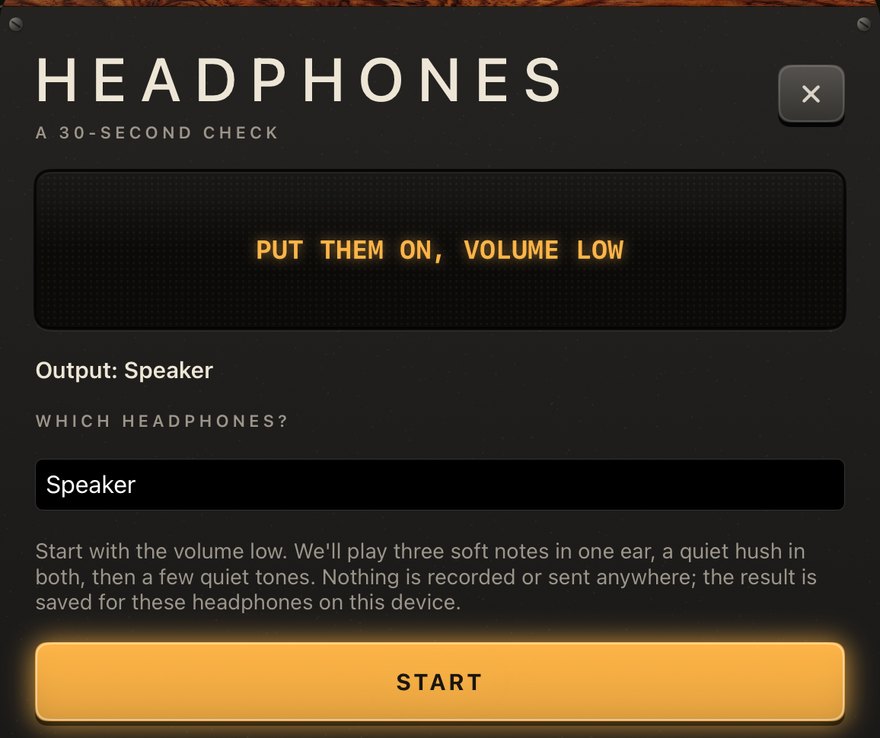
Settings › Headphones checks left and right, polarity, and the lowest and highest tones you can hear, in about 30 seconds with soft sounds. Ears remembers the result per headphone and tells you in plain words what will be hard ("Highs stop near 10 kHz: Air and 8 kHz boosts will be hard"). Nothing is recorded or sent.
You can also flatten your headphones by ear. The result is saved per headphone and used in every drill.
Your audio
Use your own audio on the home screen, Settings › Your audio, or share an audio file to Ears. Choose Vocal or Full mix, and every drill uses it. Files up to 10 minutes. The copy stays on your device, one file at a time, and Remove deletes it. Nothing is uploaded.
Settings
- Headphones: the check and flattening, per headphone.
- Your audio: import or remove your file.
- Reminder: an optional daily reminder at a time you choose. It is off by default, and it is only an invitation.
- ◐ on the home screen switches the panel colour.
Free and private
OneMove Ears is free: no purchases, no ads, no account. Your progress, settings and imported audio stay on your device. Once a day the app fetches one public file, onemove.audio/products.json, to know which other OneMove tools are released; it sends nothing about you.
Help and feedback
? on the home screen opens this manual or the support form to report a bug, suggest an idea or ask a question. The form is filled in with the app version and your device; nothing is sent until you press Send.
Tricks and use cases
Three minutes before a mix
Run one session before you open a mix, the way a singer warms up. A session is 8 questions, about 3 minutes.
Train on the sound you work with
Import a vocal you are mixing (Your audio, Vocal). The boosts, rings and esses then happen on that voice.
Know your headphones
Run the headphone check on each pair you mix on. If it says the highs stop early, trust the drills above that range less, and check air and sibilance on another pair.
Troubleshooting
No sound
Raise the media volume, and check that your headphones are connected. The drills are silent only if the volume is down.
A drill or workout is locked
Drills open as you play; the card says what it waits for. A themed workout opens once two of its drills are open.
Too quiet or too loud
Ears matches loudness between takes, not your headphones' volume. Set a comfortable volume once, low to start.
My progress is gone
Progress is kept on the device only. Deleting the app deletes it; there is no account to restore it from.
Report a bug or suggest an idea
Use the support form, or ? in the app, which fills in the app version and your device. Tell us your iPadOS or iOS version, your headphones, what you did and what happened. For an idea, pick Idea or request.