
Echo Sing user manual
Echo Sing is a daily singing coach for iPhone. It shows the note you are aiming for, the note you are singing and which way to move. This manual covers every screen and control. Found a bug or have an idea? Tell us.
Getting started
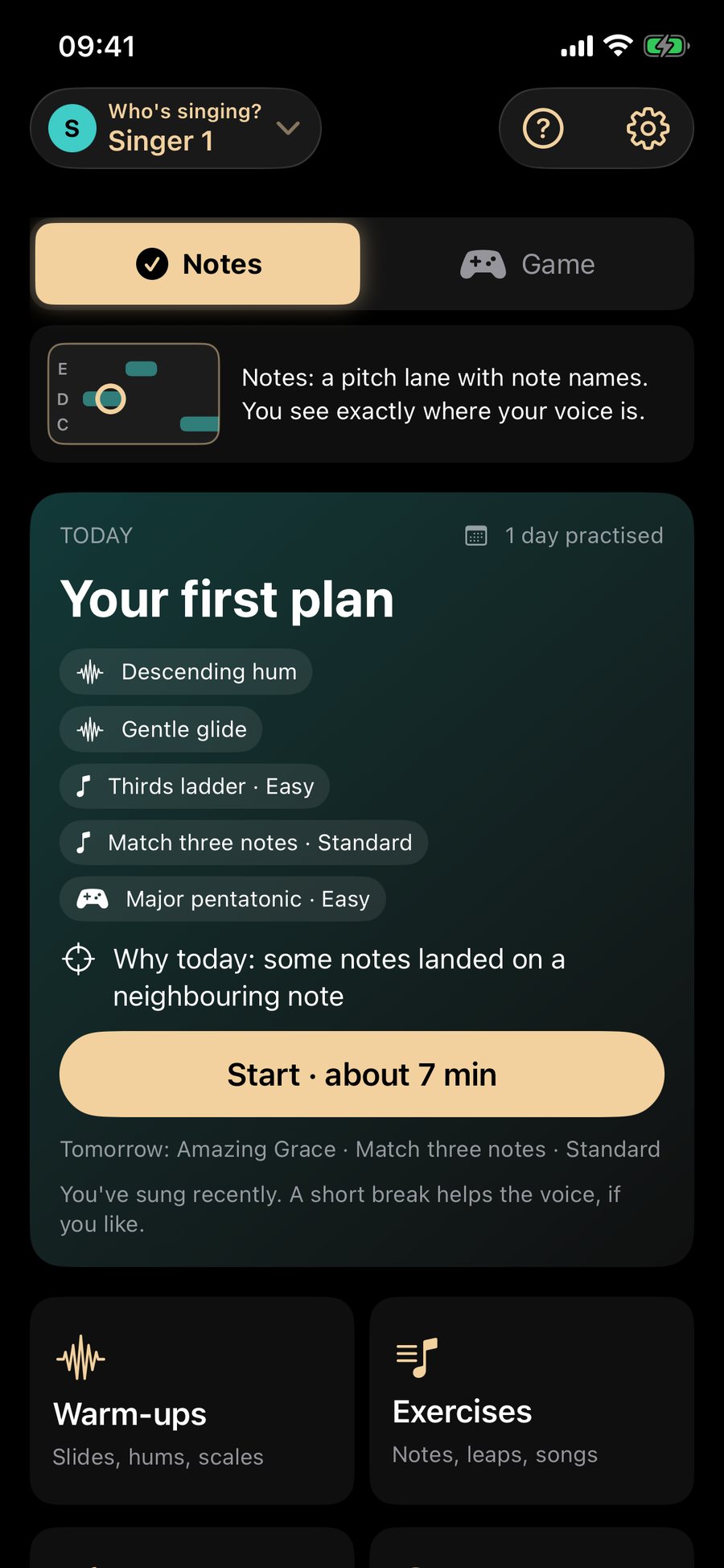
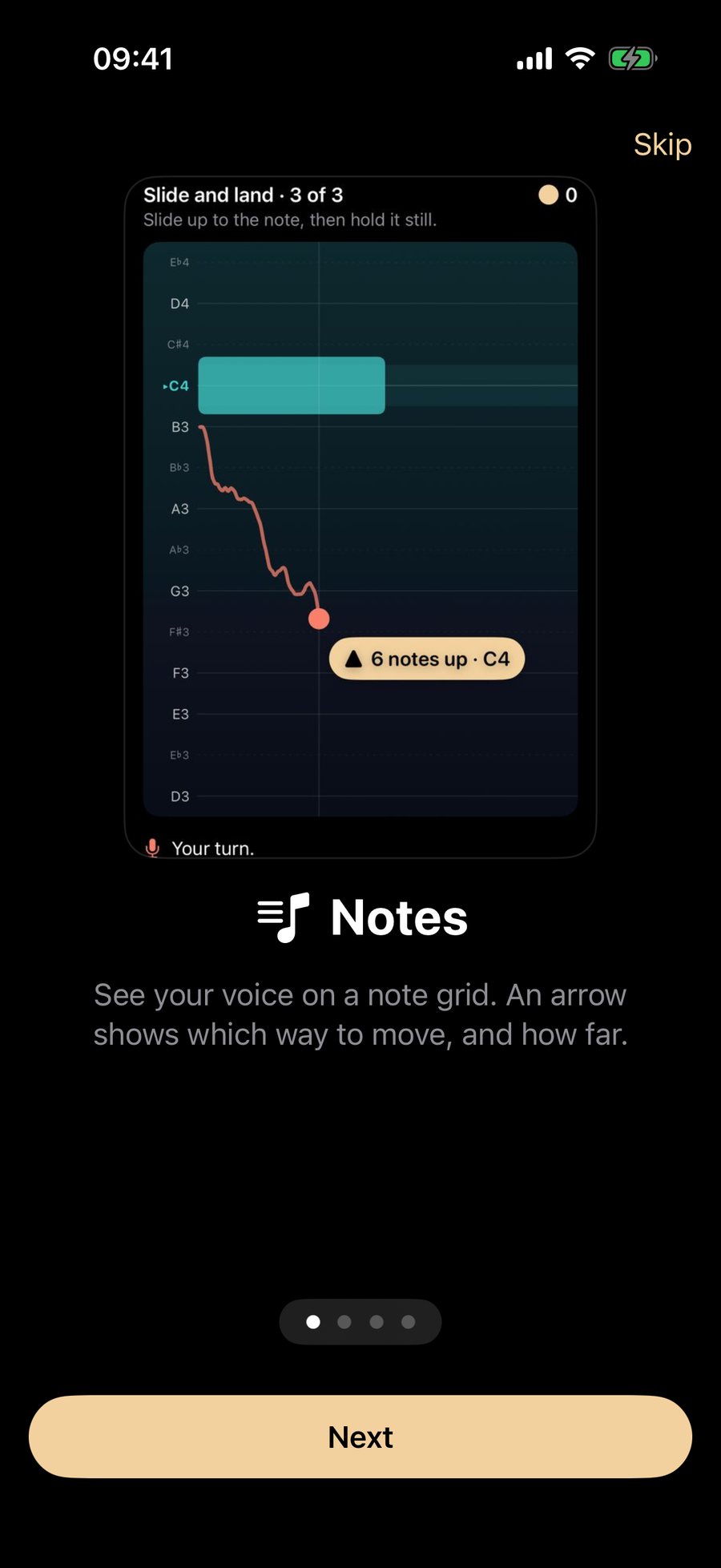
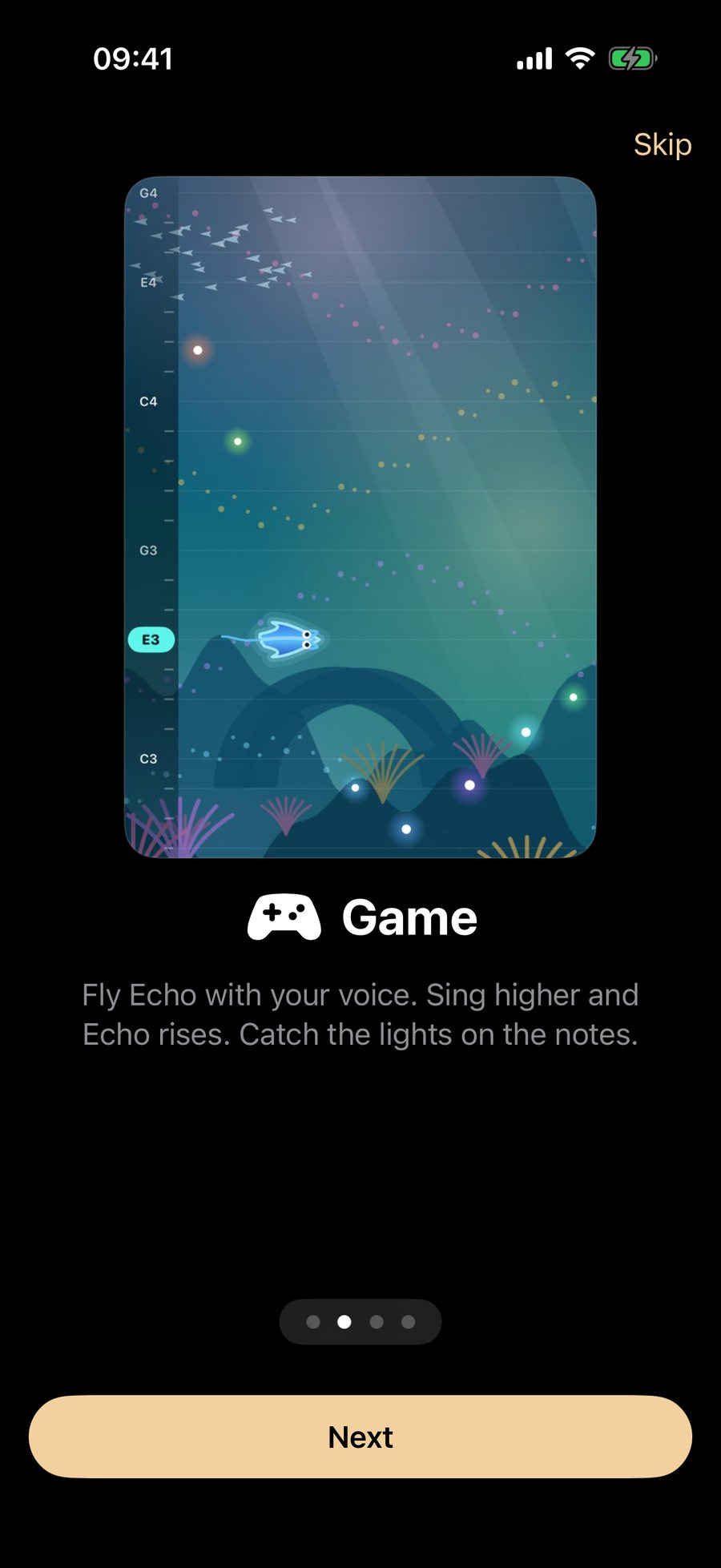
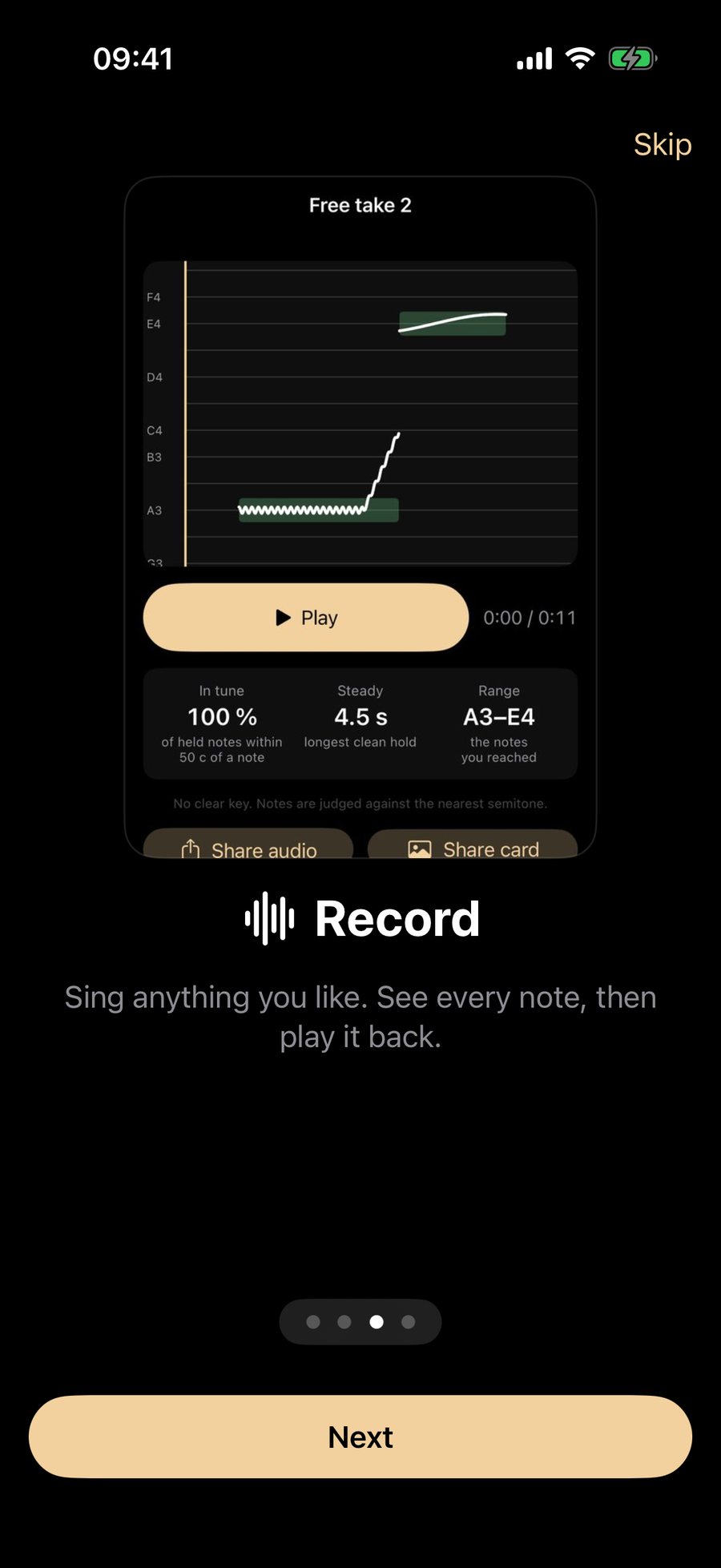
- Open the app. A short tour shows Notes, Game and Record. Tap Skip, or Next through the four pages, then Find my range (30 seconds).
- Allow the microphone when the phone asks. The app needs it only while you sing. If you said no, see the microphone is off.
- Sing "ahh" for the range check (below). Then tap Use this range.
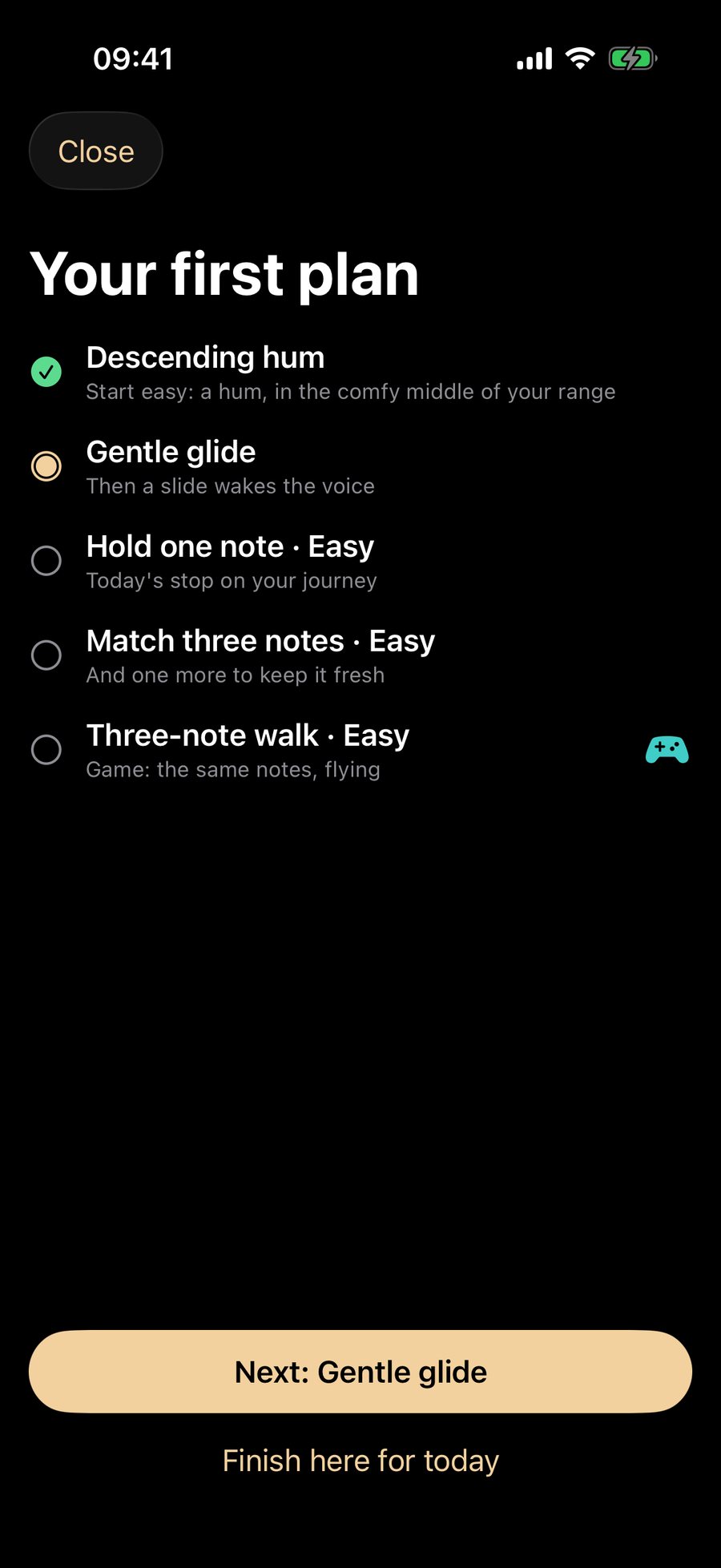
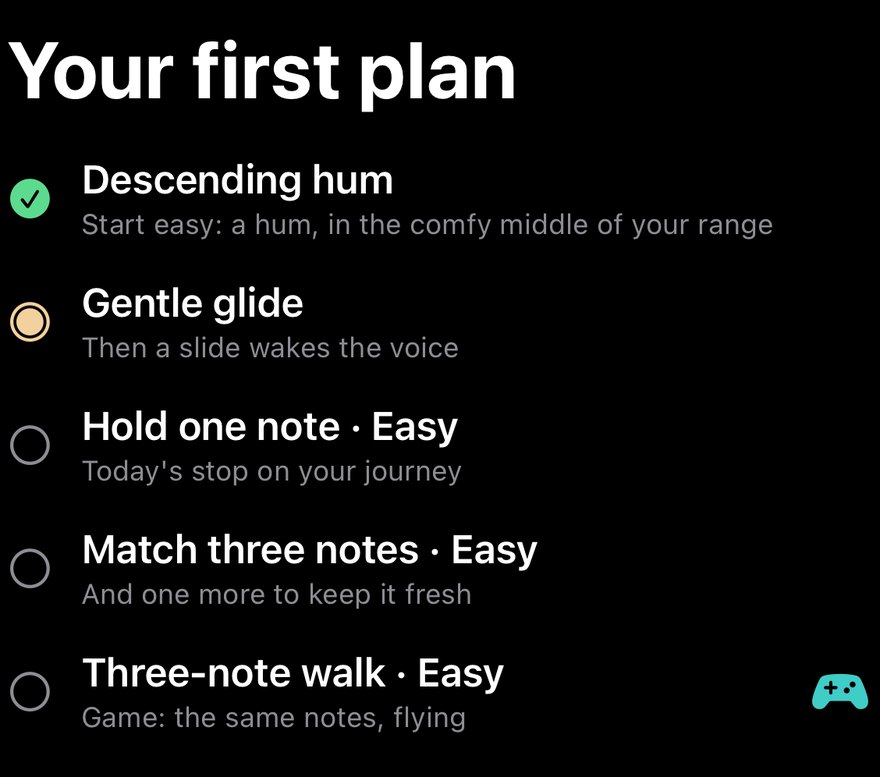
- Tap Start on the Today card. The first plan is a few minutes: a hum, a glide and a few easy notes.
The first launch also shows the free-and-Pro line once, before your first take. There is no trial.
Home
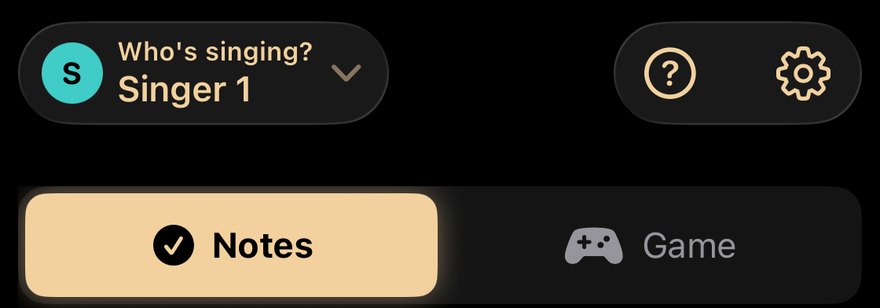
Singer chip · who's singing
Shows who is singing. Tap it to switch singers or add one (see Singers).
? and Settings · top right
The question mark opens Help at the right place; the cog opens Settings.
Notes / Game · Notes
Chooses how every exercise is shown: as the pitch lane (Notes) or as a game (Game). The same levels, stars and XP either way. The app remembers your last choice.
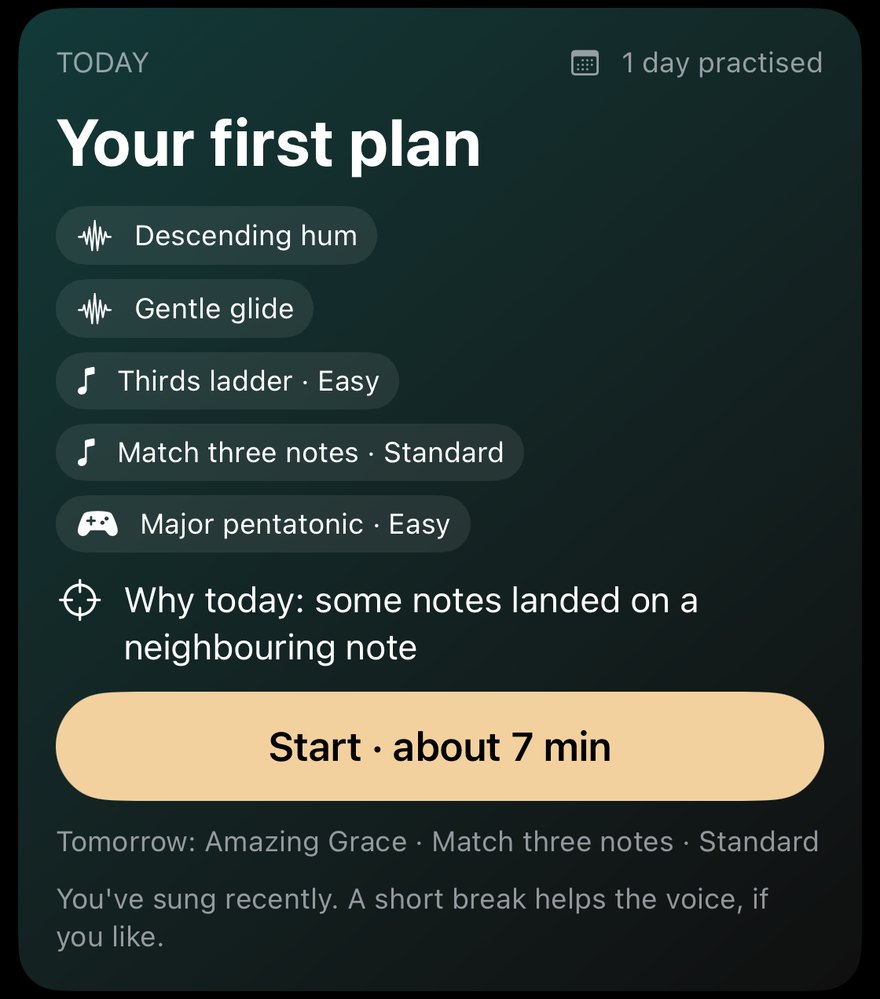
Today
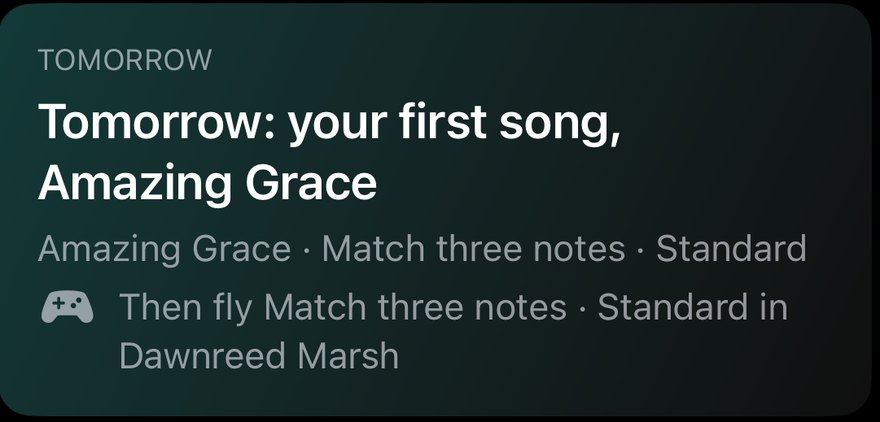
Today's plan: its steps, a one-line "Why today", and Start. It says when you have already practised ("1 day practised") and what comes tomorrow.
Find your range
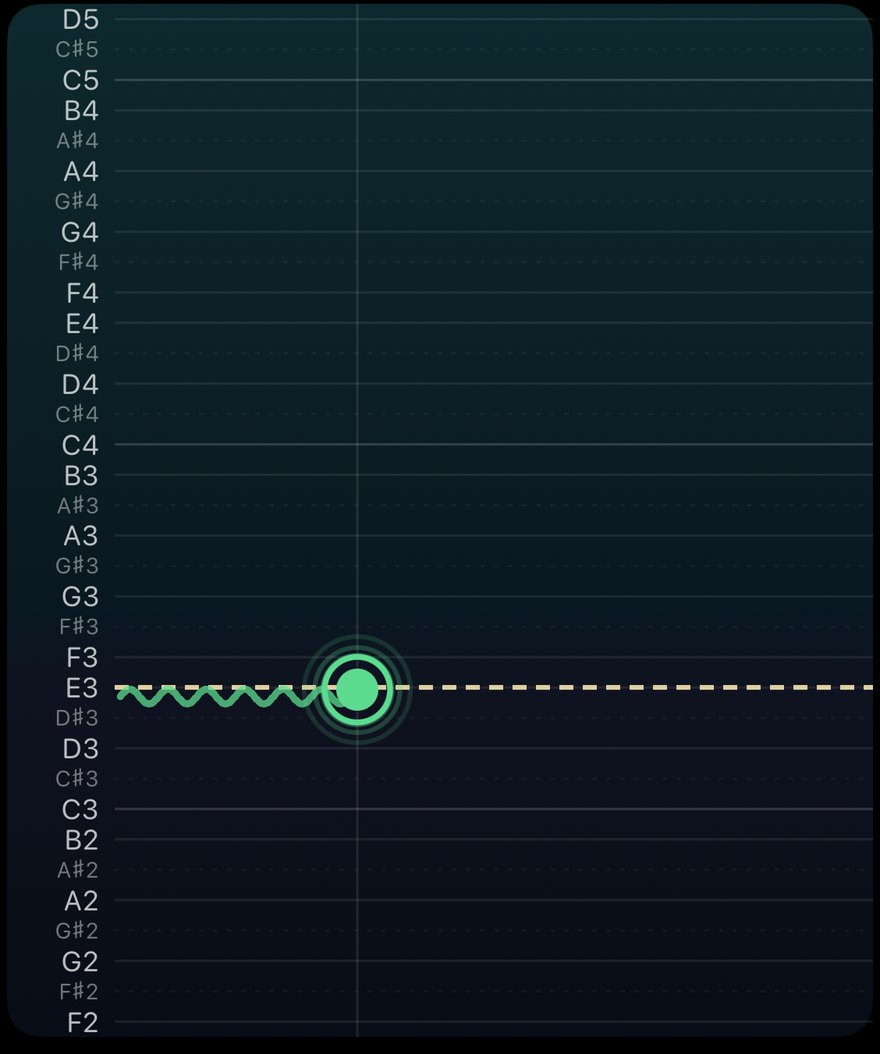
The range check takes about 30 seconds. It listens to singing, never speech, and only held notes count.
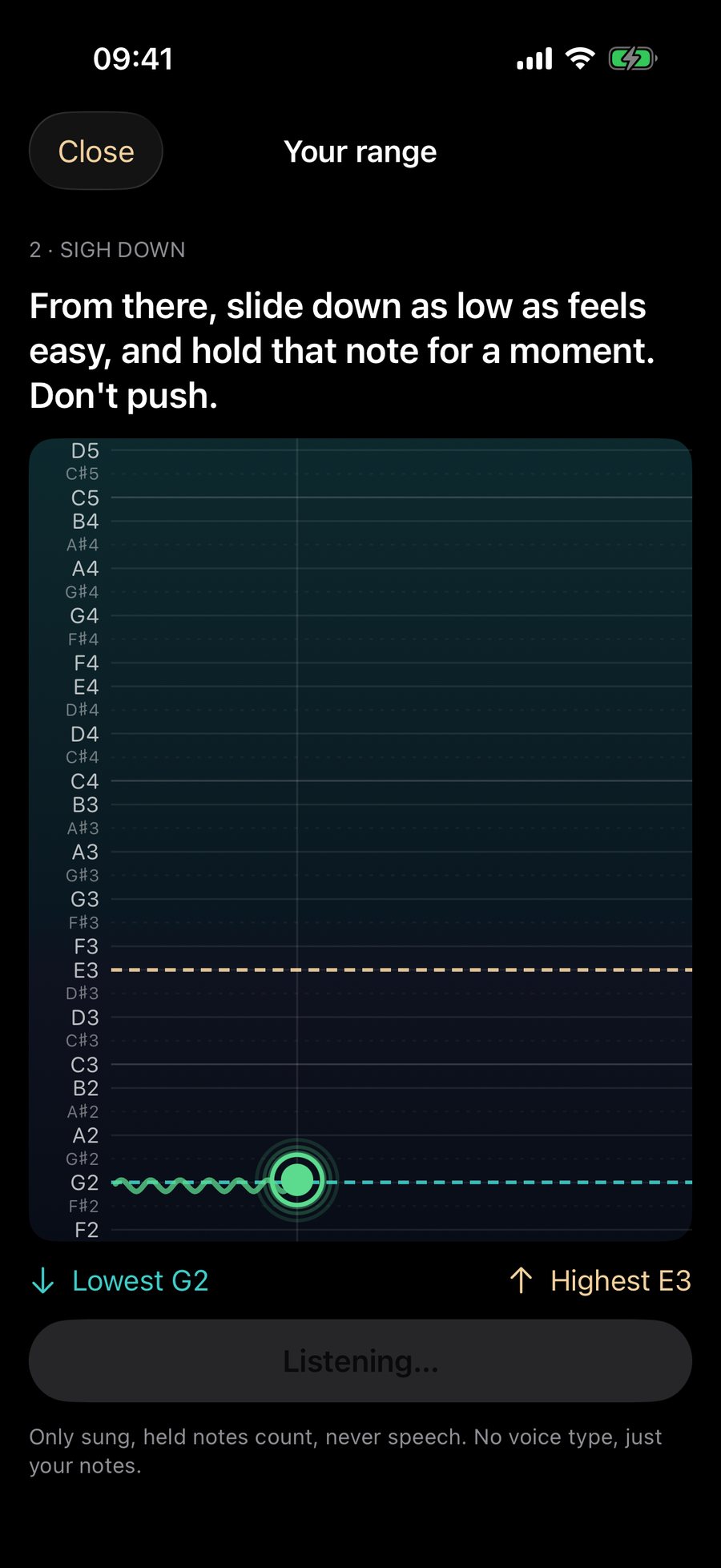
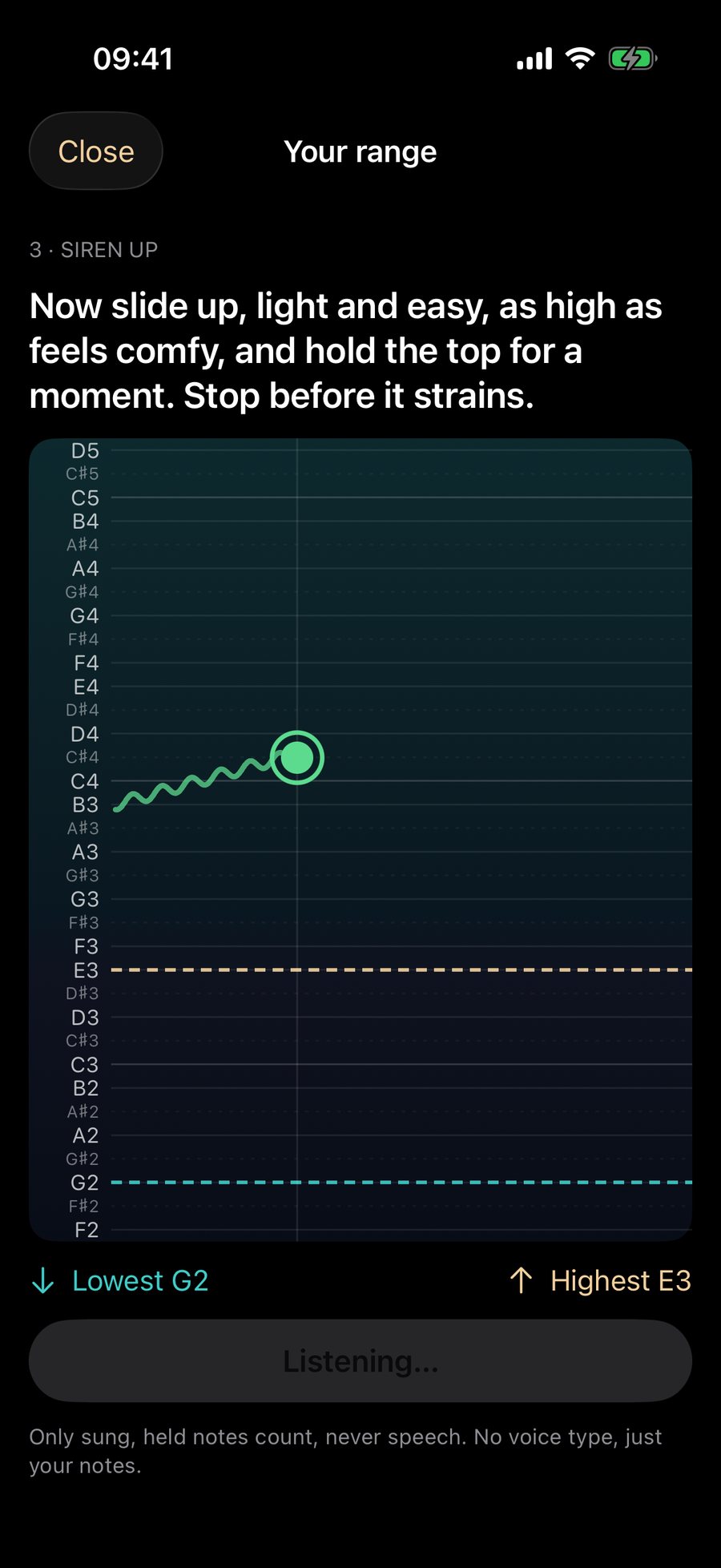
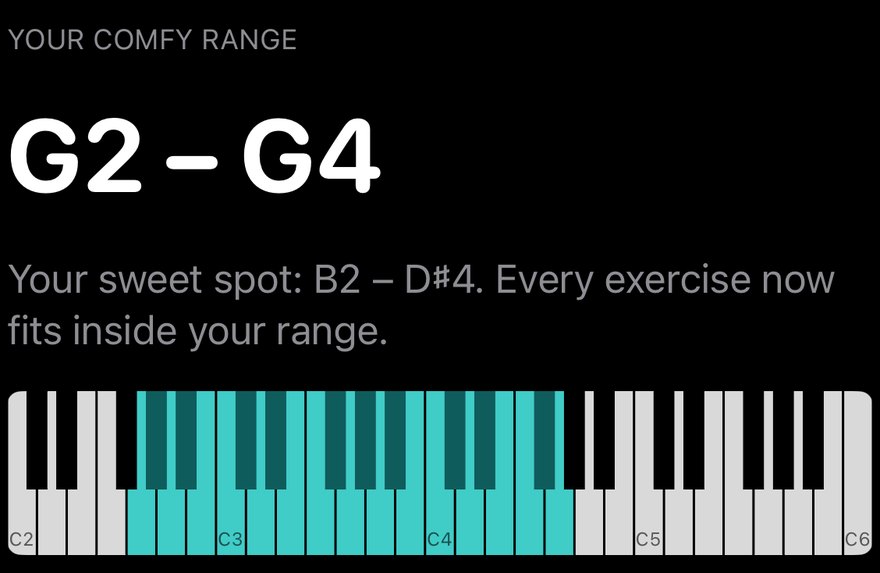
Your range · lowest to highest
The notes you can sing comfortably, as a lit keyboard, with the line "Every exercise now fits inside your range."
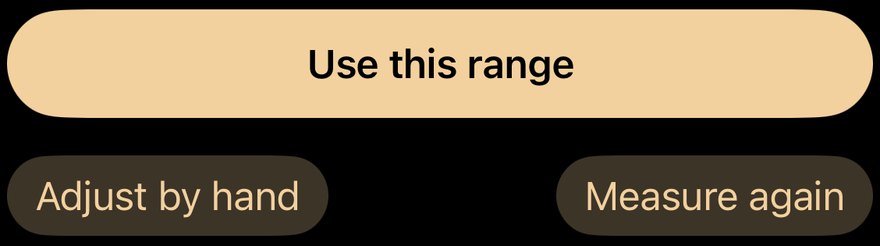
Use this range · Adjust by hand · Measure again
Use it, drag the ends yourself, or sing again. You can redo the check any time from Stats, and a retest day offers it.
The pitch lane
The lane is the same everywhere: the warm-up, the exercises, the game and the recorder. Learn it once.
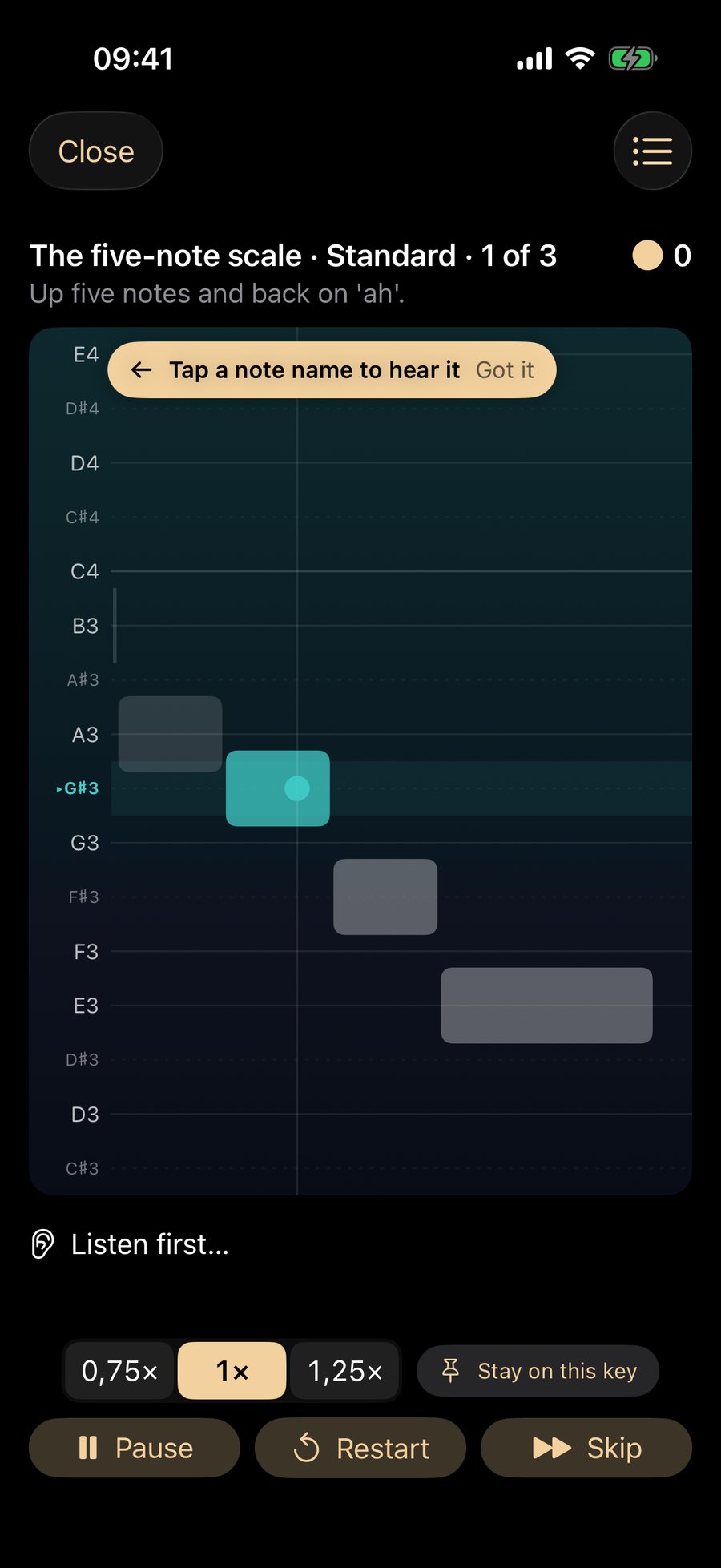

Close · ? · list
Close leaves the exercise. The question mark opens Help at the lane. The list shows the steps of the plan.

Title and goal · for example "The five-note scale · Standard · 1 of 3"
The level, how hard it is (Easy, Standard or Stretch), which try you are on, and what to sing.
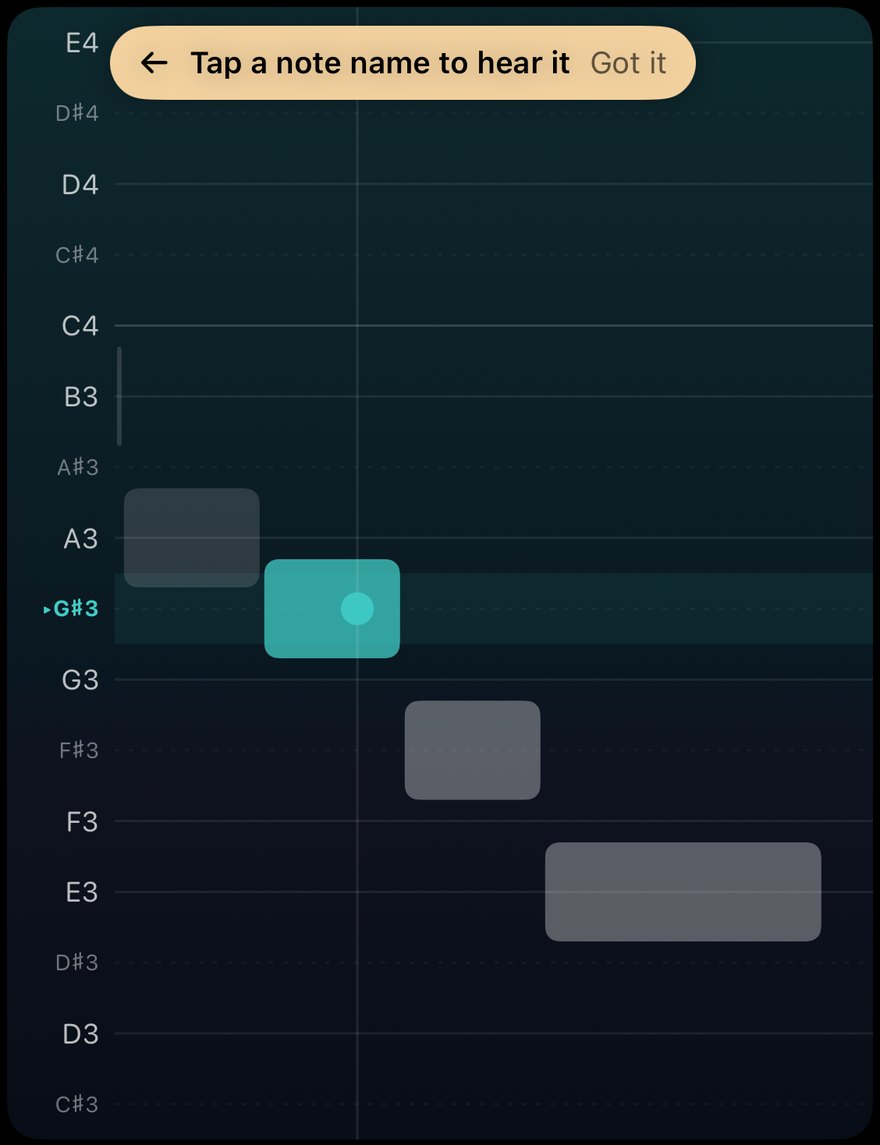
The lane
Note names on the left. Grey bars are the notes to sing, the teal bar is the one you are on, and the dot is your voice. A badge such as "2 notes up" tells you which way to move and how far.

Tap a note name to hear it
Tap any note name to play it. "Got it" dismisses the hint.

Status line
"Listen first…" while the guide plays, then it asks for your turn.

Tempo · Stay on this key · 0.75×, 1×, 1.25× (1×)
Slow the phrase down or speed it up, or hold one key instead of stepping up. Free for everyone.

Pause · Restart · Skip
Pause stops the take, Restart begins this try again, Skip moves on.
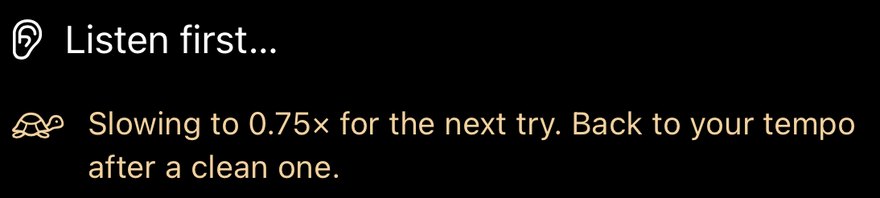
Auto-slow (Pro)
After missed phrases it slows the next try to 0.75× and says so: "Back to your tempo after a clean one." Your own tempo is never overwritten. Turn it off in Settings.
Pause

Paused. Take a breath. · mic button, Resume
The mic button opens Mic sensitivity. Resume carries on.

Go on · Restart · Skip
While paused the first button reads Go on.
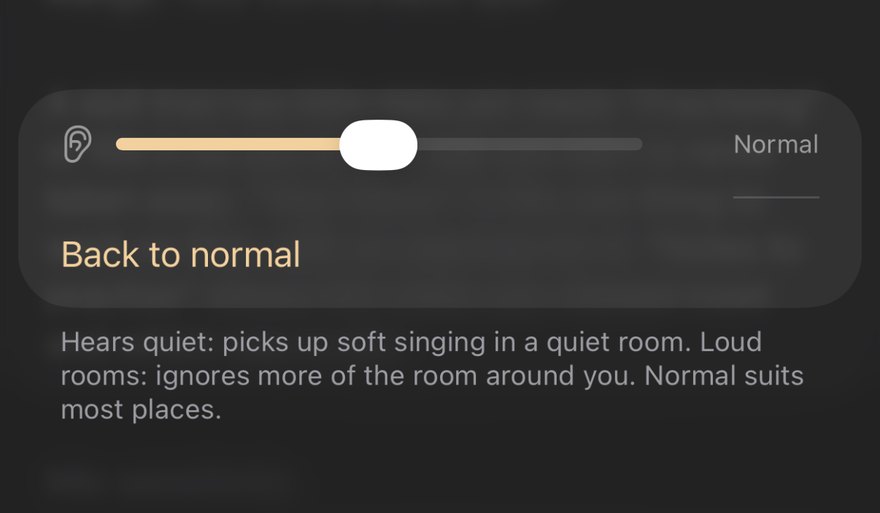
Mic sensitivity
If the app cannot hear you, or reacts to the room, change how sensitive the microphone is.
The daily plan

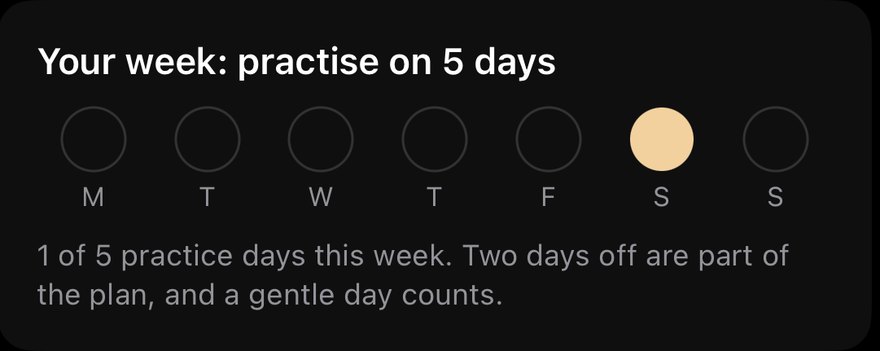
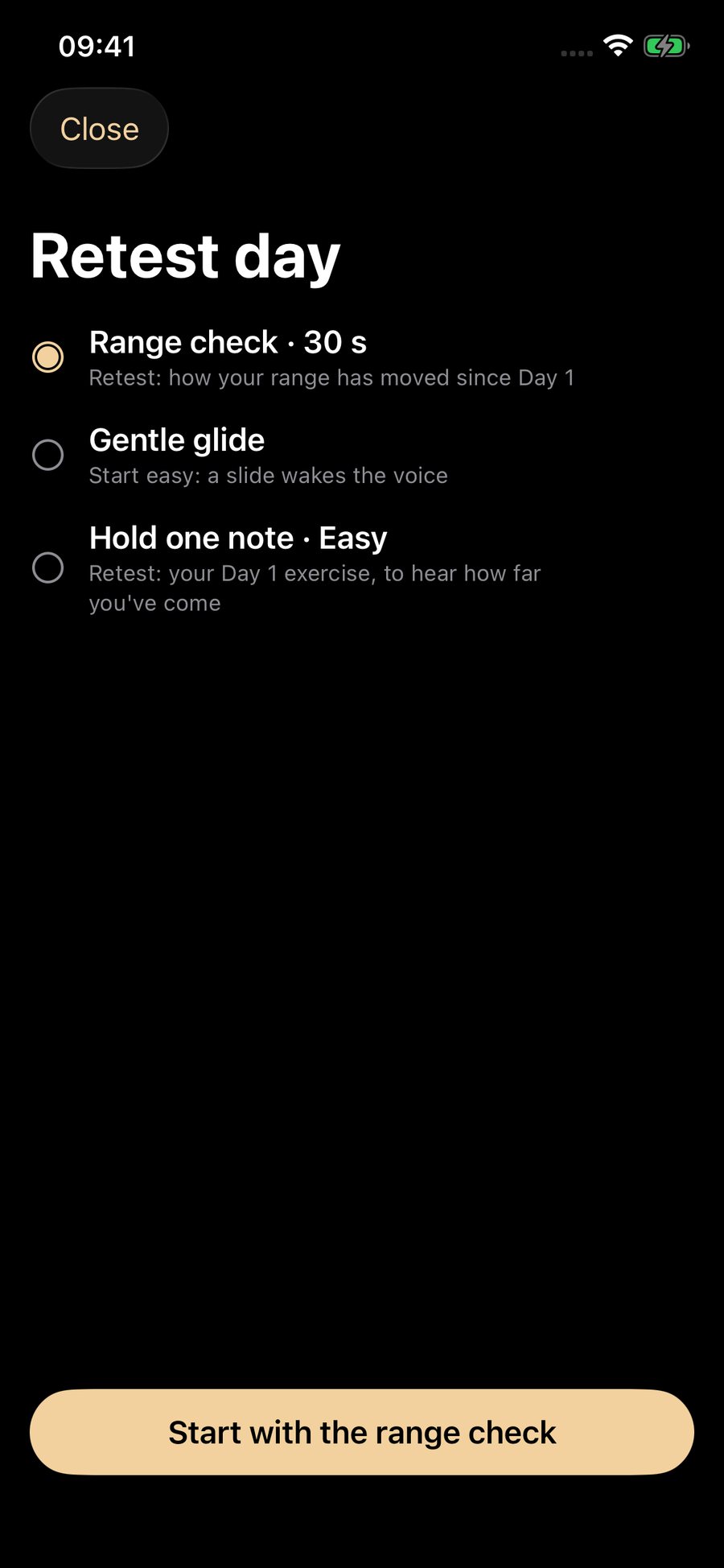
On every seventh plan you get a retest day: a short plan with a range check first, then your Day 1 exercise again, so you can hear how far you have come.
Results
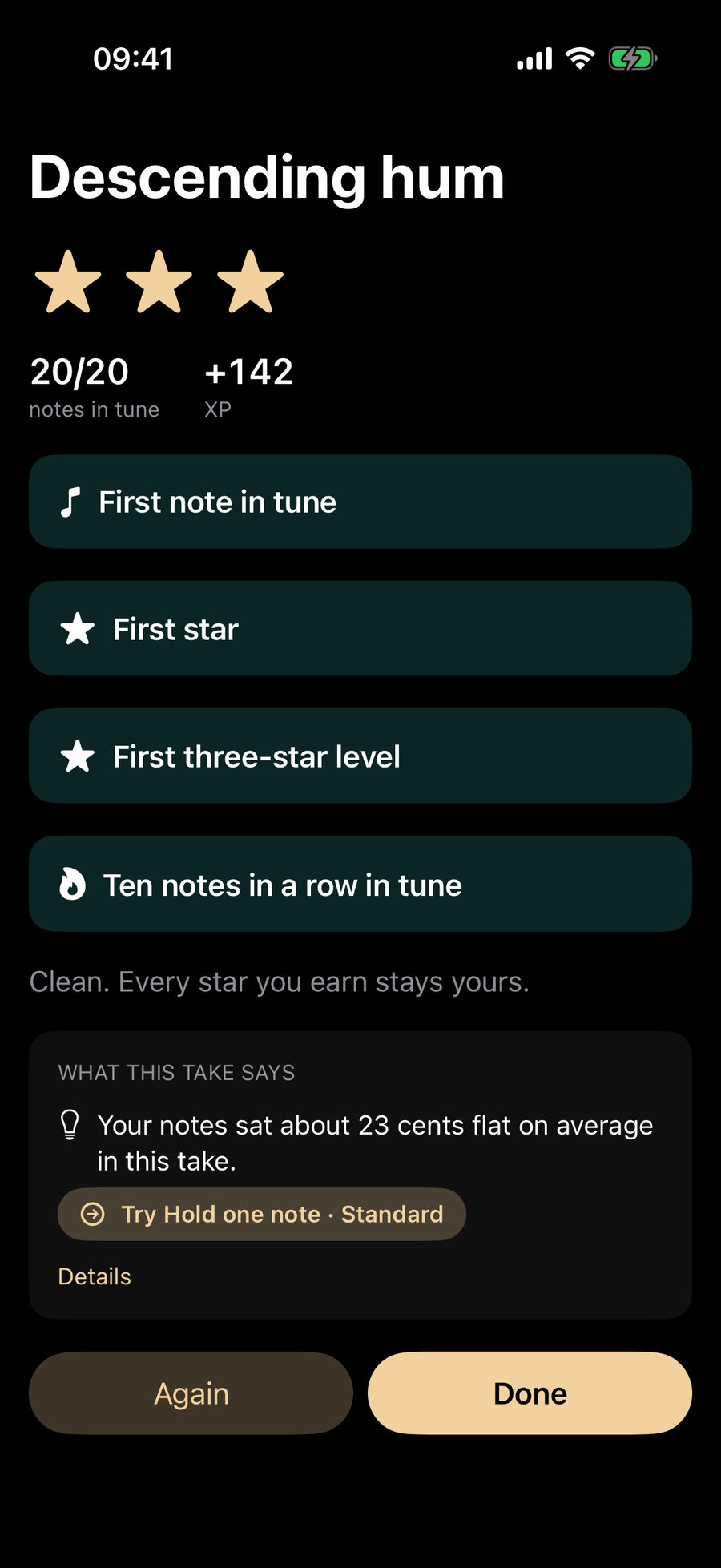
After a take you see how it went, and what to do next.
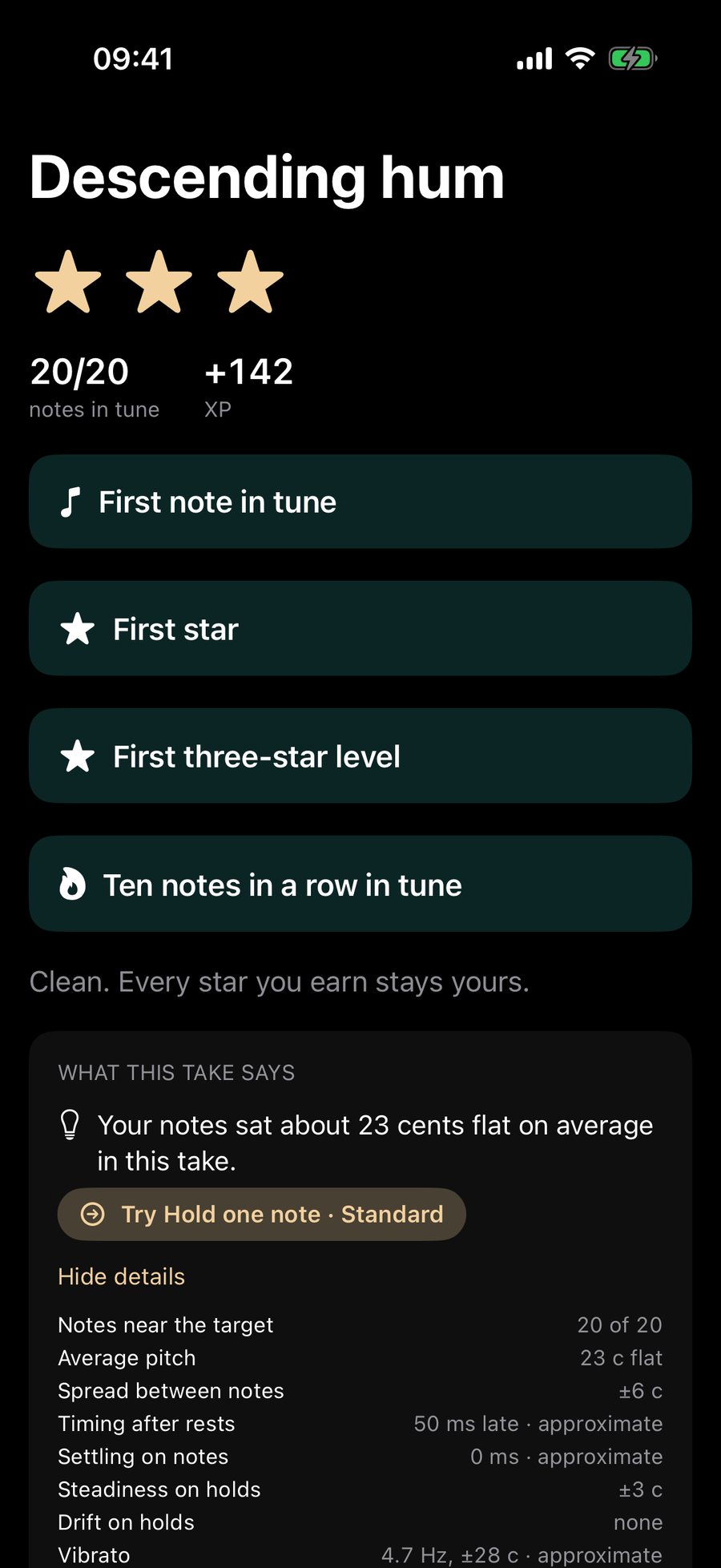
Stars, notes in tune, XP
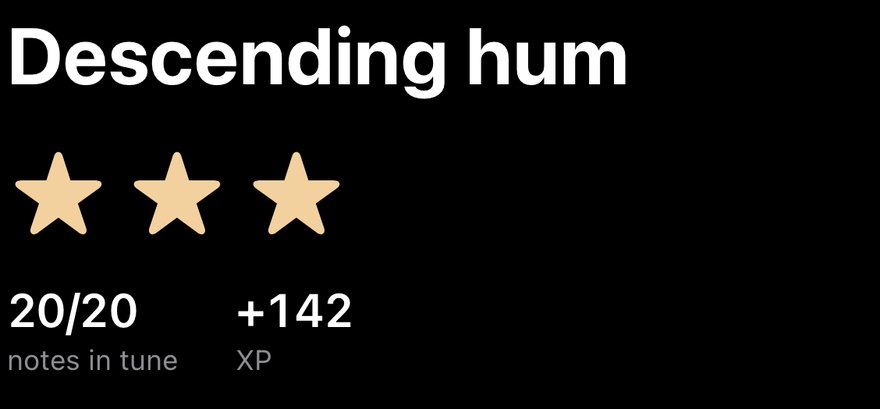
One to three stars for the level, the notes that landed in tune, and the XP you earned.
Milestones
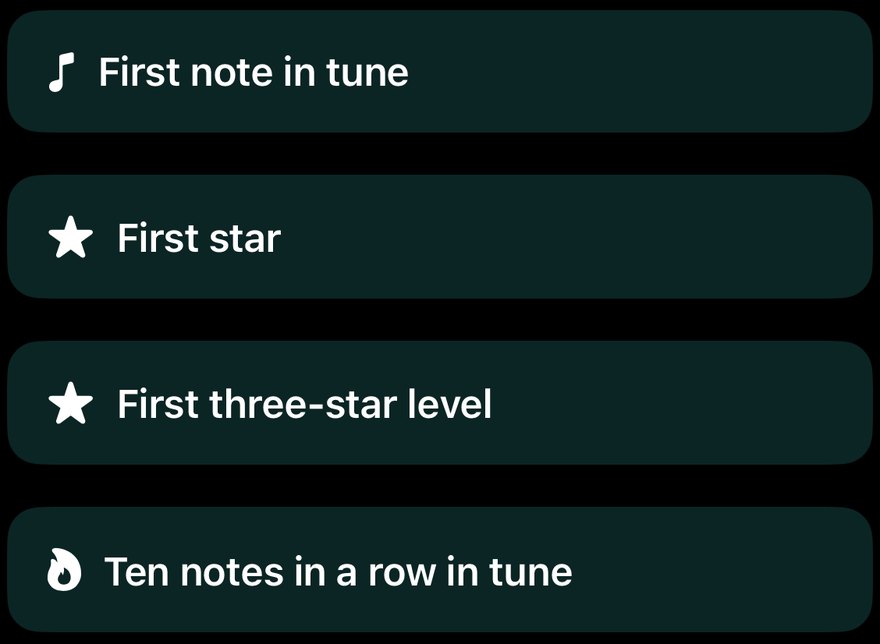
The first time you do something, it is marked: first note in tune, first star, first three-star level, ten notes in a row. "Every star you earn stays yours."
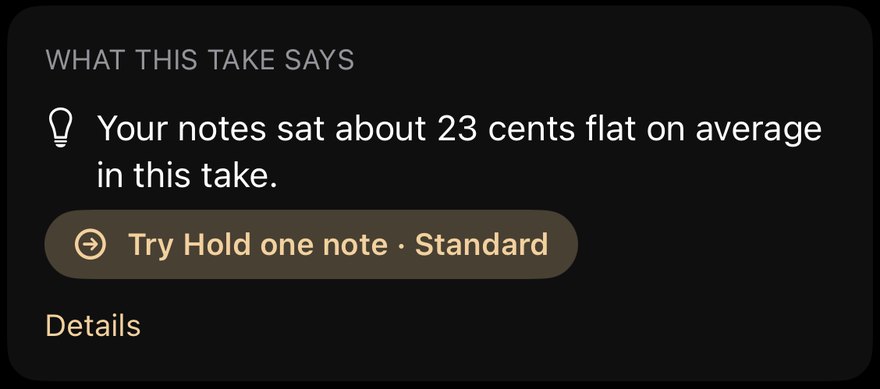
What this take says
One thing that stood out, in plain words, and the one exercise that helps. Tap Details for all the numbers.

Again · Done
Try the level again, or finish.
Play my take replays your own singing, next to the guide.
Stats
Stats reads your last 14 days of singing, kept on this phone. It is about your own singing only, never a ranking.
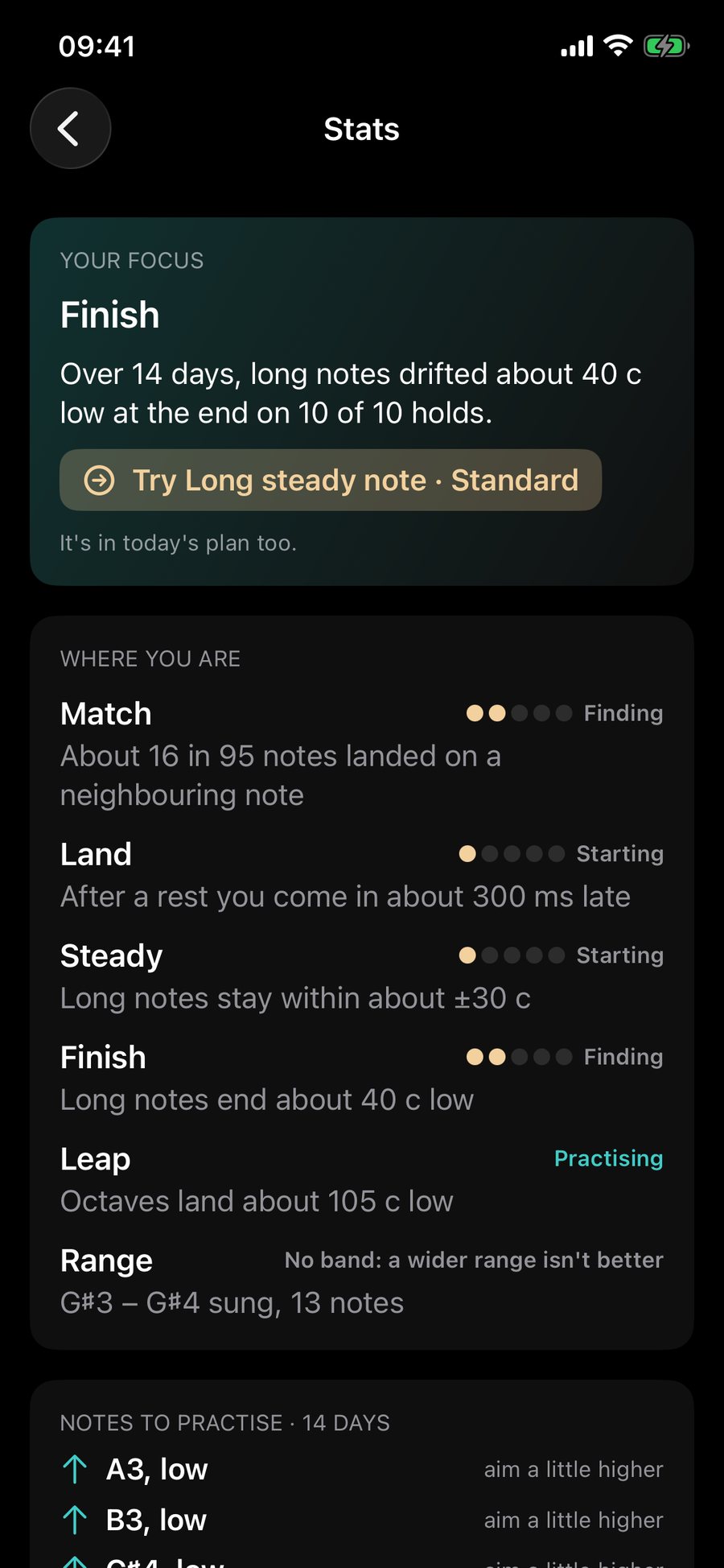
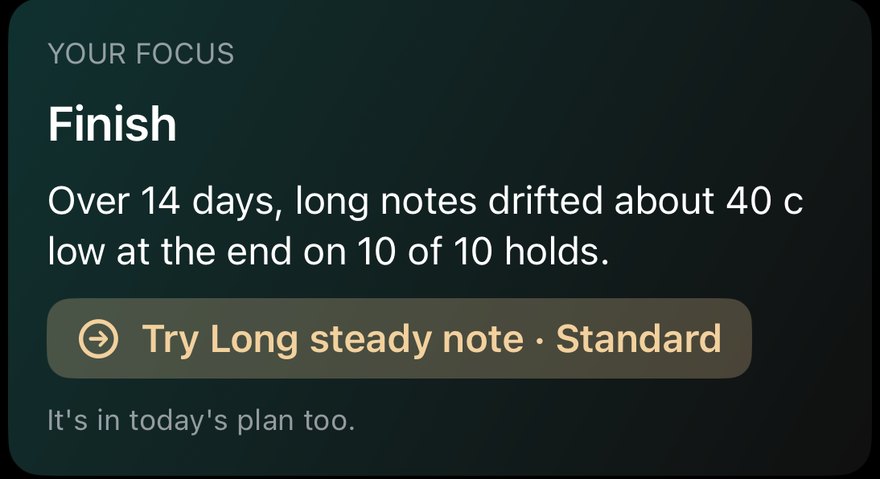
Your focus
The one thing to work on first, with an exercise for it. "Nothing stands out" when nothing does.
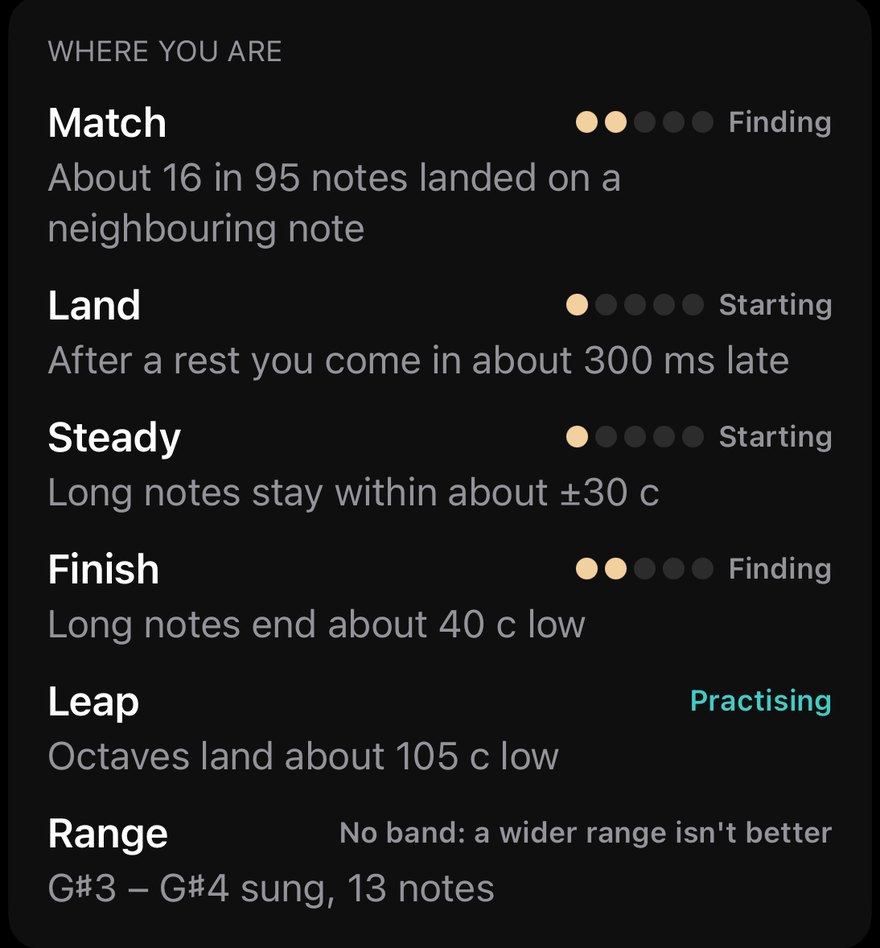
Where you are · Match, Land, Steady, Finish, Leap, Range
Six skills. Match is landing on the note, Land is coming in on time and settling, Steady is holding it, Finish is keeping the end of a note, Leap is jumping to the note, and Range is your comfortable span. Pips are earned and never taken away. "Practising" or "Fills in as you sing" means there is not enough singing yet.
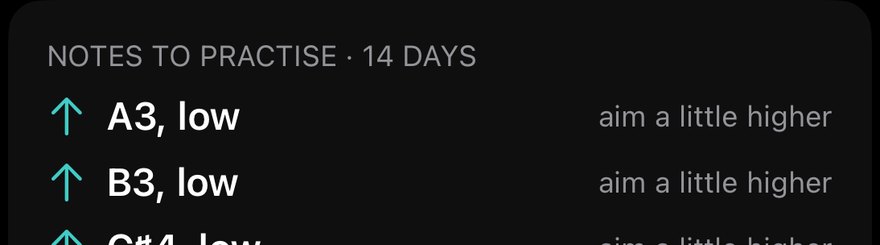
Notes to practise · 14 days
The notes you missed most, and which way to aim.
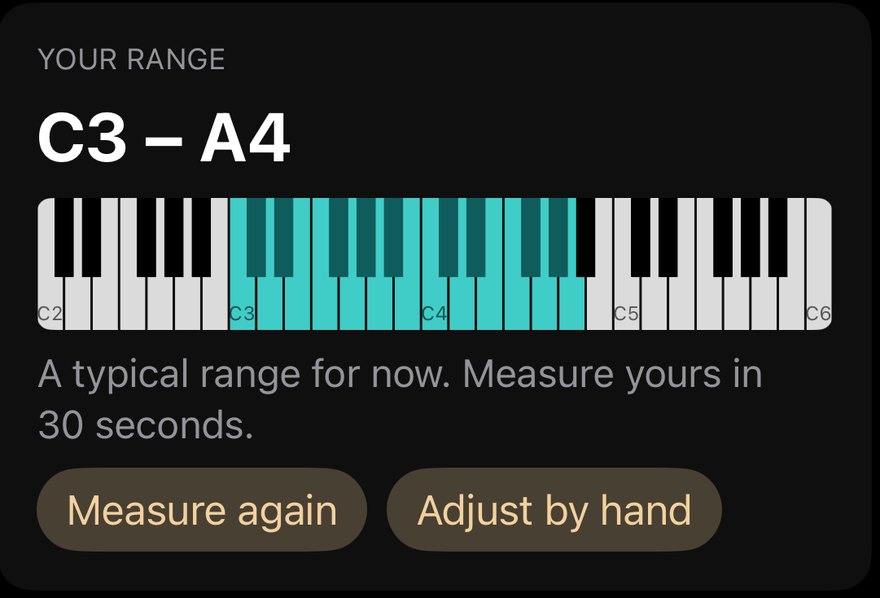
Your range · Measure again · Adjust by hand
Your keyboard of comfortable notes.
Your range over time (Pro)
Month by month, with history.
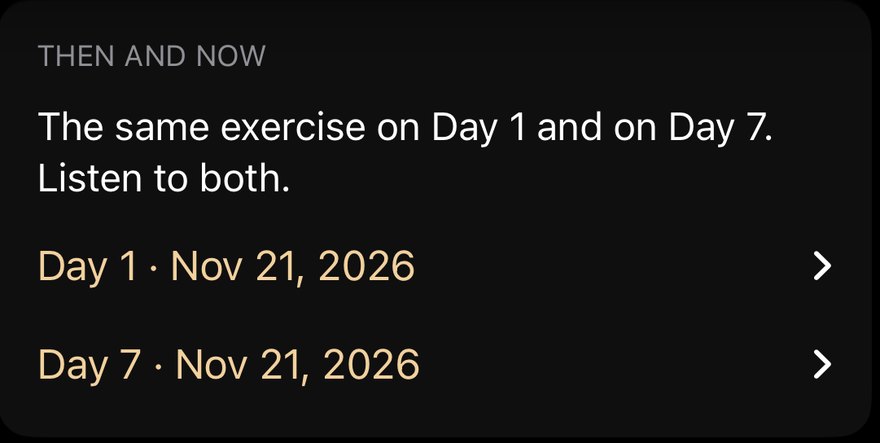
Then and now
Your Day 1 take and your Day 7 take of the same exercise, each with Play.
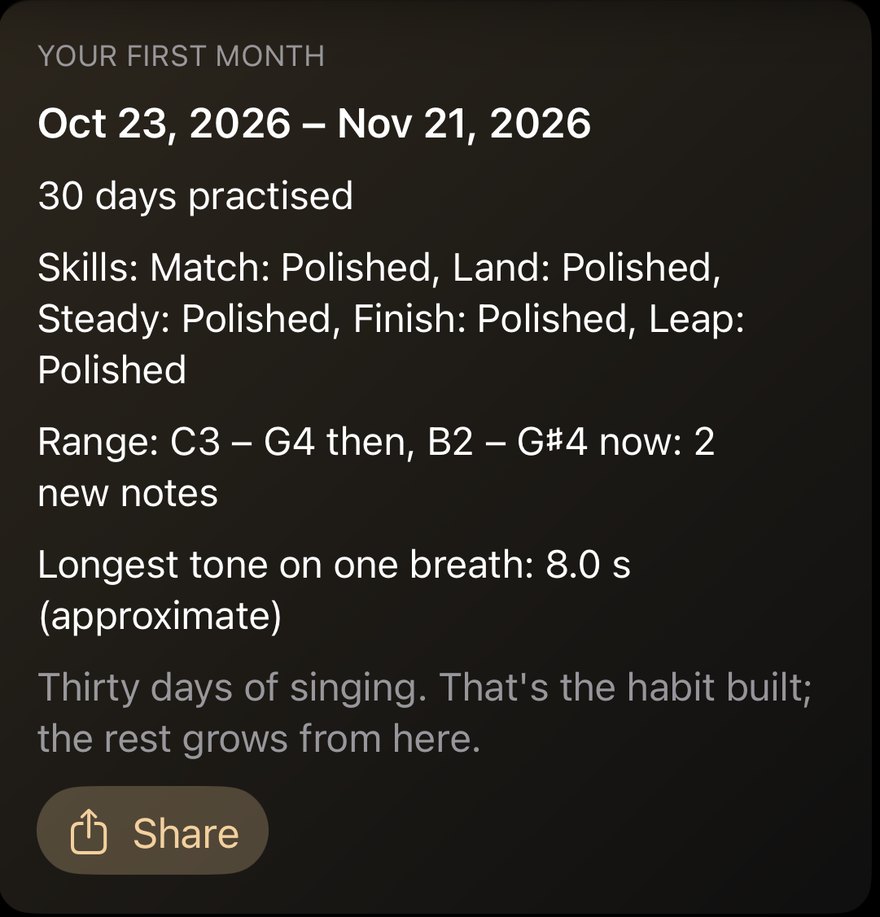
Your first month
At 30 days practised: your days, skills, range then and now and your longest tone on one breath. Share is a picture you can send.
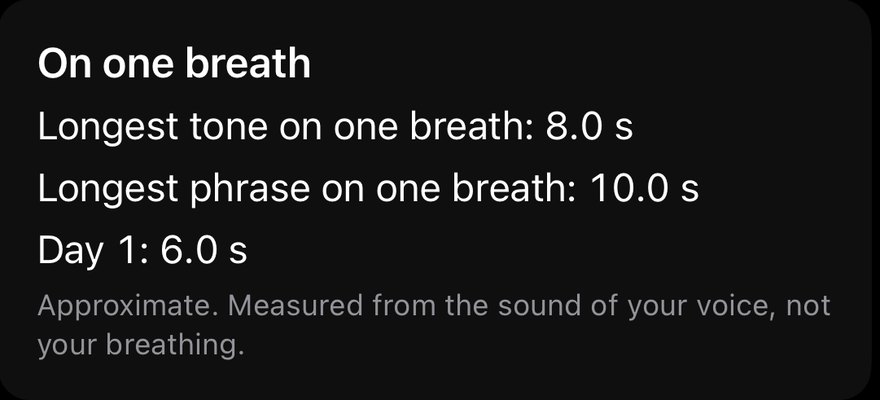
On one breath
Your longest tone and your longest phrase on one breath, next to Day 1. Always marked approximate: it is measured from the sound of your voice, not your breathing.
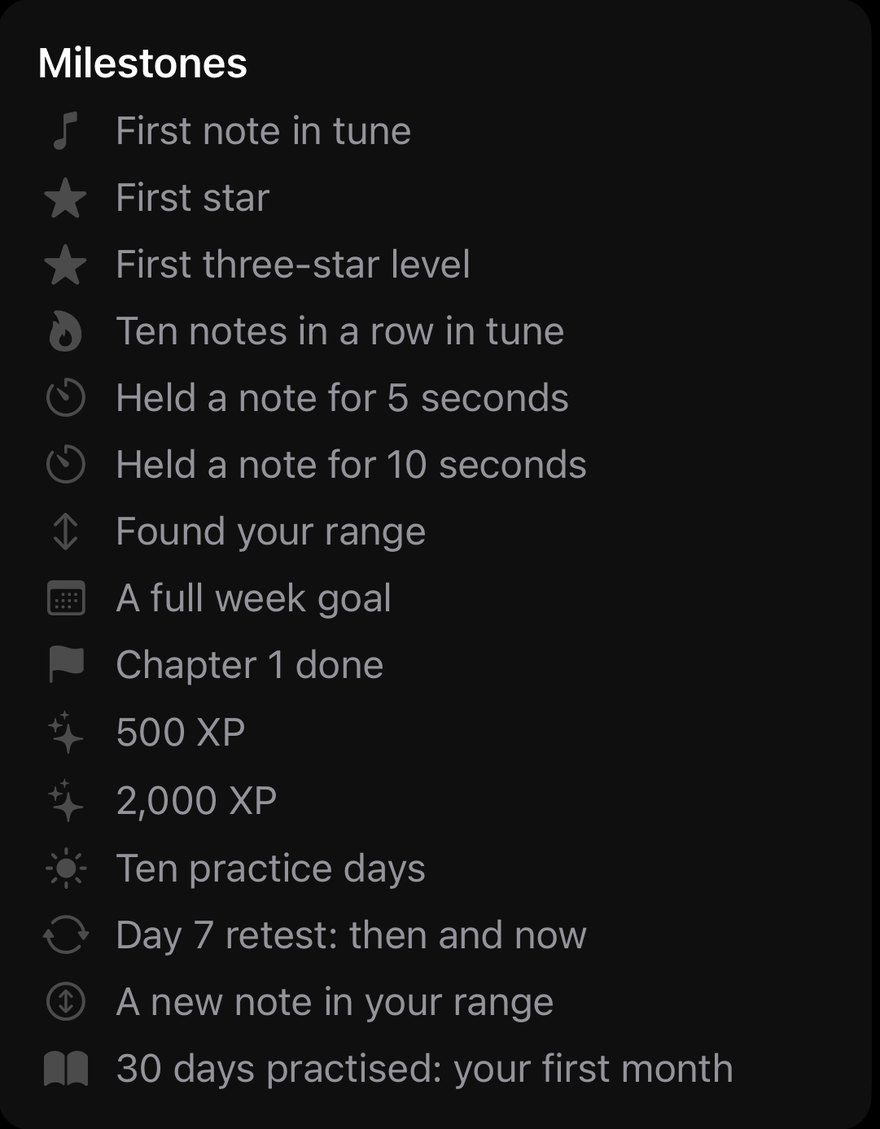
Milestones
Everything you have done so far, with dates.
Practice
Practice is the full catalogue.
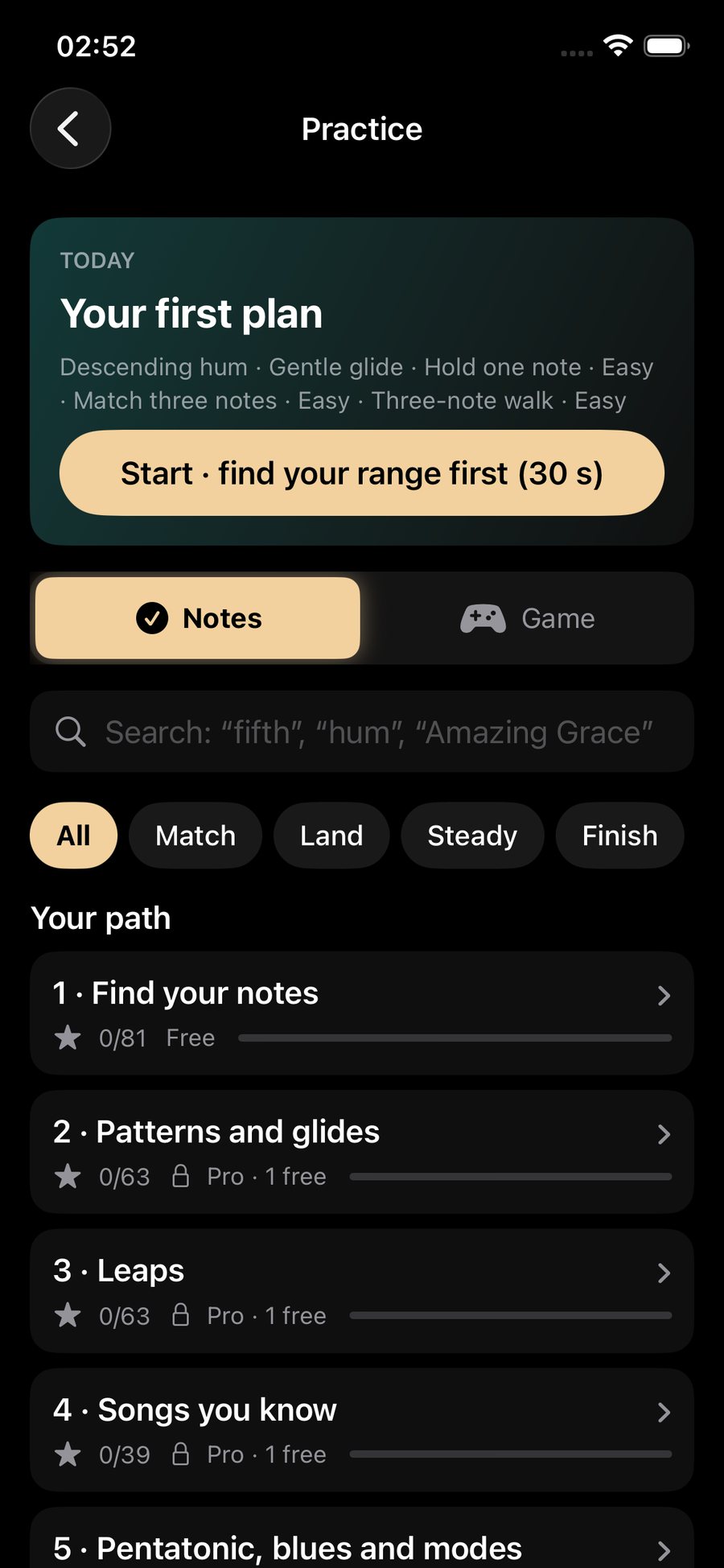
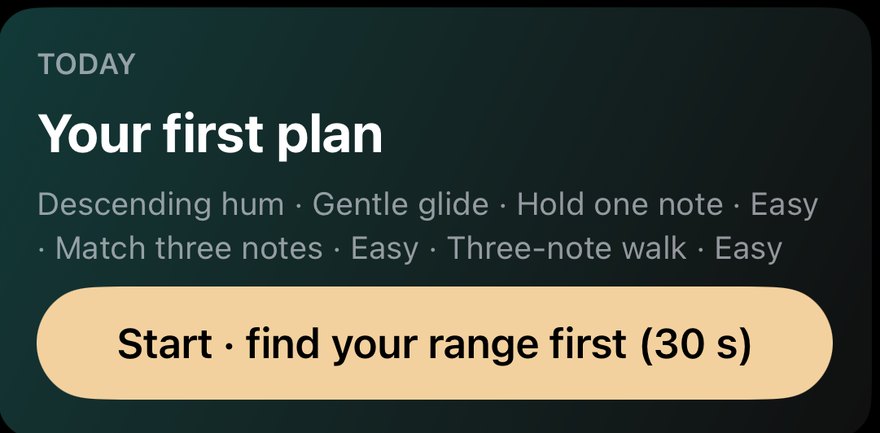
Today
The same plan as on Home, with Start.

Notes / Game
Shows the levels as lanes or as game levels.
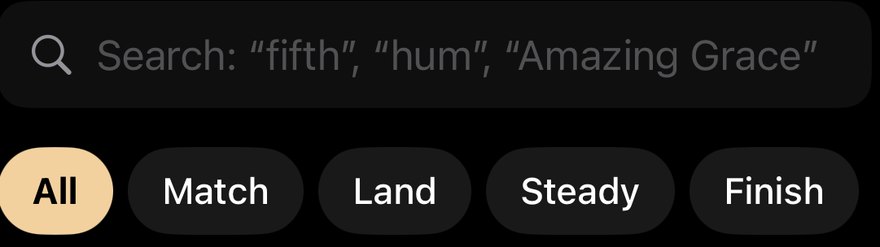
Search and goals · All, Match, Land, Steady, Finish, Leap, Songs
Search for "fifth", "hum" or a song. The chips filter by skill.
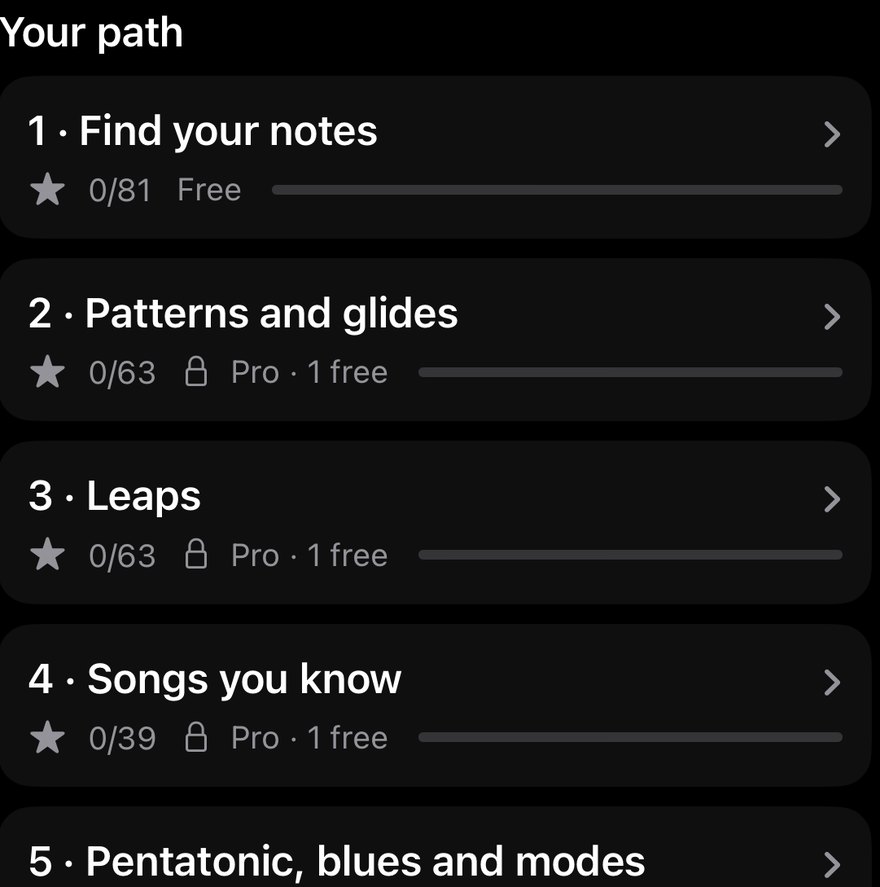
Your path
The chapters as cards, with stars. A Pro chapter says "Pro · 1 free".
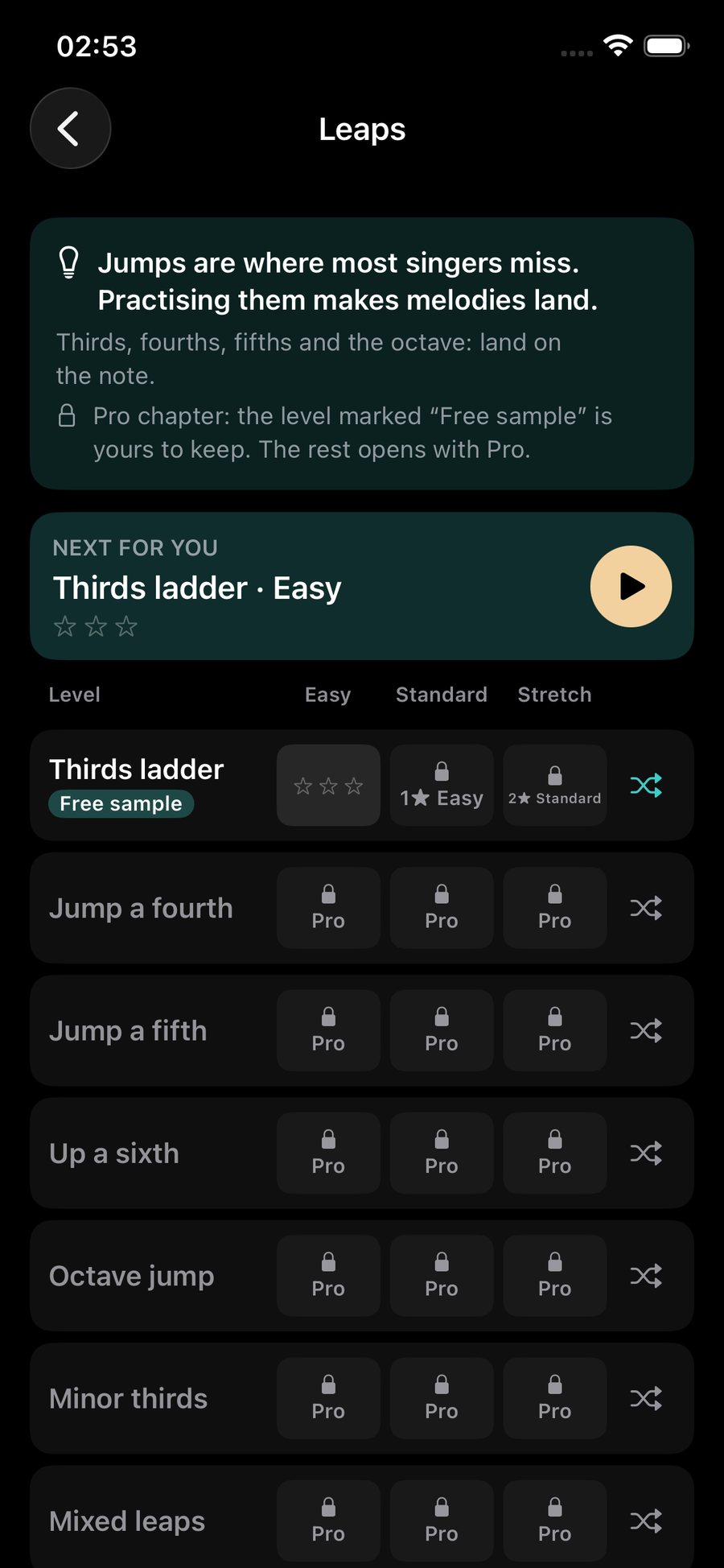
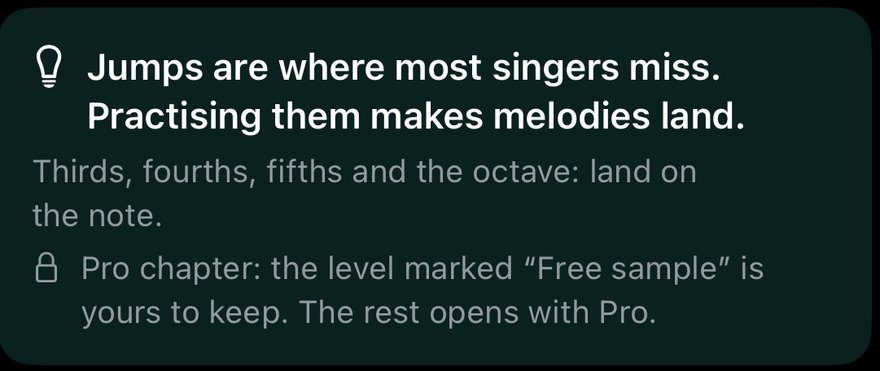
Why this helps
What the chapter is for, and what is free in it.
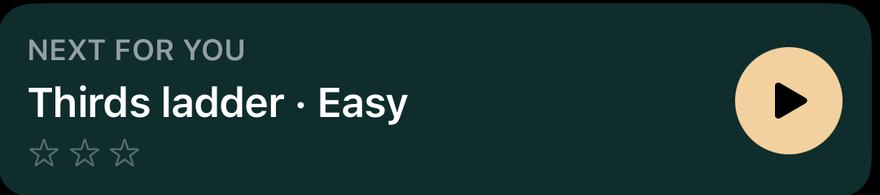
Next for you
The best next level, with a play button.
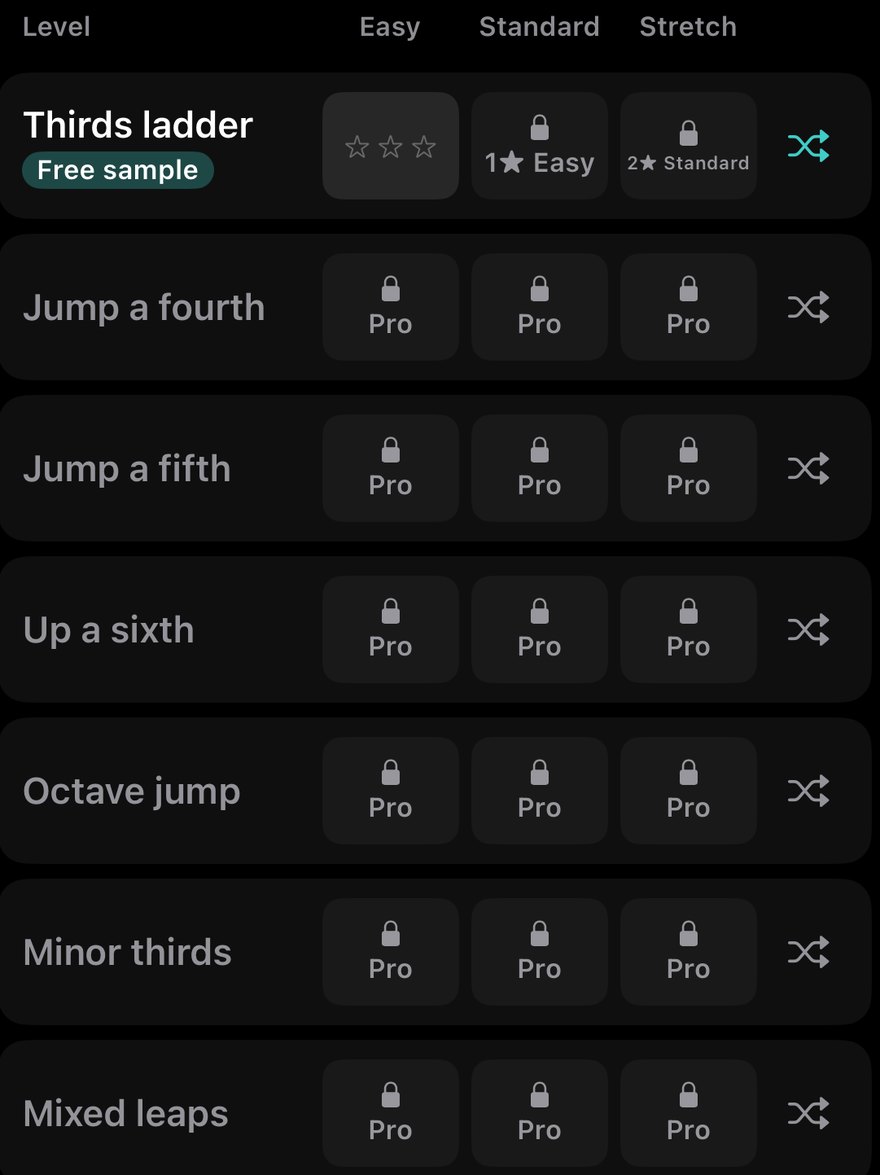
Levels · Easy, Standard, Stretch
Each level has three difficulties. The shuffle button gives a fresh version of the same exercise. A lock says why it is locked: "Pro", "1★ Easy" or a range line.
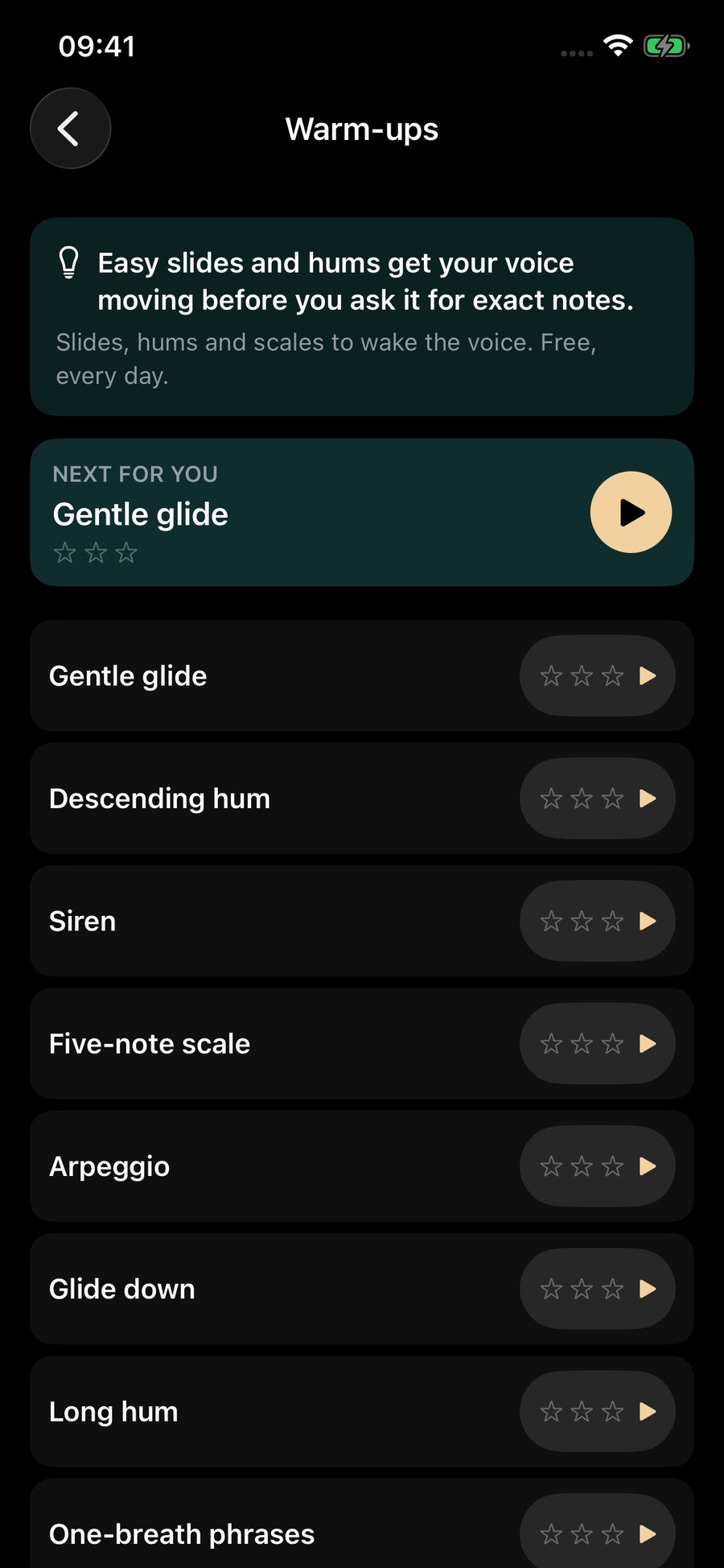
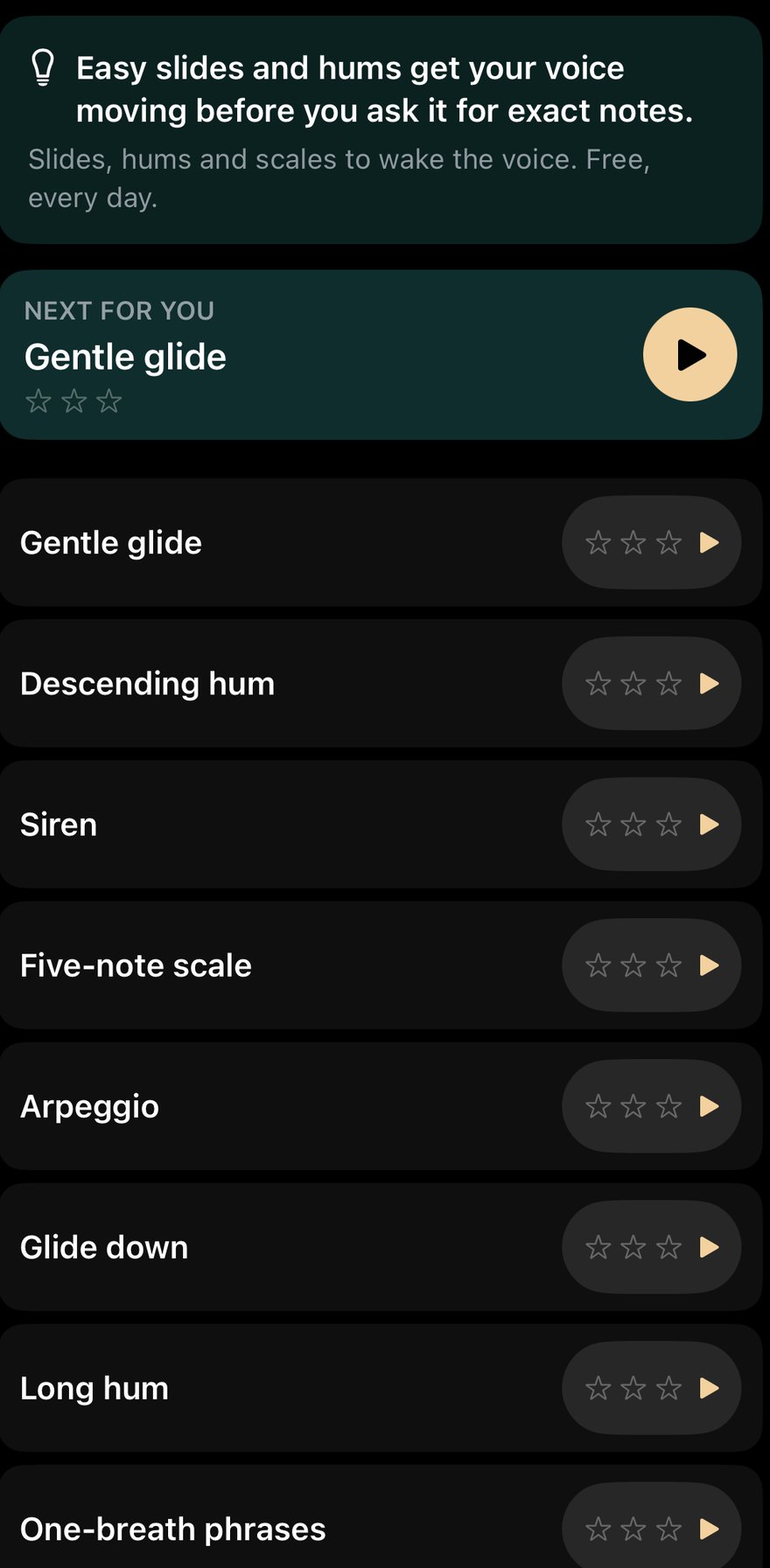
Warm-ups
Gentle glide, descending hum, siren, five-note scale, arpeggio, glide down, and the breathing warm-ups: long hum, one-breath phrases and paced hum. They are sound only.
Echo's Glide
Echo's Glide is the game. Echo rises when you sing higher and sinks when you sing lower.
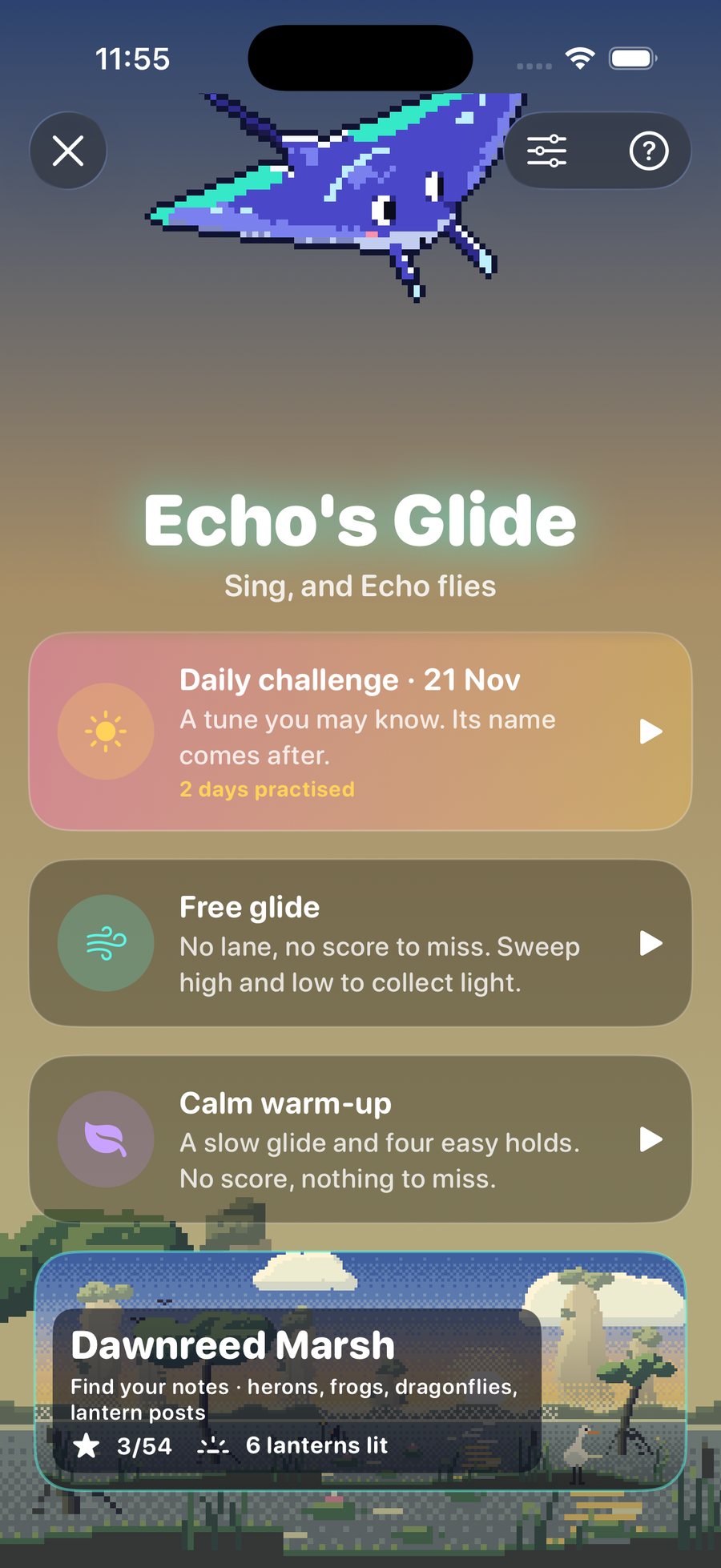
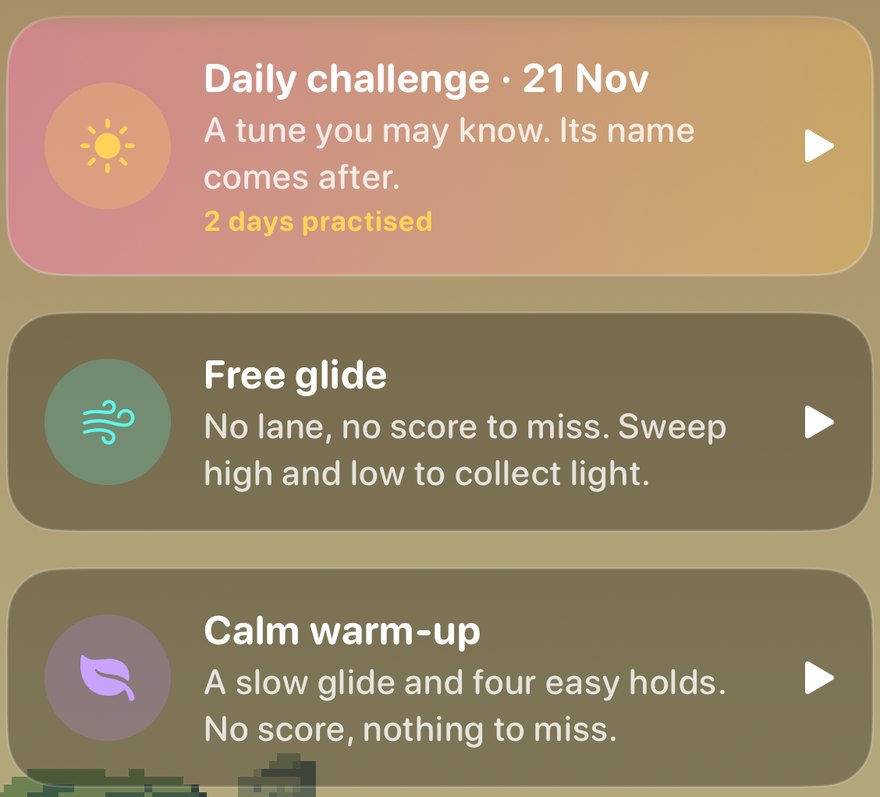
Daily challenge · Free glide · Calm warm-up
A tune you may know, whose name comes after. Free glide has no lane and no score: sweep high and low to collect light. The calm warm-up is a slow glide and four easy holds.

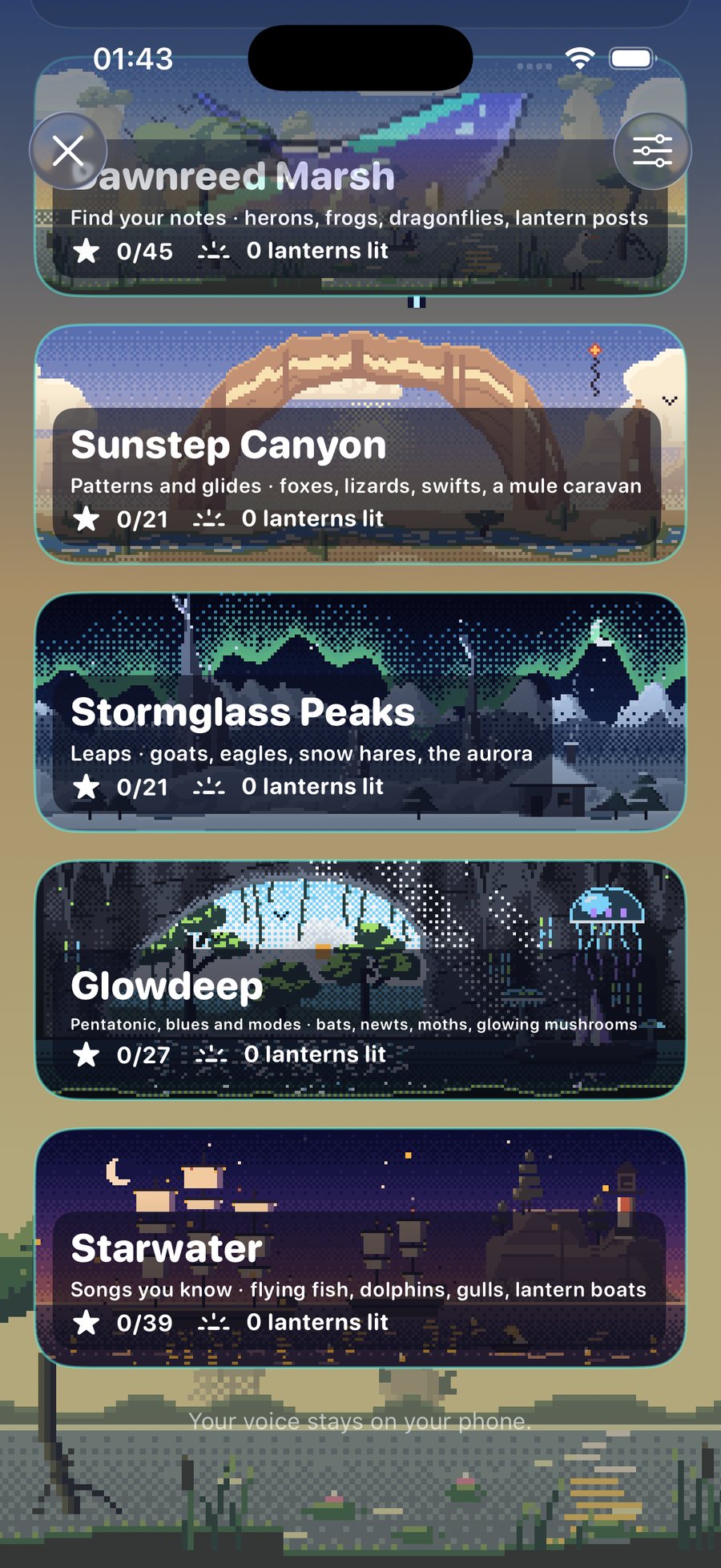

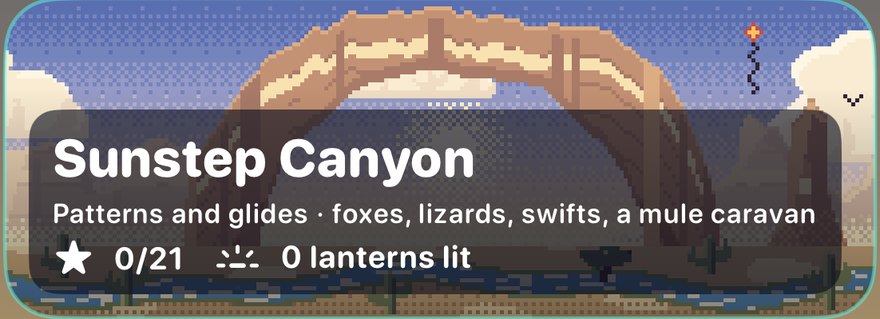


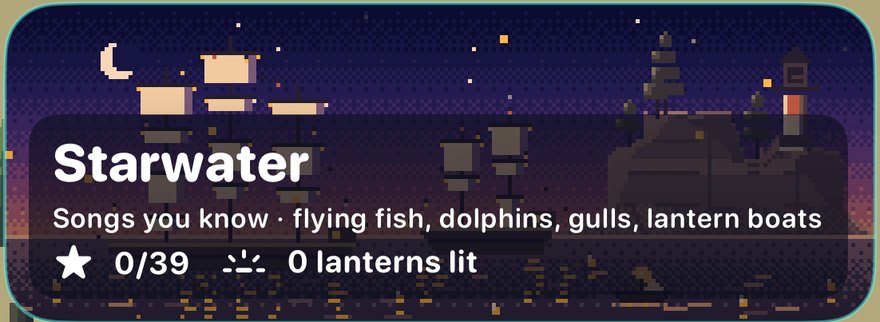
A Pro world shows "Pro · first level free" and opens its first level. Lanterns you light stay lit.
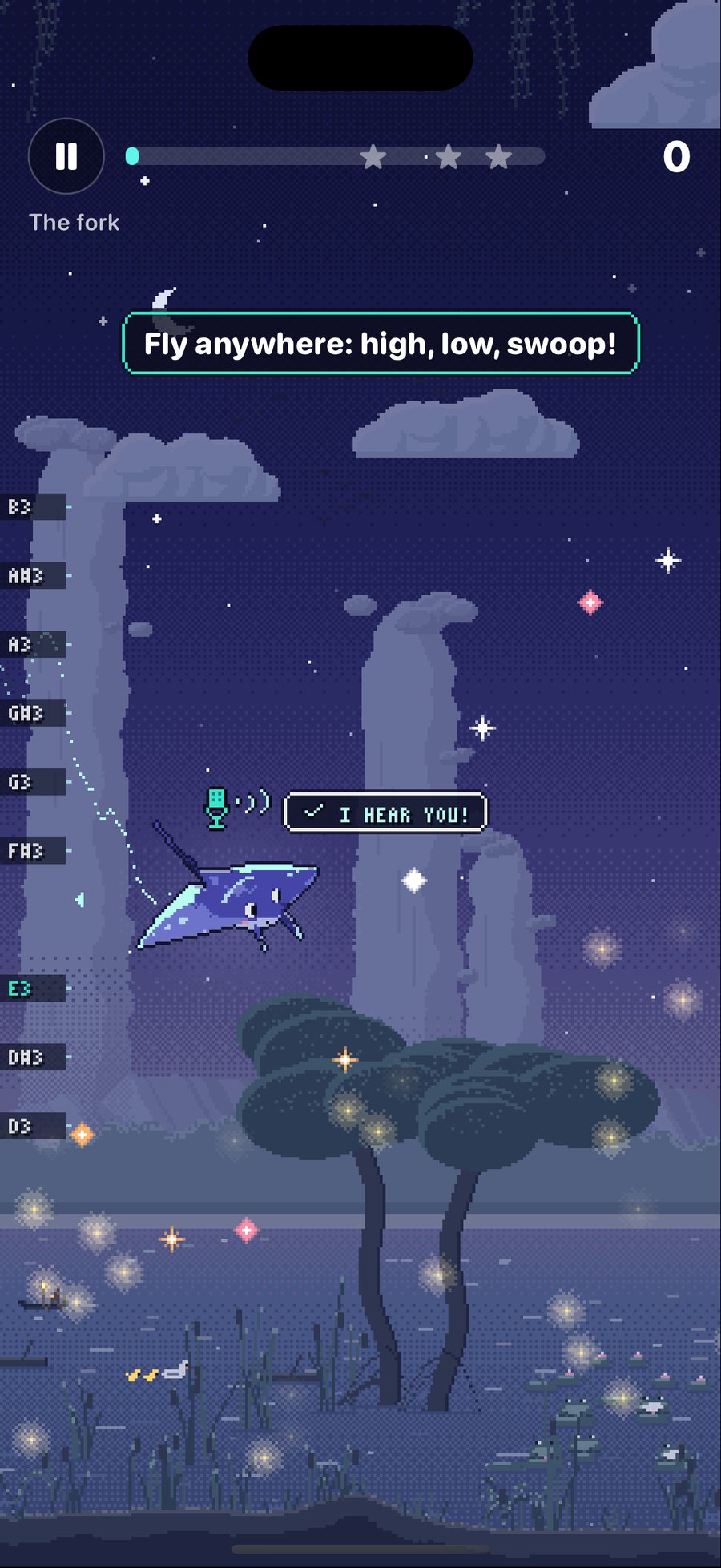
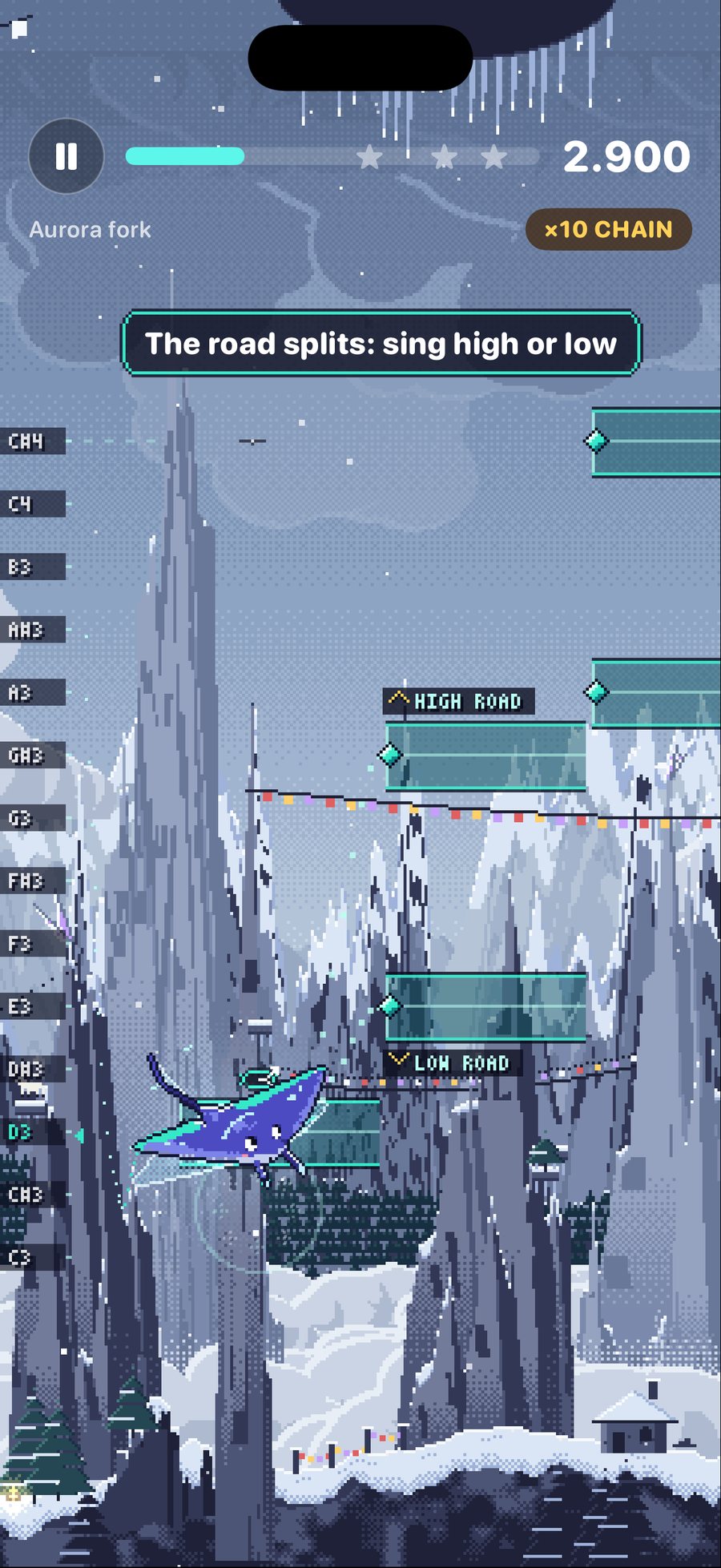
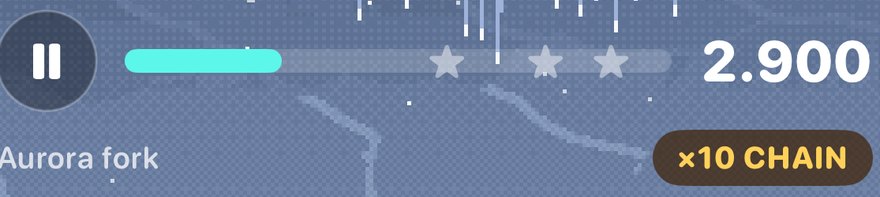
Pause · progress · stars · score
The pause button, the progress bar with three stars to earn, and your score.

Forks
"The road splits: sing high or low." Sing a high note or a low one to choose the path.
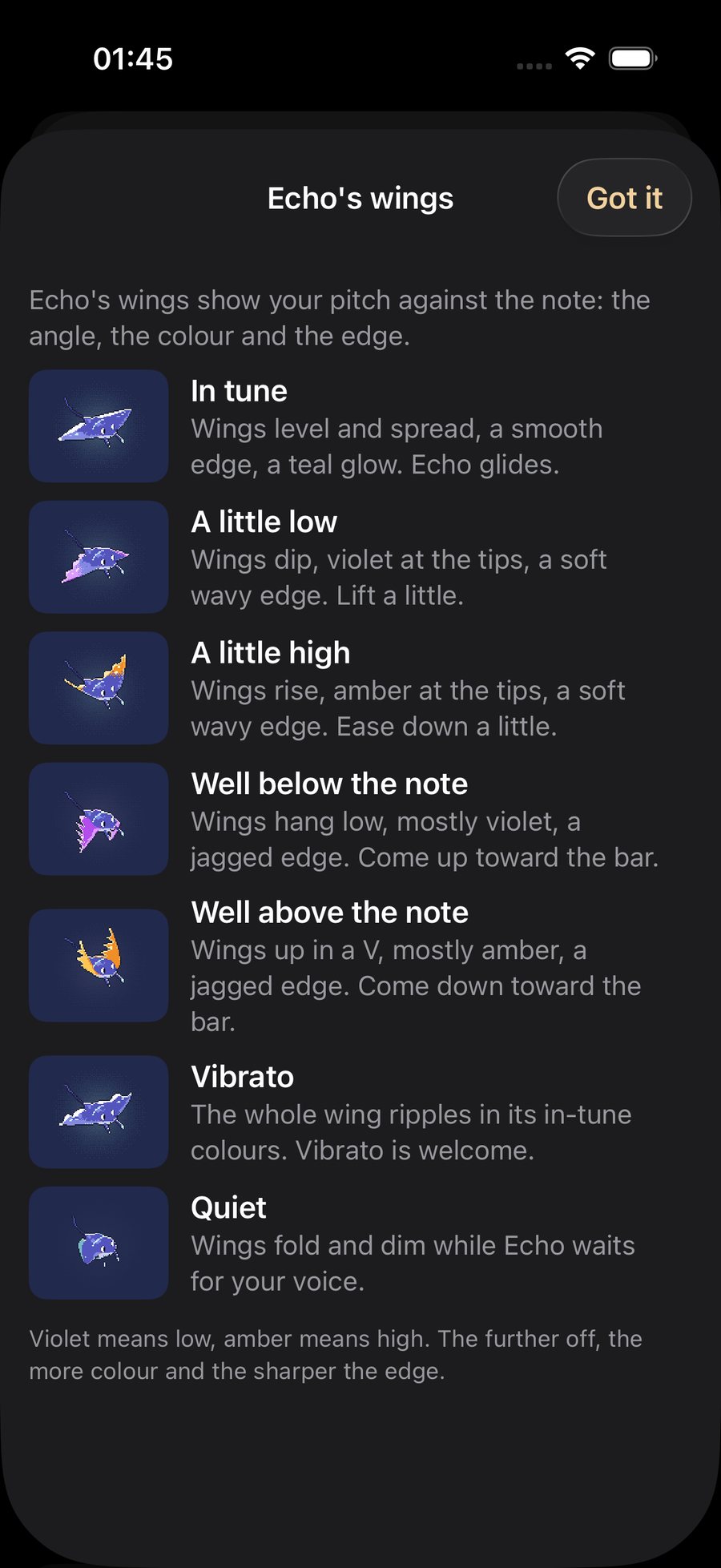
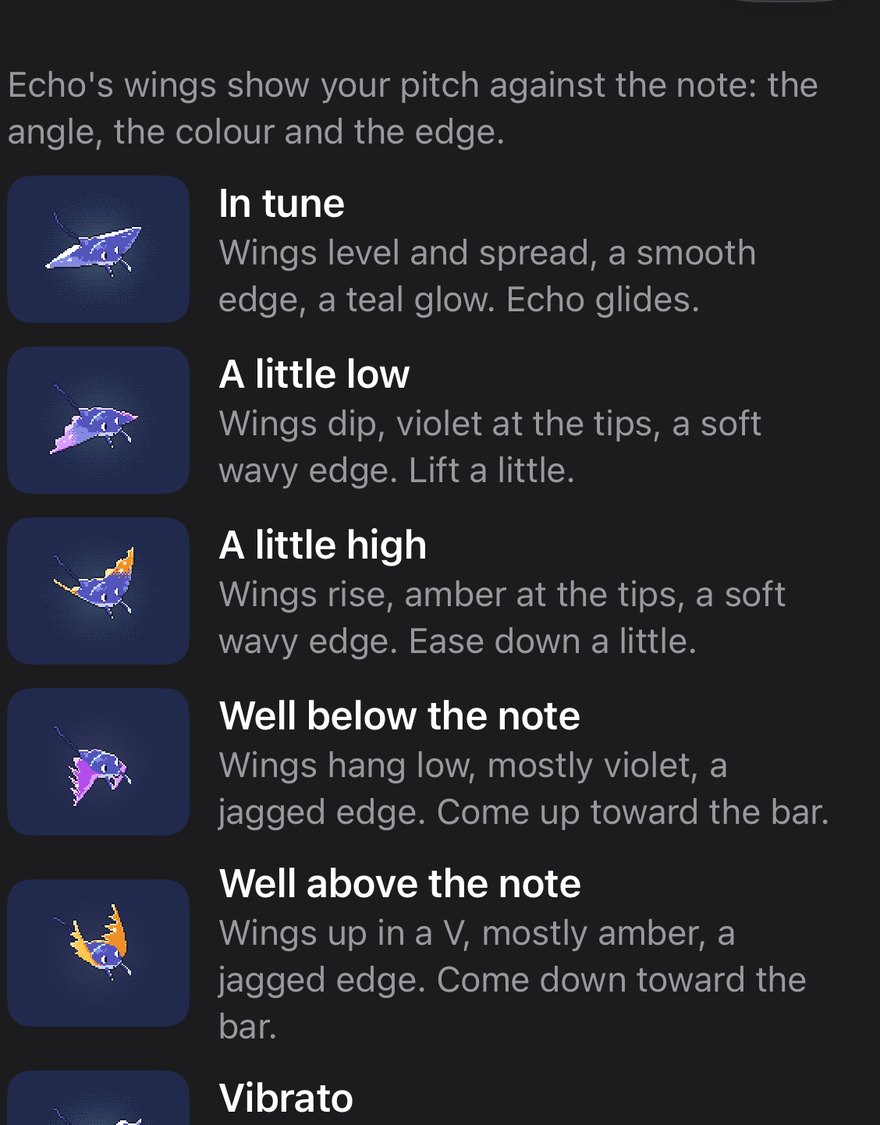
Echo's wings
In tune: level wings, teal. A little low or a little high: the wings dip or rise, with a colour at the tips. Well below or above: a jagged edge. Vibrato: the whole wing ripples, and that is welcome. Quiet: the wings fold while Echo waits for your voice.
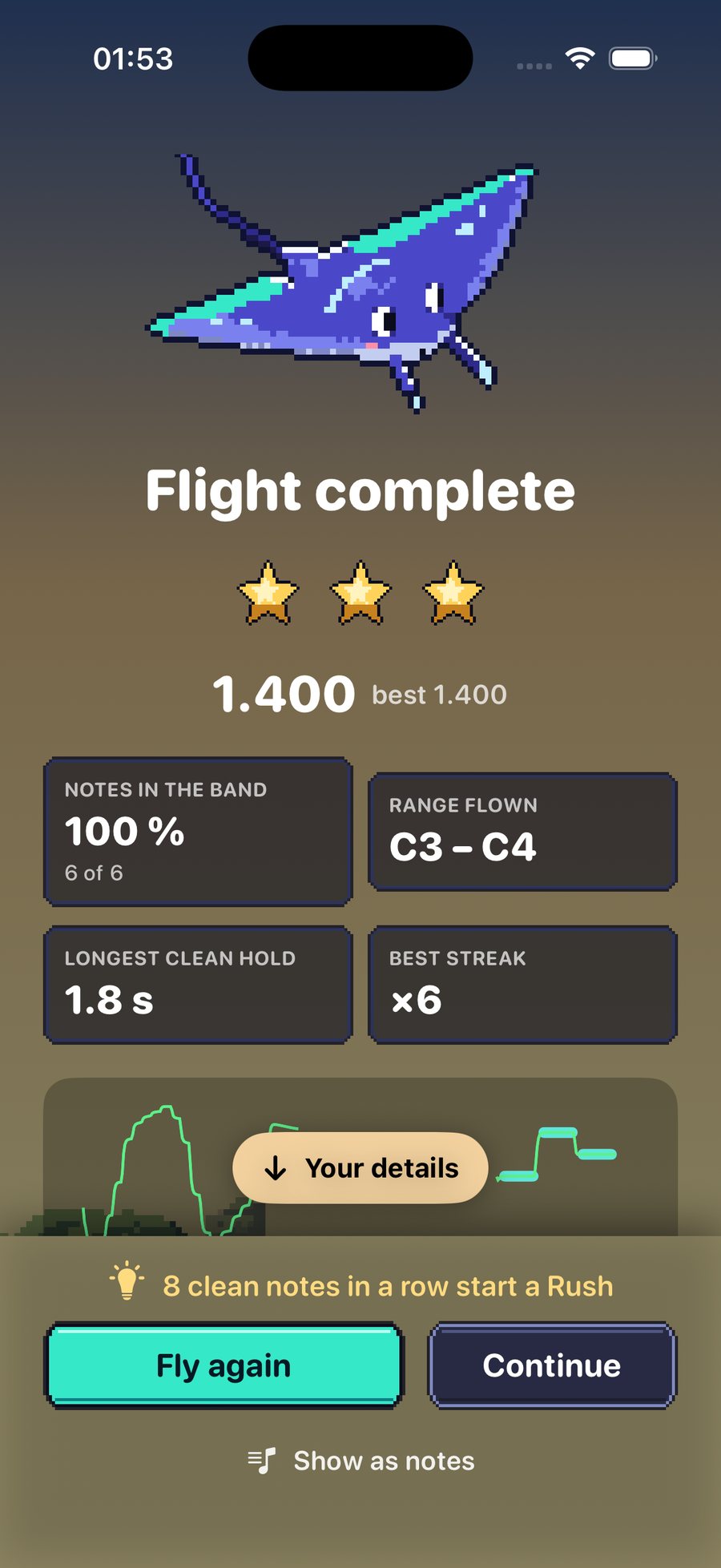
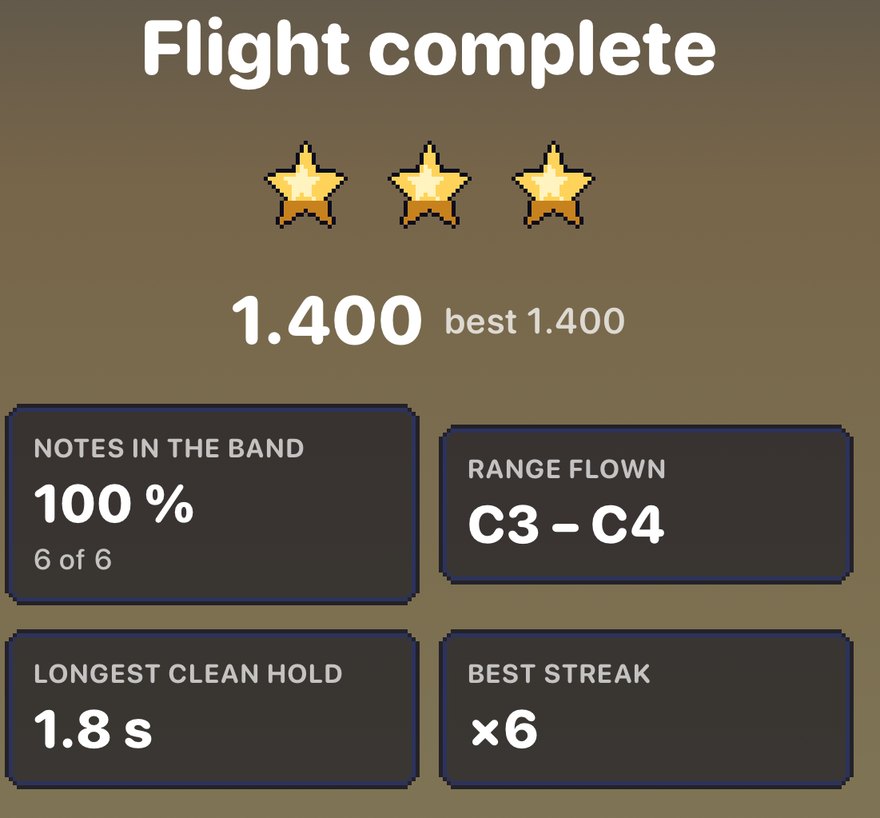
Flight complete
Stars, your score, the notes in the band, the range flown, your longest clean hold and your best streak.

Fly again · Continue
Fly the level again (it skips the listening part), or move on. "Show as notes" shows the same take as a lane.
The game's pause card
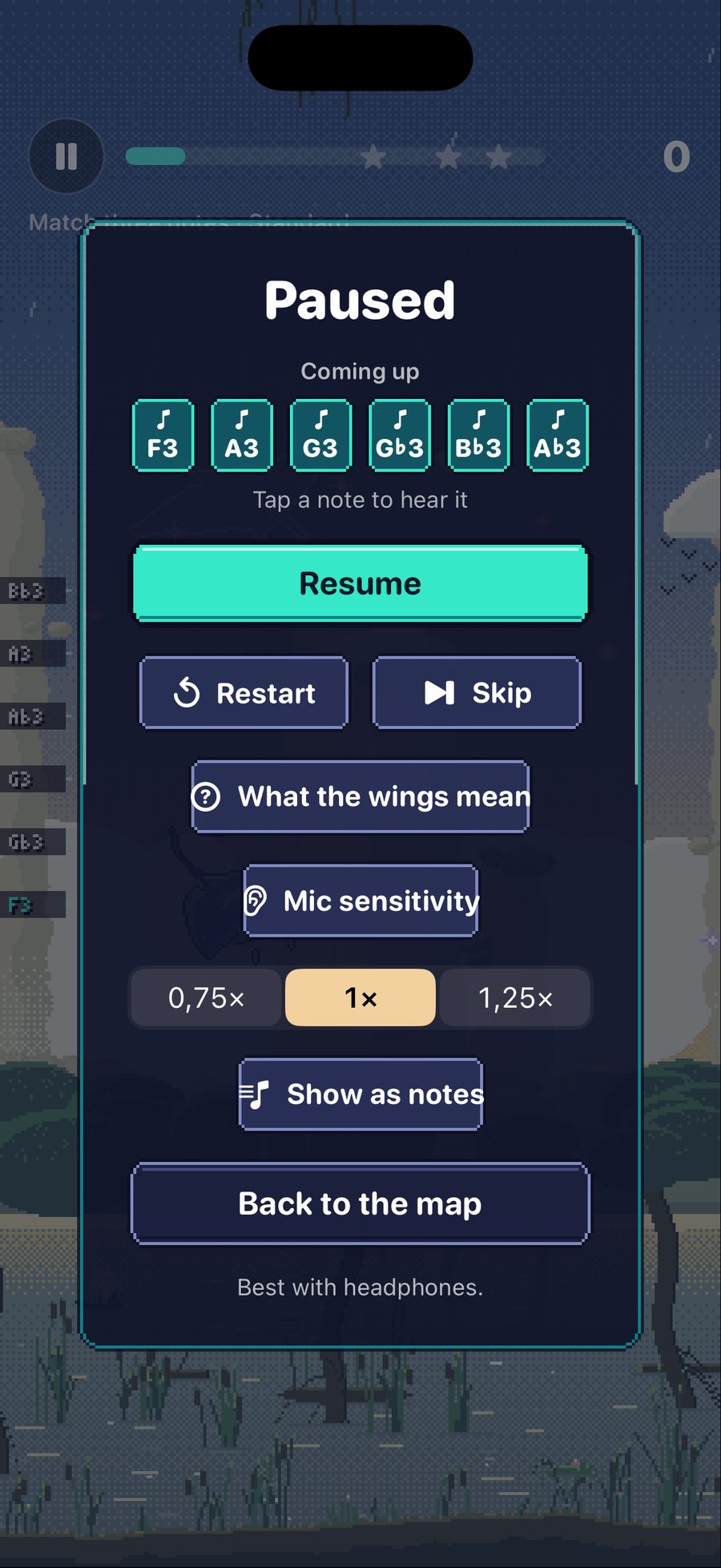
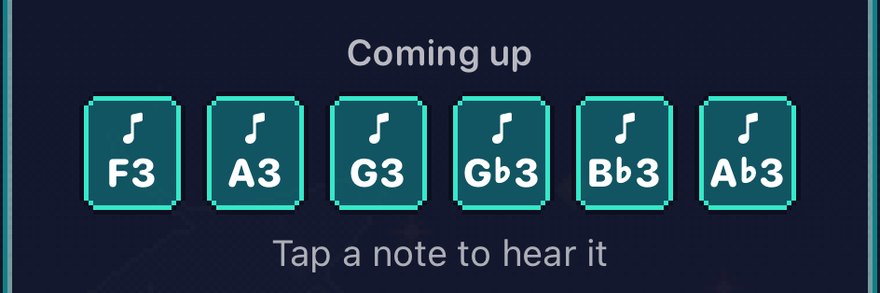
Coming up
The next notes. Tap a note to hear it.
Resume · Restart · Skip
Resume carries on; Restart starts again; Skip moves on.
What the wings mean · Mic sensitivity
The legend above, and the mic setting.
Tempo · Show as notes · 0.75×, 1×, 1.25× (1×)
Slow the level or switch to the lane.
Back to the map
Leaves the level. "Best with headphones" is said once.
Record and Pitch Monitor
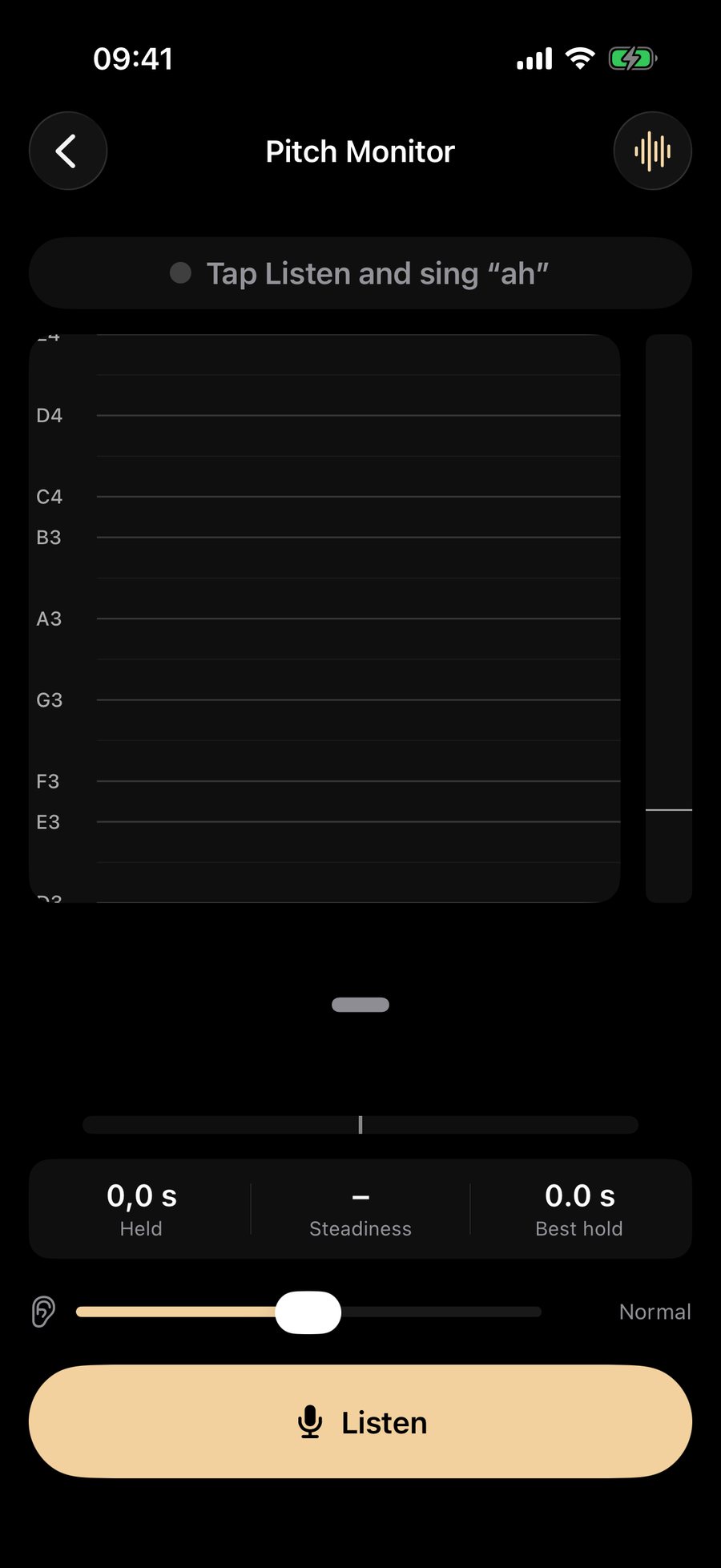
Record is the Pitch Monitor: sing anything, see every note, play it back. The free recorder keeps your last 10 takes and warns you before the oldest one goes; Pro keeps all of them.
Singers
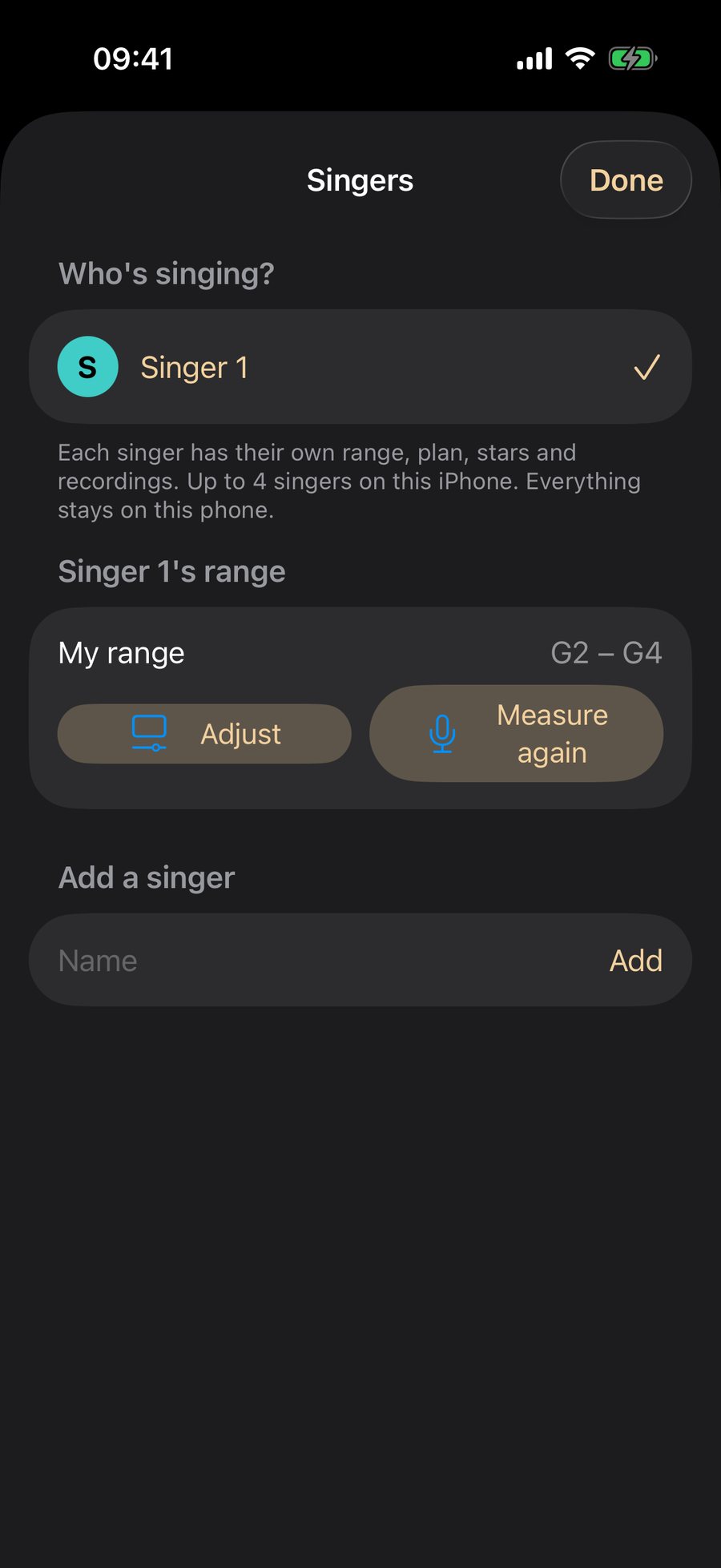
Up to four singers share one phone, each with their own range, stars and progress.
Who's singing? · Add a singer
Tap a singer to switch. Each has their own range, with Adjust and Measure again. Add a singer by name. Nothing is shared and nothing leaves the phone.
Help
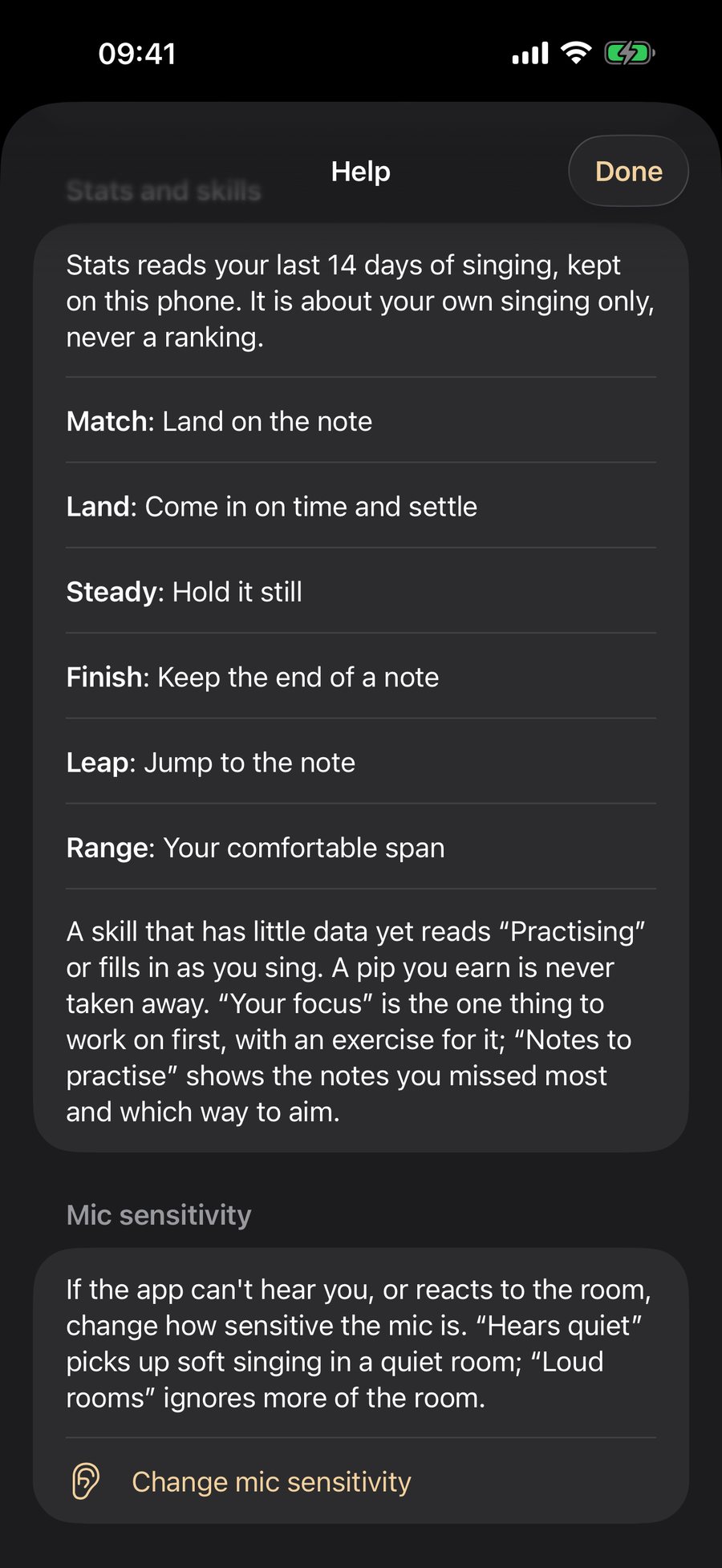
The question mark is on the lane, results, range check, Stats, Games and the Monitor. It opens Help at the right section.
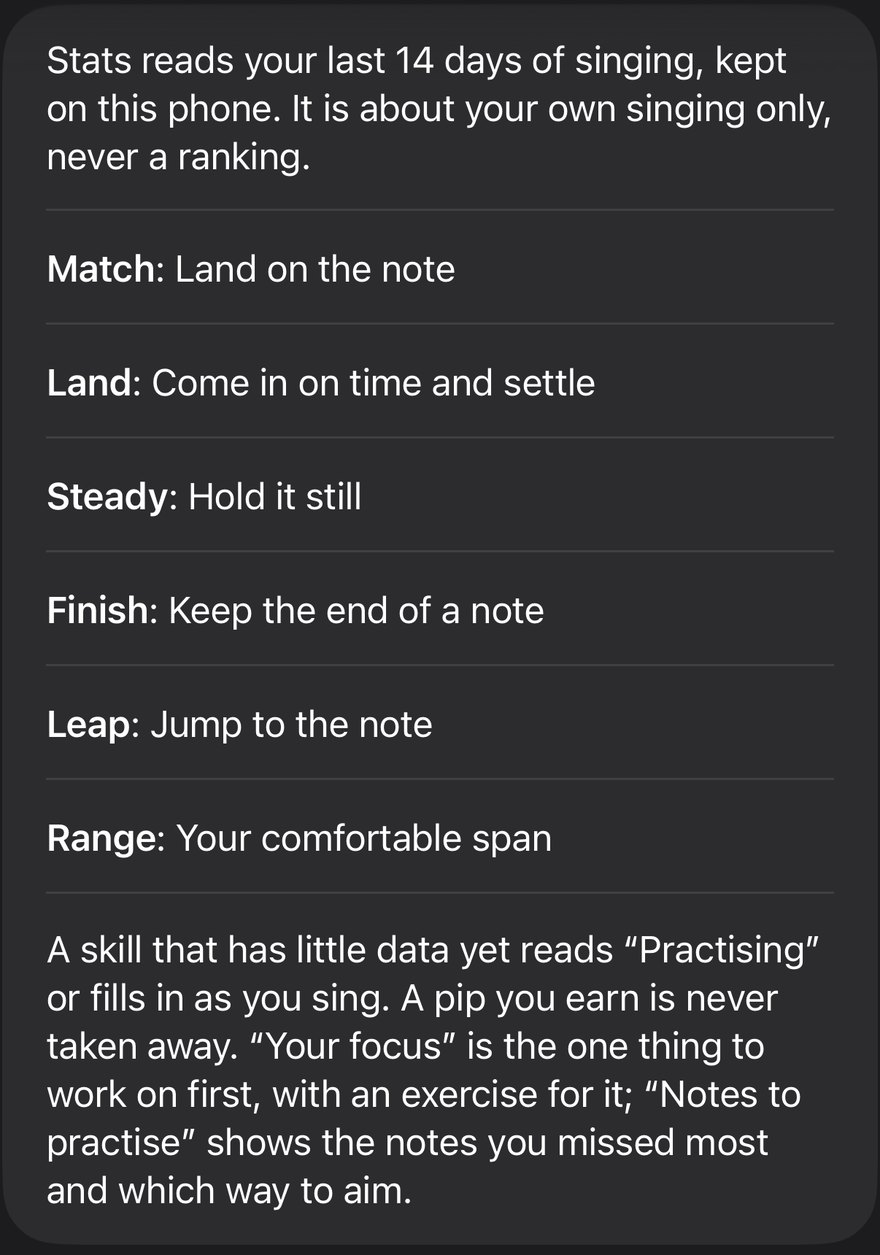
Stats and skills
What each skill means, in one line.
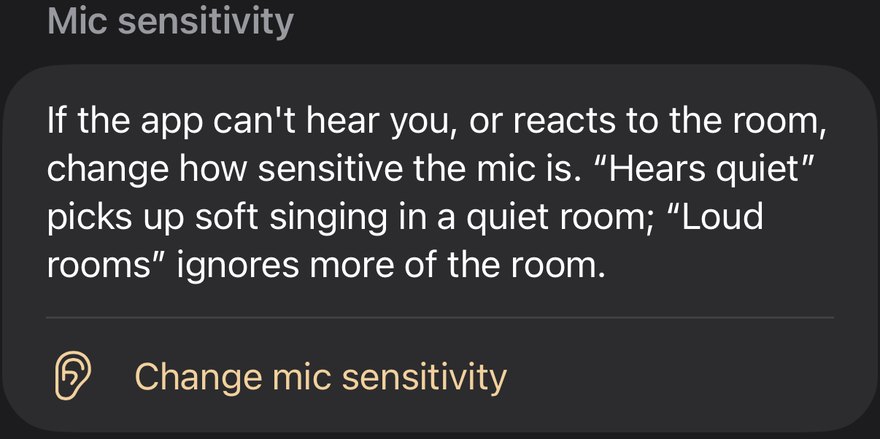
Mic sensitivity
A link to the sensitivity sheet.
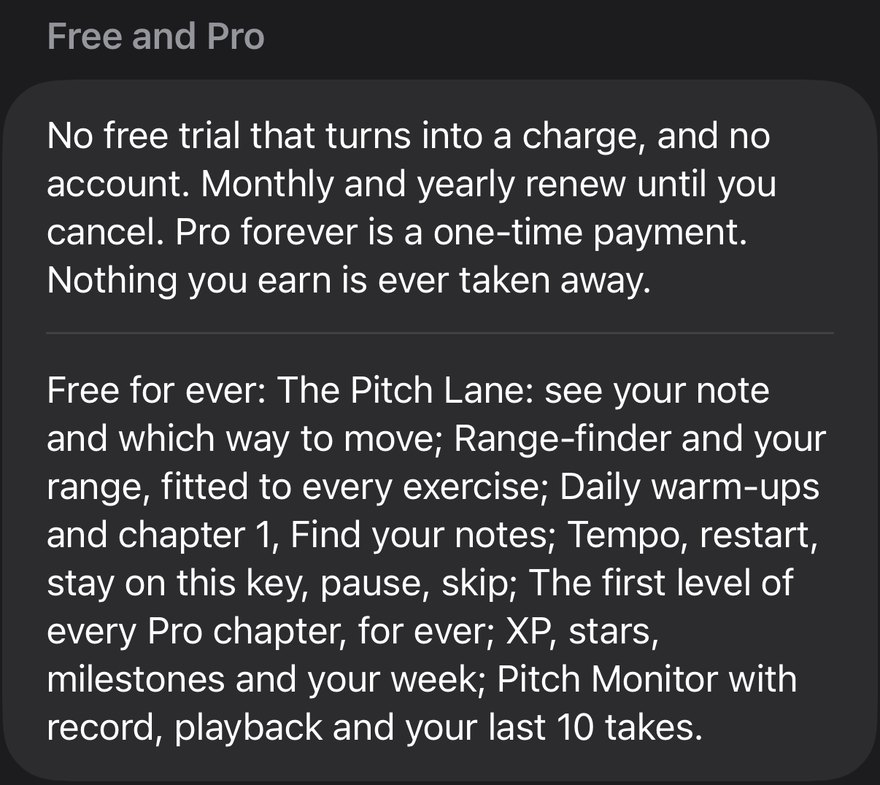
Free and Pro
What is free for ever and what Pro adds. "No free trial that turns into a charge, and no account."

Your voice
A safety line: if singing hurts, or your voice stays hoarse for more than a couple of weeks, see a doctor.
Report a problem · Ask a question · Send feedback
Each opens an email to support@onemove.audio with the app version, iOS, your iPhone model and the screen. No audio, nothing automatic. If no mail app is set up, the details go to your clipboard.
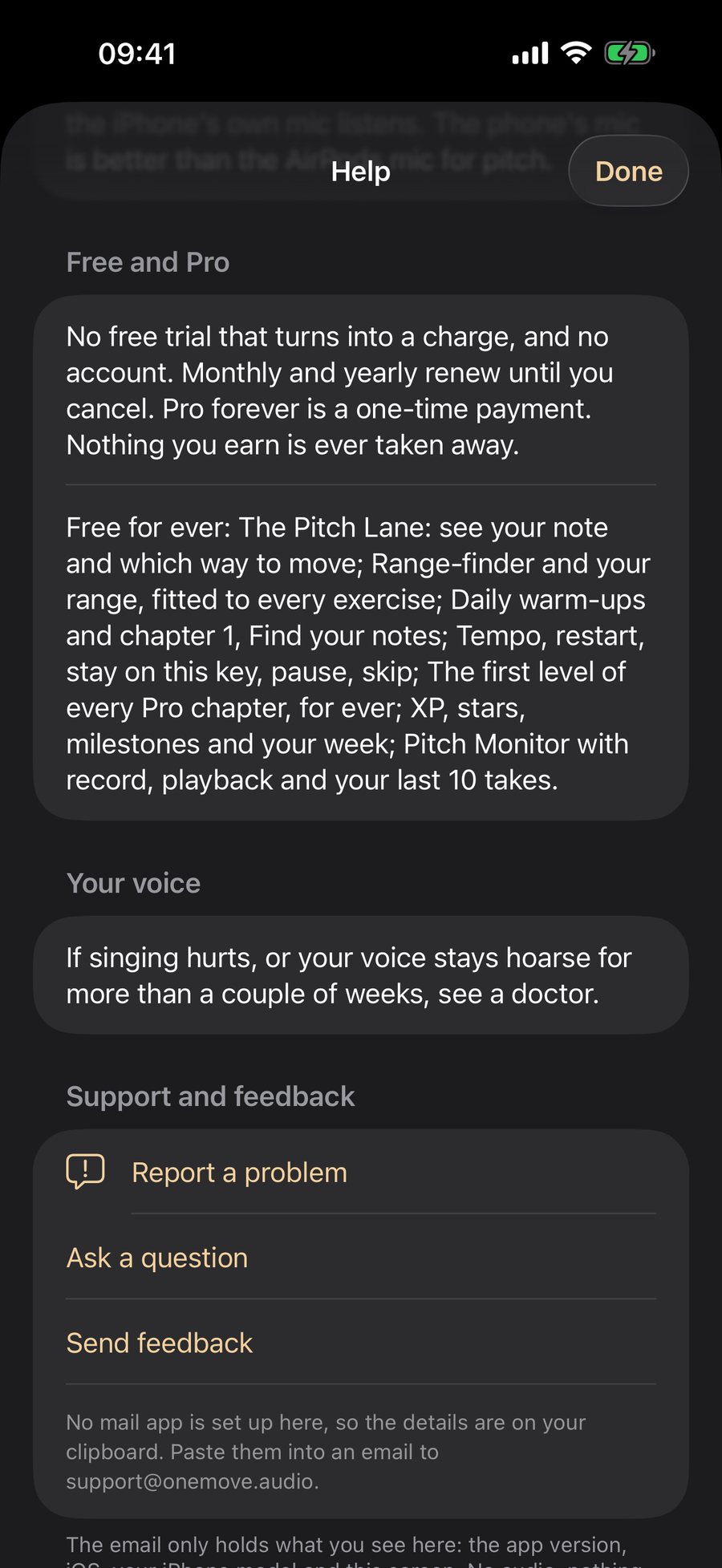
Settings
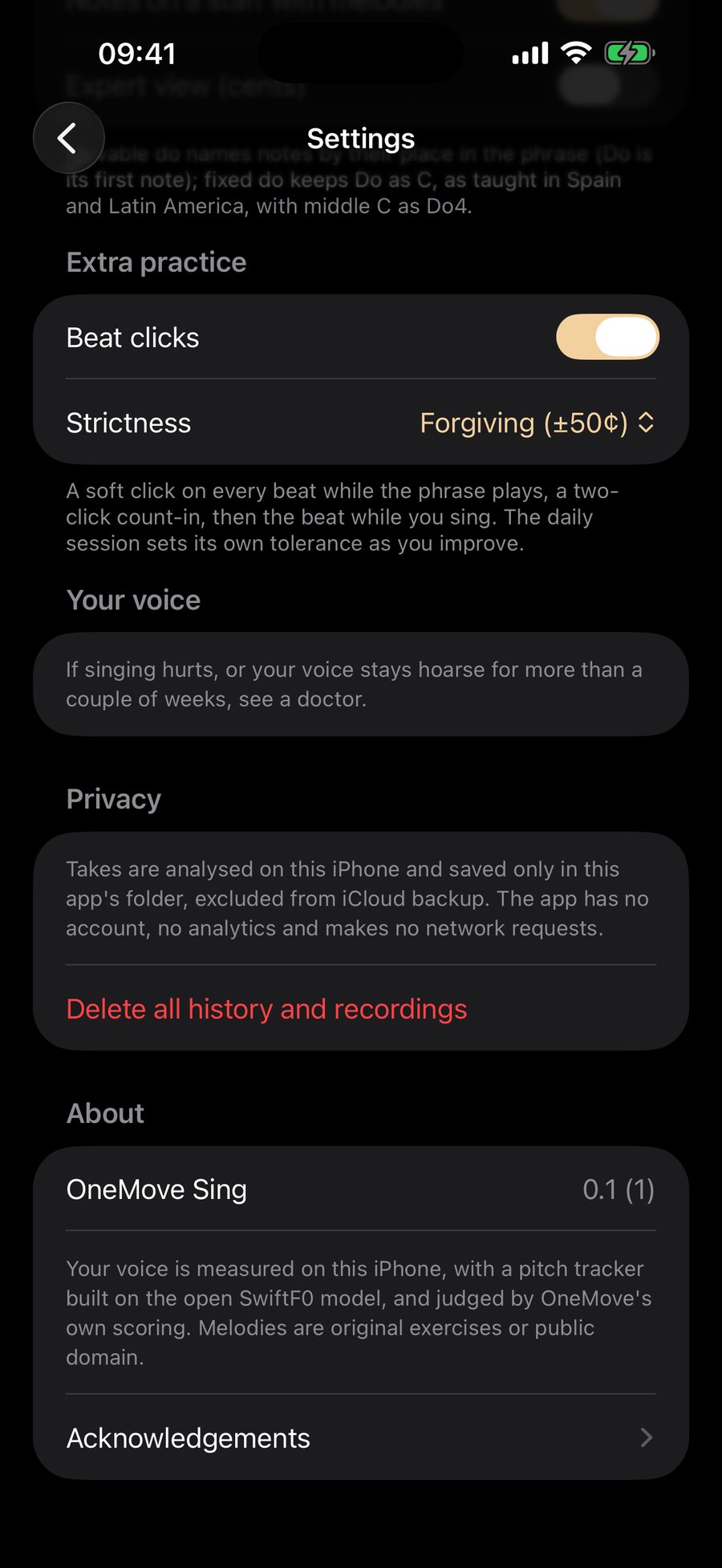
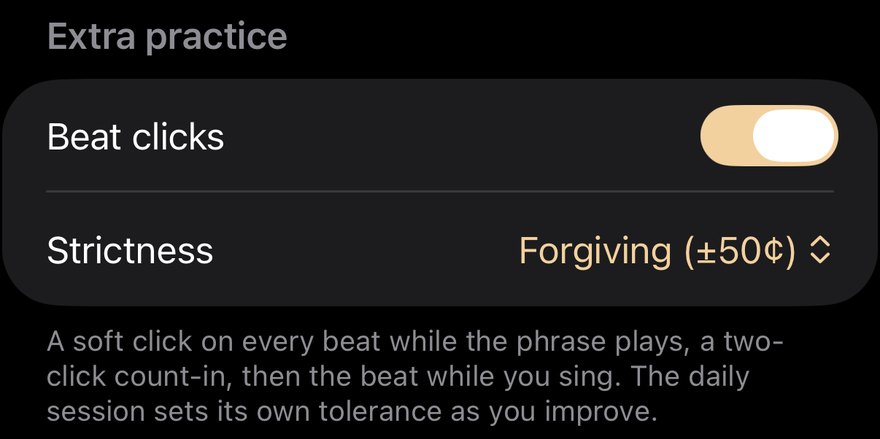
Beat clicks · Strictness · Beat clicks on, Forgiving
A soft click on every beat while the phrase plays, with a two-click count-in. Strictness sets how close a note must be. It starts forgiving and the daily session tightens it as you improve.
Your voice
A safety line: if singing hurts, or your voice stays hoarse for more than a couple of weeks, see a doctor.
Guide sound · Piano or Soft tone (Piano). Chooses what the guide plays when it shows you a note: a piano, or a soft tone. A glide is always a soft tone, because a piano cannot slide.
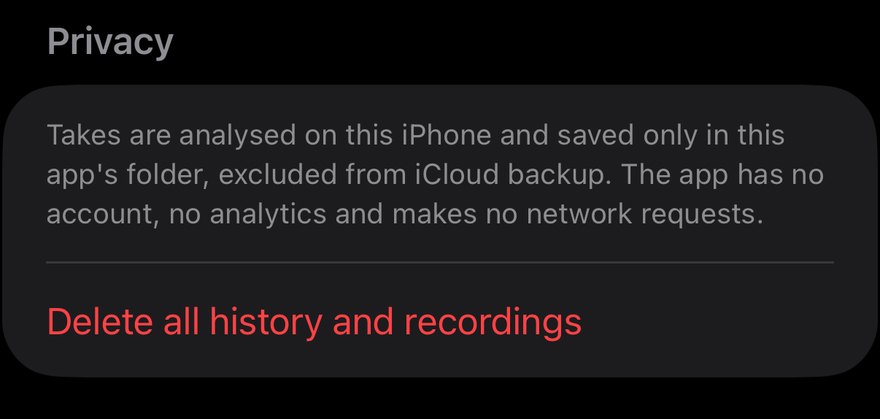
Privacy · Delete all history and recordings
Your takes stay in the app's own folder and are left out of iCloud backup. This deletes them and your history.
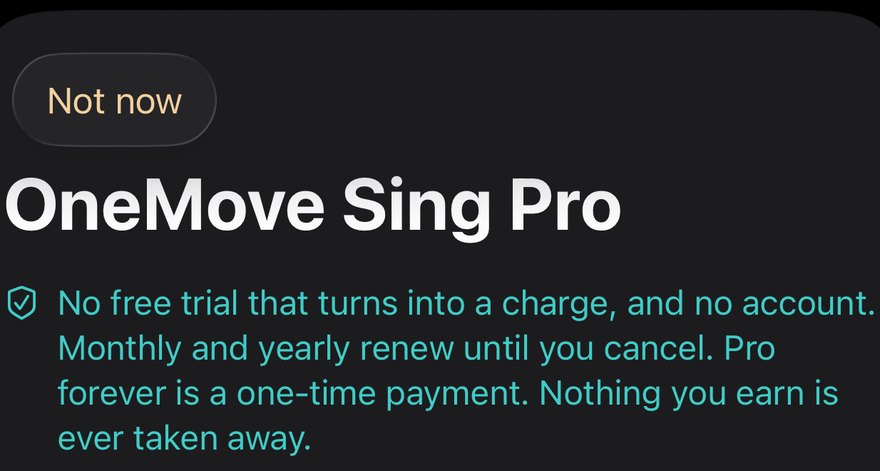
Pro
Free to use. Pro is $6.99 a month, $29.99 a year or $59.99 once. No trial. Monthly and yearly renew until you cancel in your Apple account settings. Restore Purchases is on the same screen.
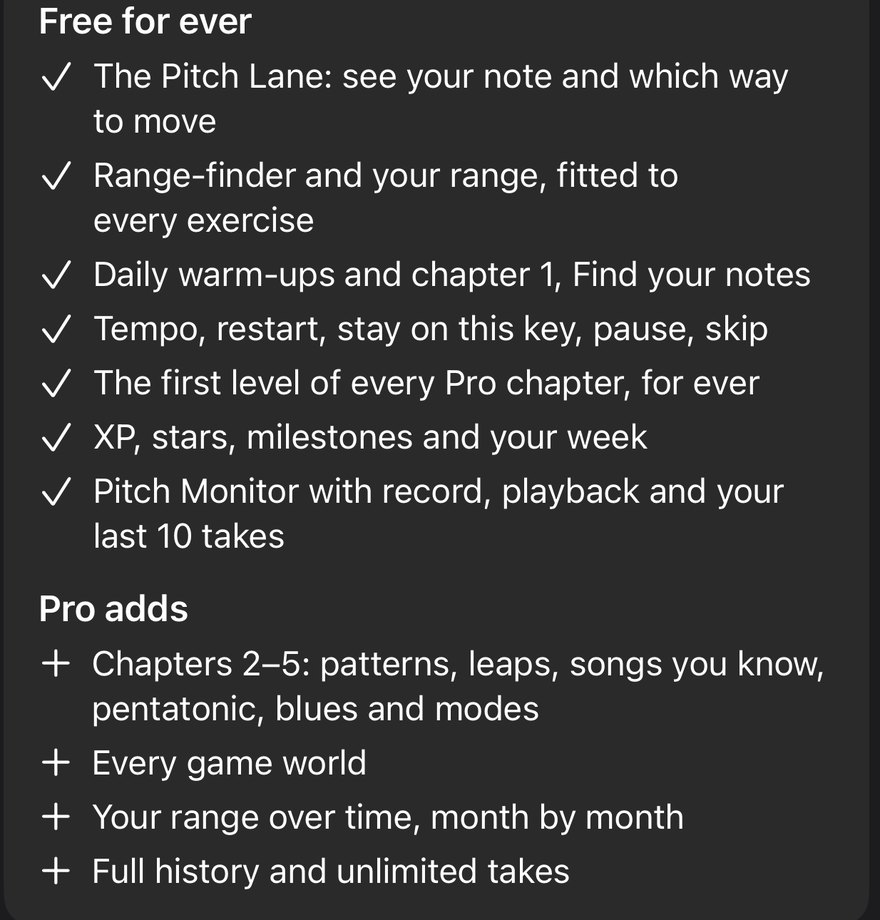
Free for ever · Pro adds
The two lists, shown before your first take.
Troubleshooting
The microphone is off
If you tapped "Don't Allow", the app cannot hear you. Open Settings › Privacy & Security › Microphone on your iPhone and switch Echo Sing on. Then come back and sing.
"It can't hear me" or the dot does not move
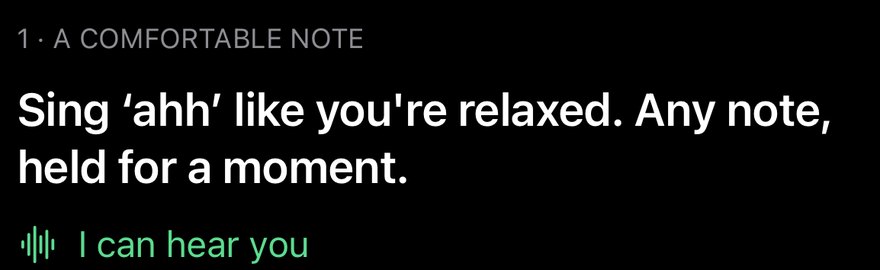
- Check the line under the lane: it should say "I can hear you" in the range check.
- Sing a held "ahh" or "oo". Short clicks or speech are not counted.
- Hold the phone at arm's length, not covering the microphone.
- Open Mic sensitivity from the Help button or the pause bar, and set Hears quiet.
A noisy room
Fans, a television or other voices can move the dot. Choose Loud rooms in Mic sensitivity, sing closer to the phone, or move to a quieter spot. A second singer next to you can confuse any pitch reader.
AirPods or a Bluetooth headset
Some Bluetooth headsets give the microphone a lower quality. If the app cannot hear you, switch to the phone's own microphone or to wired headphones. The game suggests headphones once, because a guide playing out loud can reach the microphone.
A call, a notification or another app takes over
When the phone is interrupted the take stops and the lane tells you. Tap Resume, or Restart the try. Nothing you earned is lost.
My notes are marked flat or sharp but sound right to me
Notes are judged on their centre, so vibrato and slides are not counted against you. Sing the note steadily for a moment and watch where the dot settles. Turn on the guide sound and compare.
The range looks wrong
Measure it again after a warm-up, or adjust it by hand from Stats or the range card.
My progress is gone after changing phones
Profiles and progress are in your own device backup, and takes are left out of it. Restore your iPhone from backup, then Restore Purchases on the paywall.
Pro did not unlock
Tap Restore Purchases on the paywall, and make sure you are signed in with the Apple account that bought it.
Still stuck? Contact support with what you saw. Ideas welcome too: tell us.