
What order should vocal plug-ins go in on iPad?
A dependable order is: noise reduction → pitch correction → de-essing and dynamic EQ → corrective EQ → slow compression → fast compression → saturation → level riding → air → loudness → final EQ → reverb. Clean the signal first, shape it next, add character after that, and put the space last. It works the same in Logic Pro for iPad, Cubasis, AUM, Loopy Pro or GarageBand, and it is a starting point rather than a law.
Hear the whole chain
Studio Lead chain
A dry male vocal with an added fan and clicks, then the Studio Lead chain: two compressors, tape, tube, air, tone and a plate with a light double. Before and after are set to the same loudness, so you hear the change, not a level jump.
"More Than 2 Sides (accapella)" by Colin Mutchler (ccmixter.org/files/commonsplice/2599), licensed CC BY 2.5 (creativecommons.org/licenses/by/2.5). Excerpt, processed by OneMove Vocal Console.
Why this order works
| step | what it does | why it sits here |
|---|---|---|
| Noise reduction | Removes hiss, fans and room noise | Every later stage that adds gain would also raise the noise |
| Pitch correction | Moves notes to the right pitch | Pitch tracking is most reliable on a clean, dry, unprocessed voice |
| De-essing and dynamic EQ | Tames harsh sibilance and resonances only when they happen | Compressors react less to spikes that are already under control |
| Corrective EQ | Cuts rumble and boxiness | Removes energy you don't want before it drives the compressors |
| Slow (opto) compression | Evens out phrases | Handles the broad level changes gently |
| Fast (FET) compression | Catches peaks and adds attitude | Has less work to do after the slower stage |
| Saturation | Adds harmonics and warmth | Works more evenly on a level that has already been controlled |
| Level riding | Keeps the vocal at a steady place against the music | Rides the voice after its tone is settled |
| Air | Adds top-end openness | Boosting highs earlier would push sibilance into every later stage |
| Loudness | Sets the final level and catches the last peaks | Everything before it has already set the balance |
| Final EQ | Fits the finished voice to the song | The last tonal decision is made on the finished sound |
| Reverb | Places the voice in a space | Compressing or saturating a reverb tail usually smears it |
When to break the rule
- Singing live through the chain: latency matters more than anything else. Choose low-latency settings for noise reduction and pitch correction, or leave them out.
- Deliberately audible pitch correction: some vocalists like it after a little EQ. Try it both ways.
- Saturation before compression: gives a rougher, more forward sound, because the compressor then reacts to the added harmonics.
- Reverb on a send: in most hosts, a reverb on a send or bus lets several tracks share one space and keeps the dry vocal adjustable.
Why fewer plug-ins can help on iPad
Each AUv3 runs as its own extension with its own render call and interface, so a long chain of separate plug-ins adds overhead and more windows to manage. Pick the stages your vocal actually needs: a clean recording may not need noise reduction at all.
How OneMove Vocal Console does it
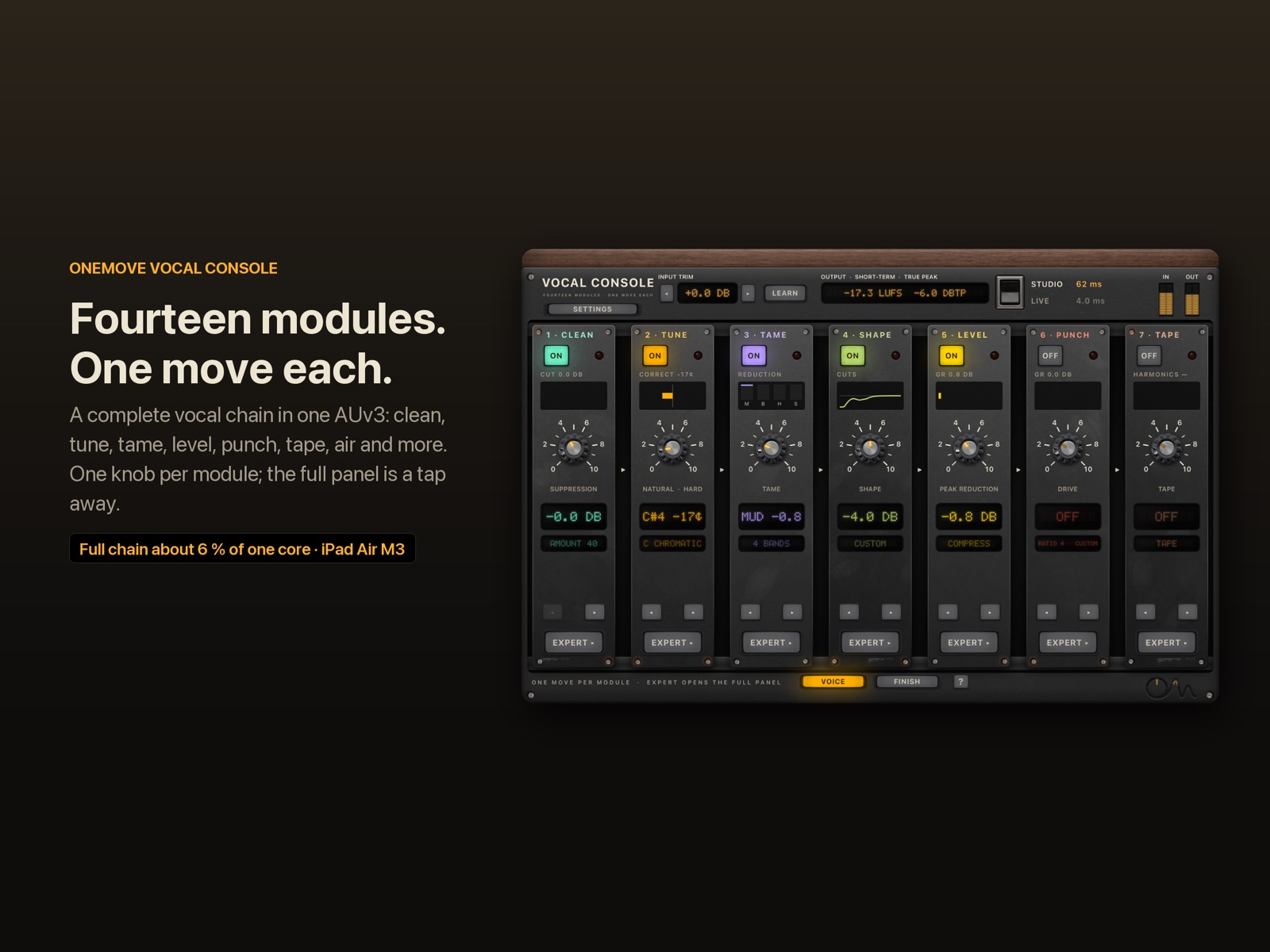
OneMove Vocal Console puts this chain in one AUv3 plug-in for iPad and iPhone. Its fourteen modules run by default in the order Clean, Tune, Tame, Shape, Level, Punch, Tape, Floor, Ride, Tube, Character, Air, Loud and Finish, with one main knob each. The specifications list the latency of each mode, and latency explained covers what those numbers mean for singers.