

Free tools: OneMove Air, and what's next
OneMove Air is free. Not a trial, not a lite version: the whole plug-in, with no in-app purchases, no ads and no account.
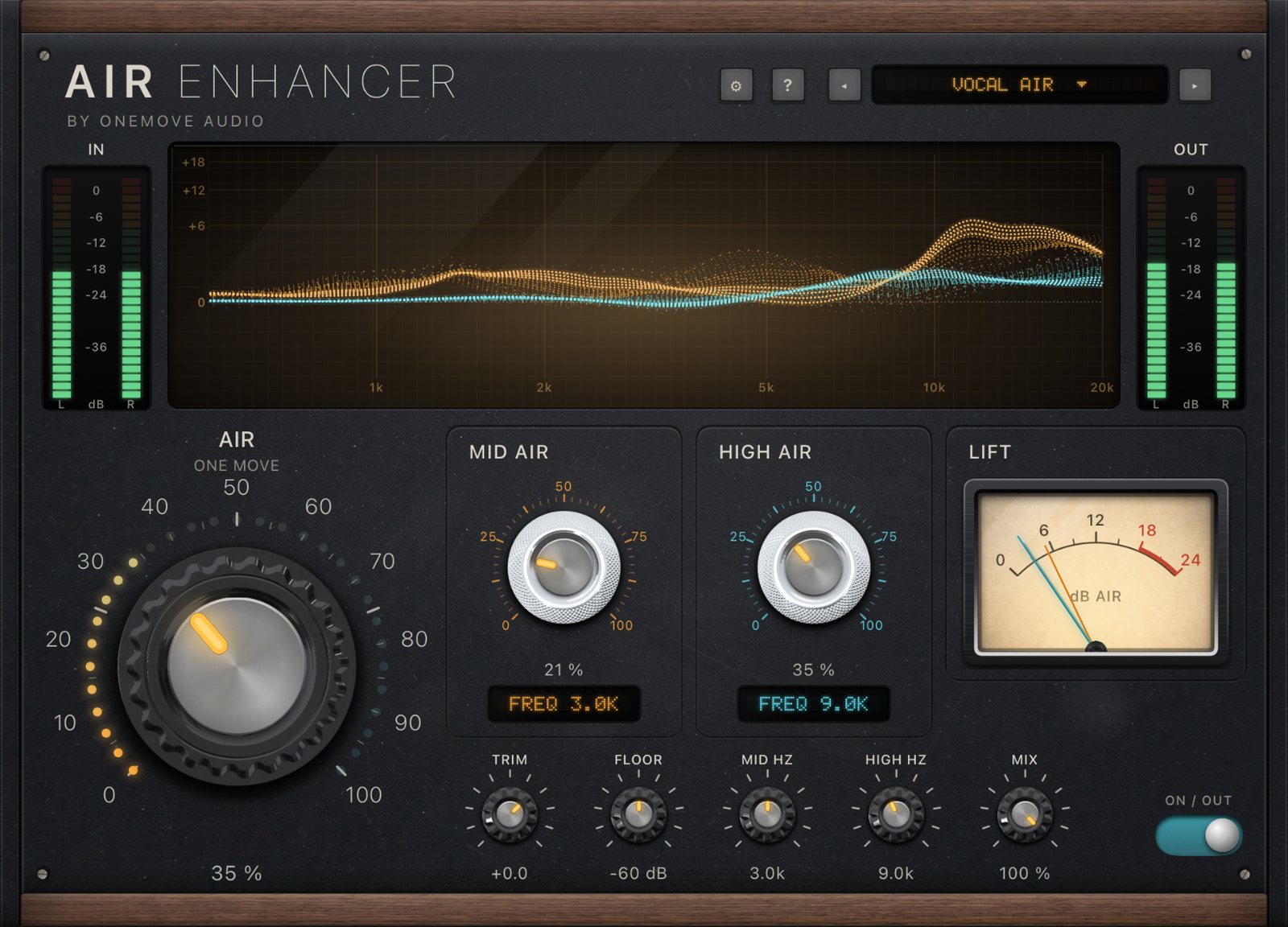
Free, all of it
Every control, every preset, no time limit.
No account
No in-app purchases, no ads, nothing to sign up for.
Why free
Air is the module people notice first in OneMove Vocal Console: turn one knob and a voice, a synth or a mix opens up. We wanted anyone with an iPad or iPhone to have it, and to see how we build things before they pay for anything.
Hear it
Air on a vocal over music
The Try material from the app: Air on the vocal only, the music unprocessed. The Vocal Air preset (Air 35 %), then the Air knob at 60 %. Before and after are set to the same loudness, so you hear the change, not a level jump.
"Lost_Pella" by queeniemusic (ccmixter.org/files/queeniemusic/65508), licensed CC BY 3.0 (creativecommons.org/licenses/by/3.0). Excerpt, processed by OneMove Air. Music by OneMove Audio.
Air on a music bus
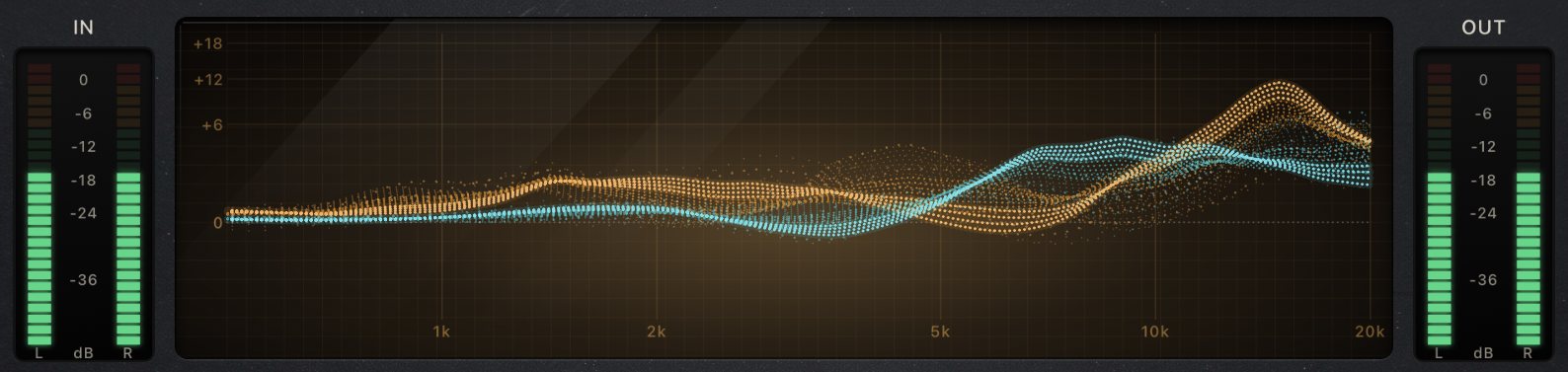
Drums, synth bass, electric piano and pad: the Bus Open preset (Air 25 %), then the Air knob at 60 %. Air lifts the top where it's dull and leaves the low end alone. Before and after are set to the same loudness, so you hear the change, not a level jump.
Music by OneMove Audio (the demo band in the OneMove Air app). Processed by OneMove Air.
What it does
Two layers of air
Mid Air and High Air follow the music instead of a fixed boost.
One move
The big Air knob sets both layers at once; the full panel is there when you want it.
Zero latency
Sing and play through it live.
Send vocal key
Air shares the vocal with our other plug-ins over Key Link, so they can make room for it.
The manual explains every control.
Where it fits
Air works on its own, and it also talks to our other plug-ins. Resonance & Balance listens to the vocal Air sends and clears space for it in the music; the compressors can dip a bus when the voice comes in; and Vocal Console is the whole vocal chain, with Air as one of its fourteen modules.
Available on the App Store
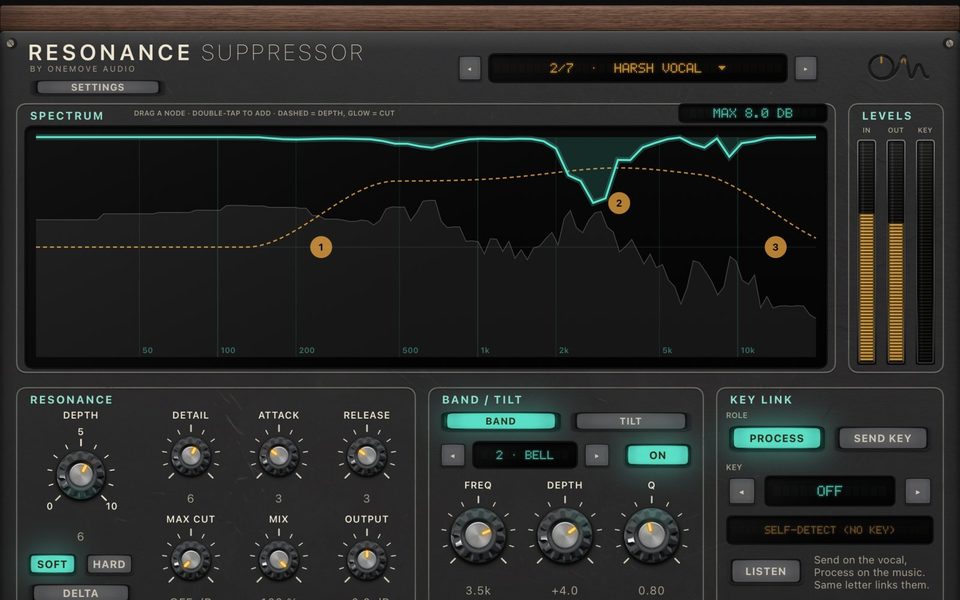
OneMove Resonance & Balance
Resonance control and unmasking EQ
Resonance turns down harsh resonances only while they ring. Balance rebalances a sound continuously and makes room for a voice.
- Contains: Resonance, Balance · iPad and iPhone
- Free download with a 5-minute demo per load; unlock once from $7.99
Available on the App Store
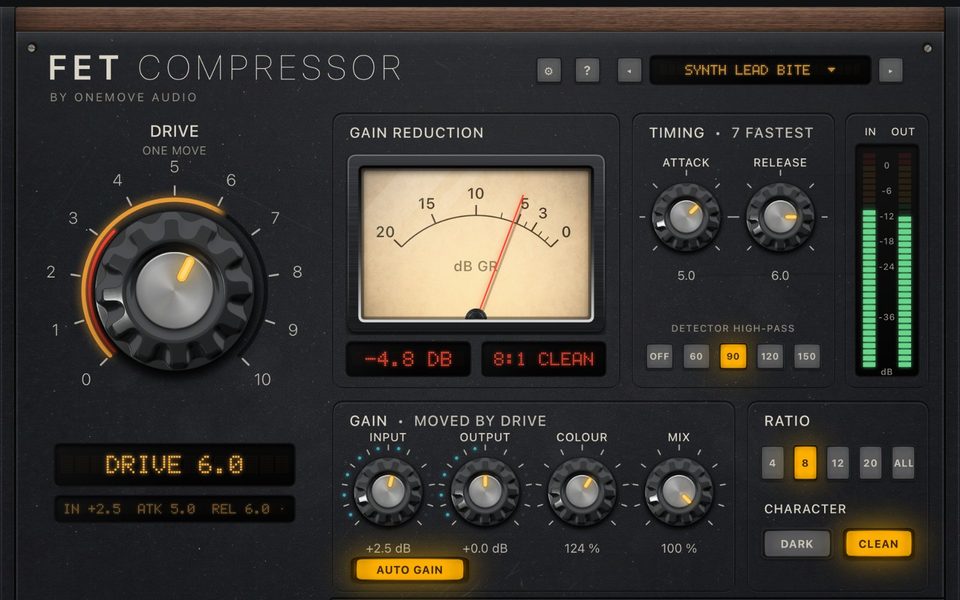
OneMove Compressors
Two compressors
FET Comp, a 76-style FET limiter with bite, and Opto Comp, a smooth 2A-style opto leveller, as their own app and plug-ins, voiced for synths, keys, buses and voice.
- Contains: FET Comp, Opto Comp · iPad and iPhone
- Free download with a 5-minute demo per load; unlock once from $7.99
Available on the App Store
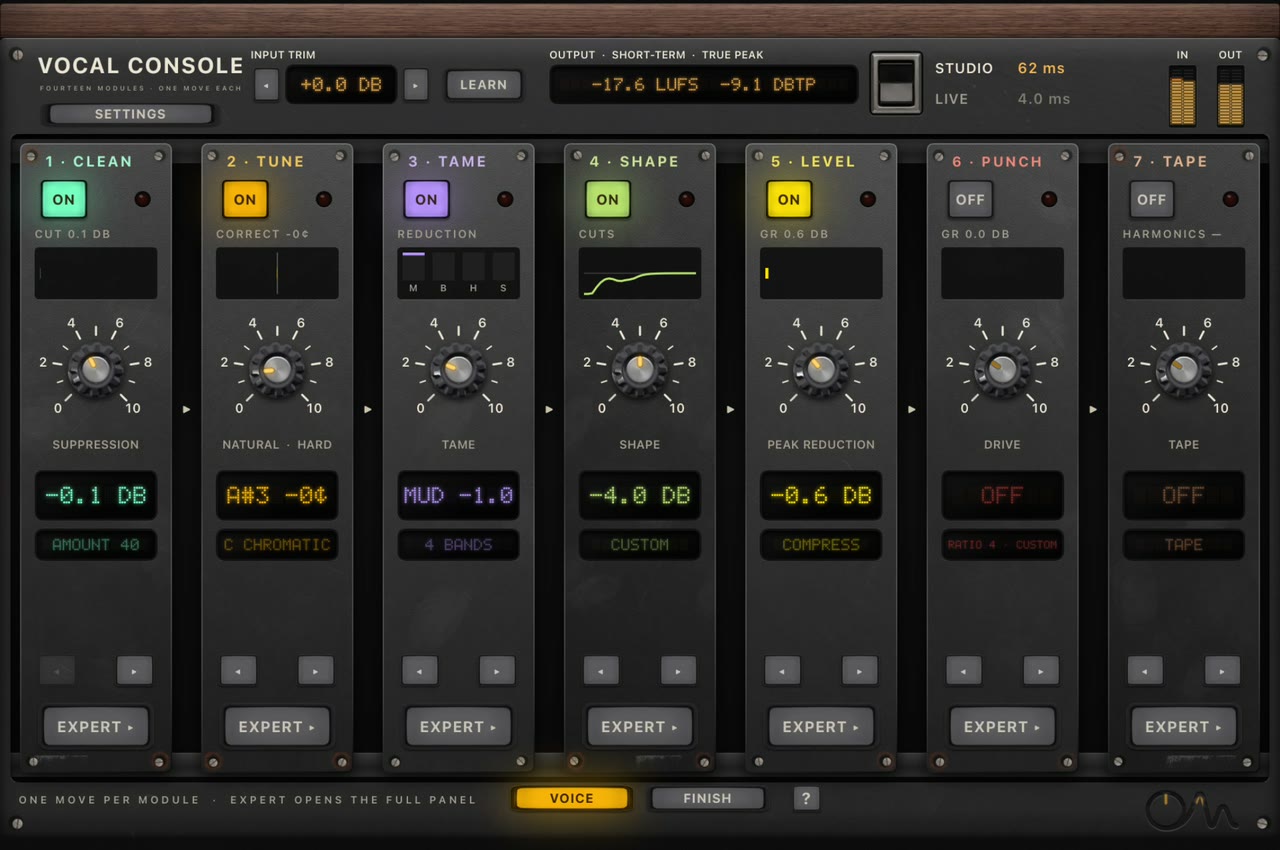
OneMove Vocal Console
Complete vocal chain
Fourteen modules. One move each.
From noise reduction and pitch correction to two classic-style compressors, air, loudness and a plate reverb. One main knob per module, with a full panel behind it.
- AUv3 and app · iPad and iPhone
- Free download with a 5-minute demo per load; unlock once for $19.99
Tell us what you need
The most useful thing you can send us is what you'd want next. Use the support form, or Help & bug report in the app.