
Hands-on: the same vocal through both
Measured 9 November 2026 on an Apple M4 Pro Mac. Every clip is 15 seconds, and each set is matched for loudness.
We ran the excerpts through the real plug-ins, using a factory preset where one fits. OneMove runs on an iPad or iPhone; these desktop plug-ins run on a Mac or PC. The versions are the ones installed on our Mac that day. Plug-in windows are shown at their default settings.
Punch and CLA-76 (FET compression)
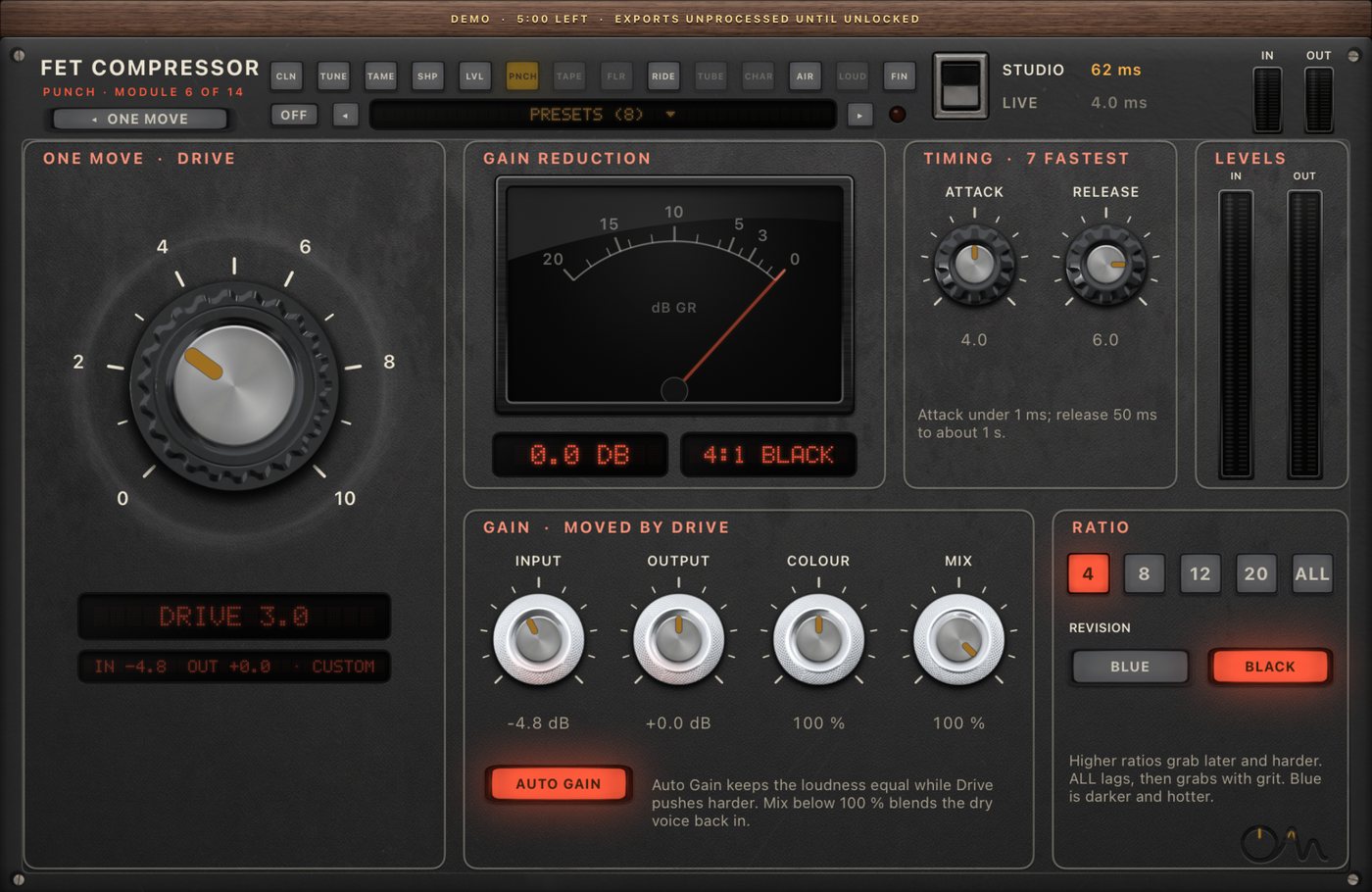
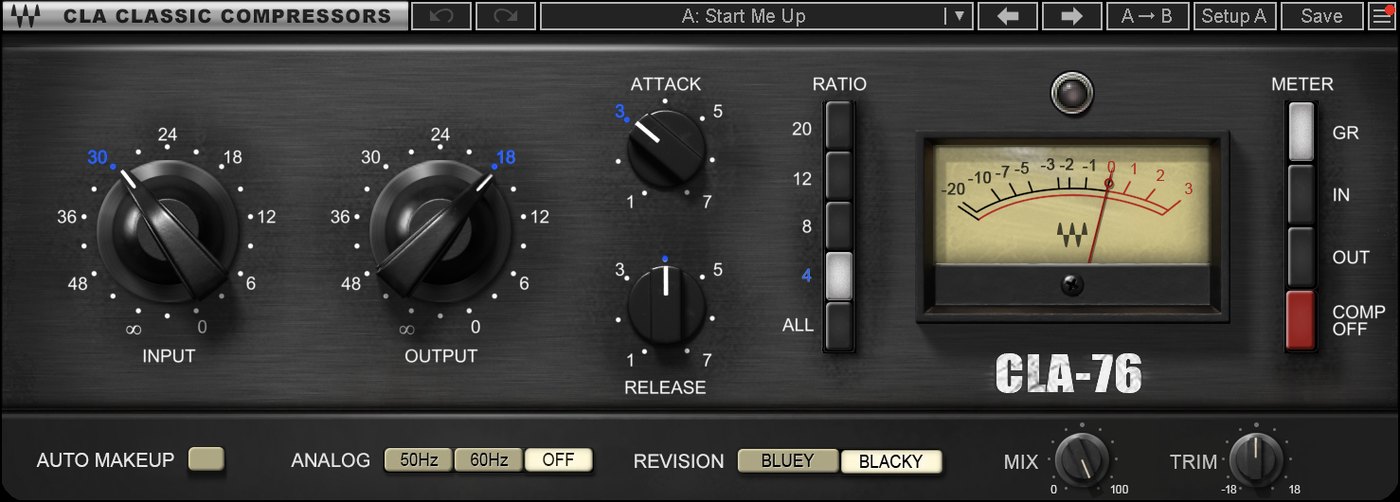
Punch and CLA-76
The same take through Punch (Classic FET Vocal) and CLA-76 (Vocal preset). Before and after are set to the same loudness, so you hear the change, not a level jump.
"More Than 2 Sides (accapella)" by Colin Mutchler (ccmixter.org/files/commonsplice/2599), licensed CC BY 2.5 (creativecommons.org/licenses/by/2.5). Excerpt, processed by OneMove Vocal Console. Compared with Waves CLA-76, Vocal preset.
| measured, same loudness | dry | Punch | CLA-76 |
|---|---|---|---|
| Peak above average (less = denser) | 20.9 dB | 17.6 dB | 16.5 dB |
| Phrase-to-phrase level swing | 4.4 dB | 2.7 dB | 2.3 dB |
| Change above 8 kHz | +3.3 dB | +2.5 dB |
In practice: with these presets CLA-76 compresses a little harder. Punch keeps a little more top end. Raise Punch's knob to match.
Level and CLA-2A (opto compression)
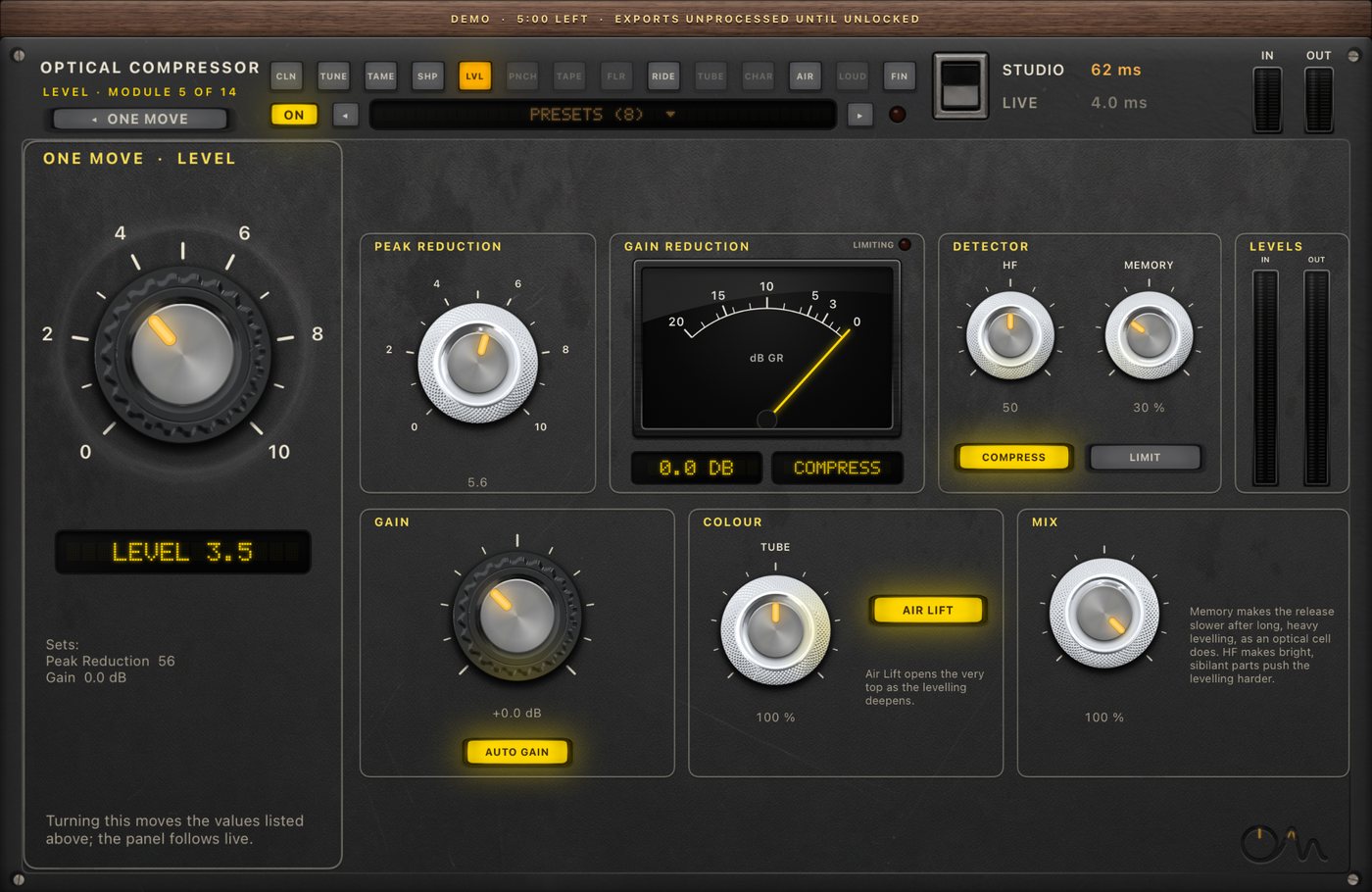
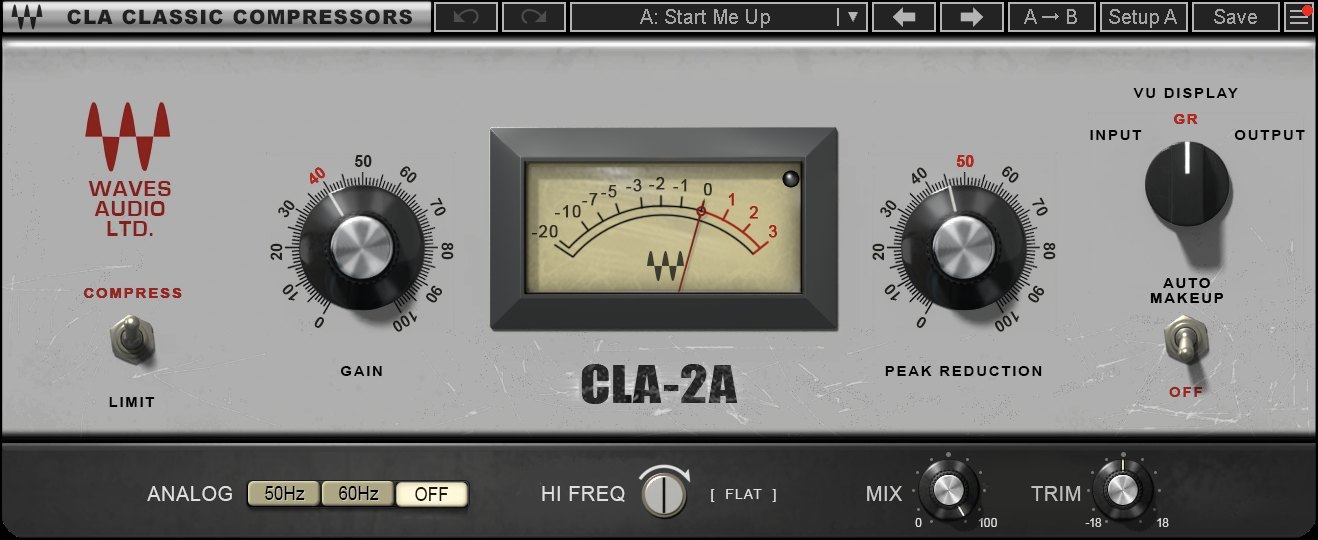
Level and CLA-2A
The same take through Level (Smooth & Heavy) and CLA-2A (Vox preset). Before and after are set to the same loudness, so you hear the change, not a level jump.
"More Than 2 Sides (accapella)" by Colin Mutchler (ccmixter.org/files/commonsplice/2599), licensed CC BY 2.5 (creativecommons.org/licenses/by/2.5). Excerpt, processed by OneMove Vocal Console. Compared with Waves CLA-2A, Vox preset.
| measured, same loudness | dry | Level | CLA-2A |
|---|---|---|---|
| Peak above average | 20.9 dB | 18.7 dB | 19.2 dB |
| Phrase-to-phrase level swing | 4.4 dB | 3.2 dB | 2.9 dB |
| Change above 8 kHz | +4.1 dB | +1.4 dB |
In practice: similar control of the level. On this take Level comes out noticeably brighter.
Against the original hardware
We have not measured a hardware LA-2A or 1176. This table compares OneMove with the published behaviour of the hardware and with our measurements of the software emulation.
| hardware (published) | Waves emulation (measured) | OneMove (measured) | |
|---|---|---|---|
| 76-style release, slowest to fastest | 1.1 s to 50 ms | about 1.1 s to 50 ms, half recovery | Punch: 1135 to 40 ms, half recovery |
| 76-style ratios | 4, 8, 12, 20, all buttons | same | same |
| 2A-style release | first half in 40–80 ms, the rest in 0.5–5 s | 170 ms half recovery | Level: 160 ms half recovery |
| Noise and hum | yes | optional | none, on purpose |
| Latency | none | none | none |
More in how we modelled them.
Air and Fresh Air
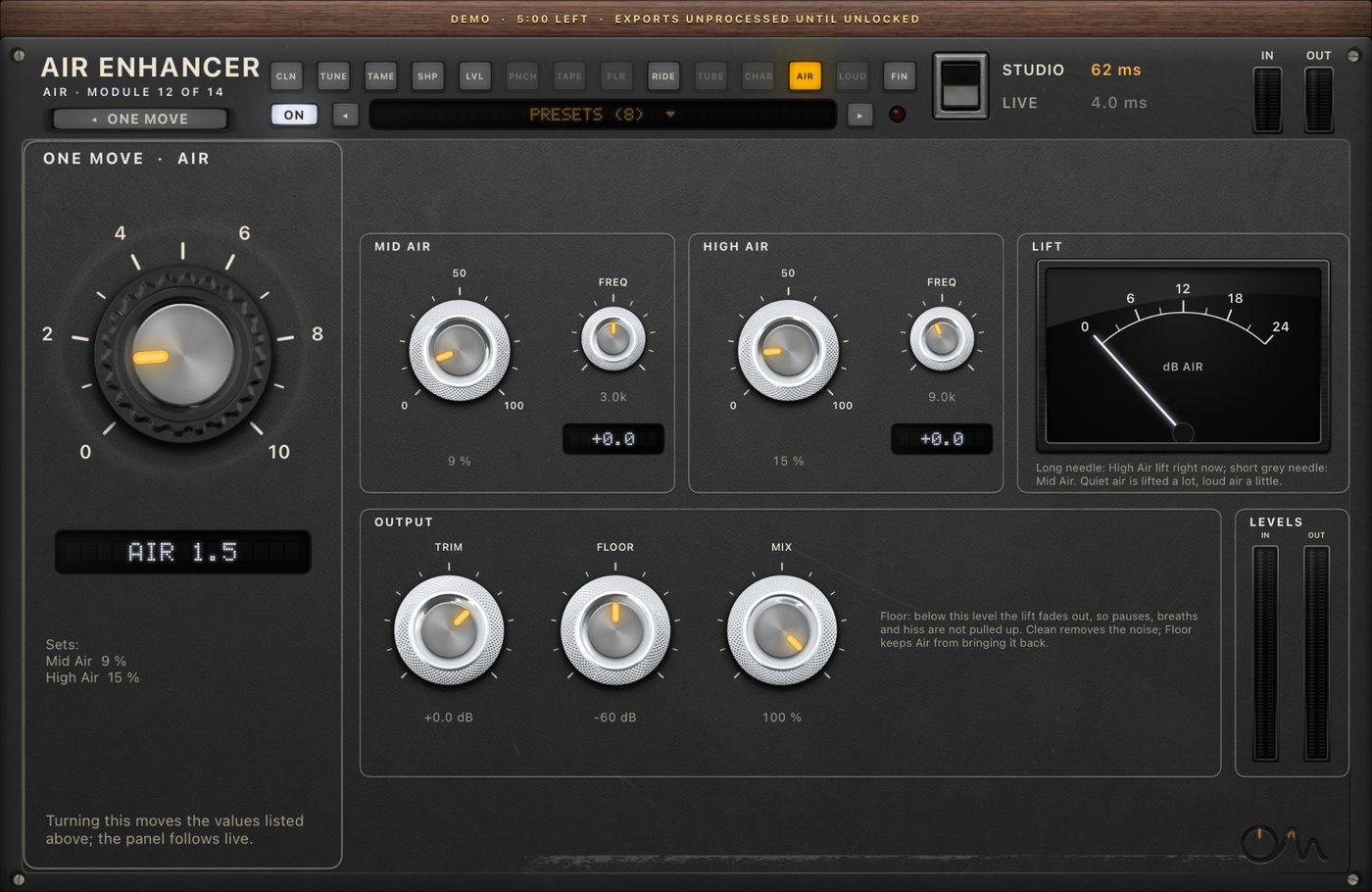
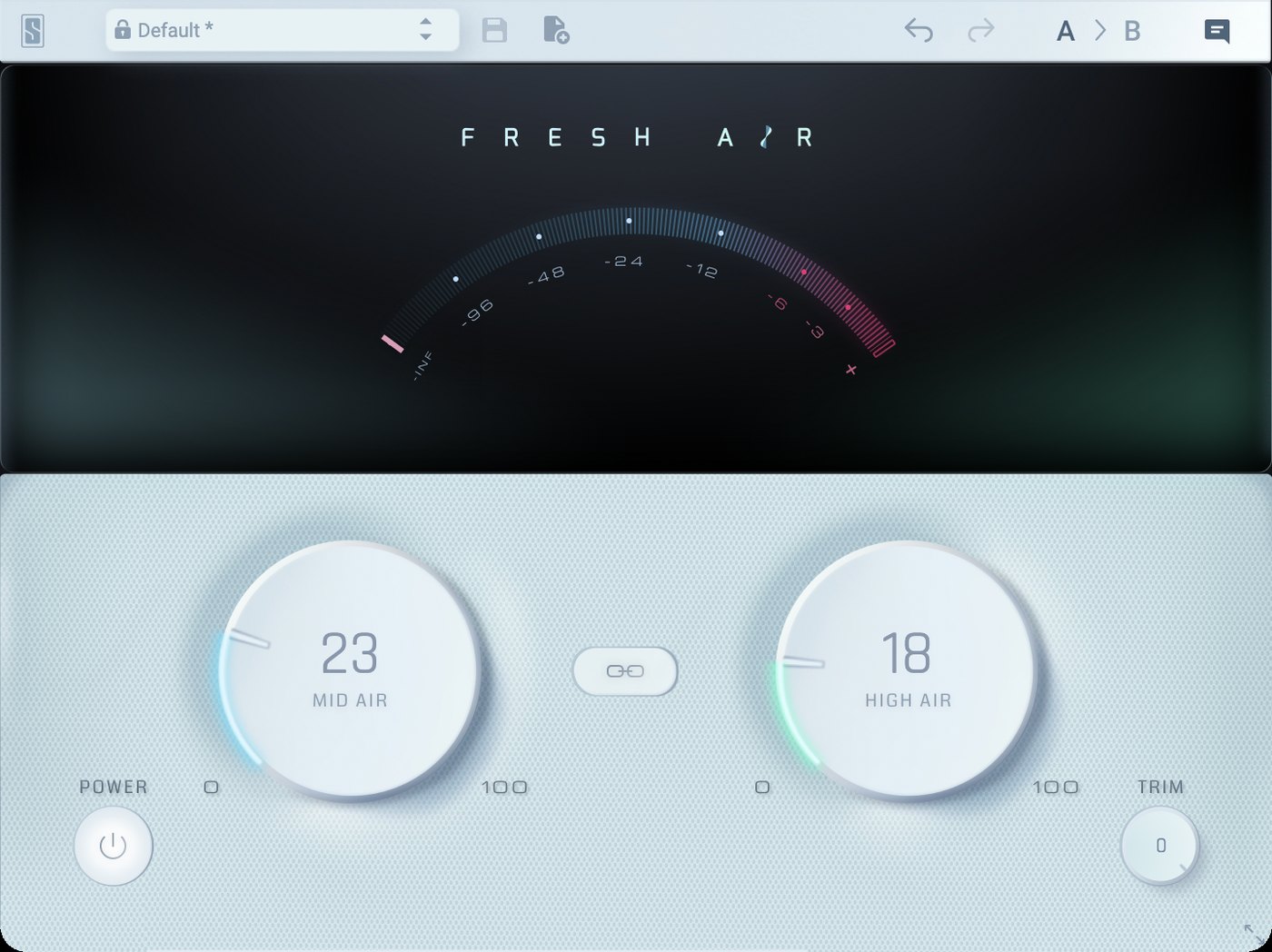
Air and Fresh Air
Air (Airy Pop) and Fresh Air on matching Mid and High settings (45 and 75). Before and after are set to the same loudness, so you hear the change, not a level jump.
"Lost_Pella" by queeniemusic (ccmixter.org/files/queeniemusic/65508), licensed CC BY 3.0 (creativecommons.org/licenses/by/3.0). Excerpt, processed by OneMove Vocal Console. Compared with Slate Digital Fresh Air.
| measured, same loudness | Air | Fresh Air |
|---|---|---|
| Change above 8 kHz | +8.5 dB | +9.6 dB |
| Change in the body of the voice | −0.2 dB | +0.1 dB |
In practice: the same idea and a similar result. At the same settings Fresh Air is about 1 dB brighter, so nudge Air's knob up a little.
Ride and Vocal Rider
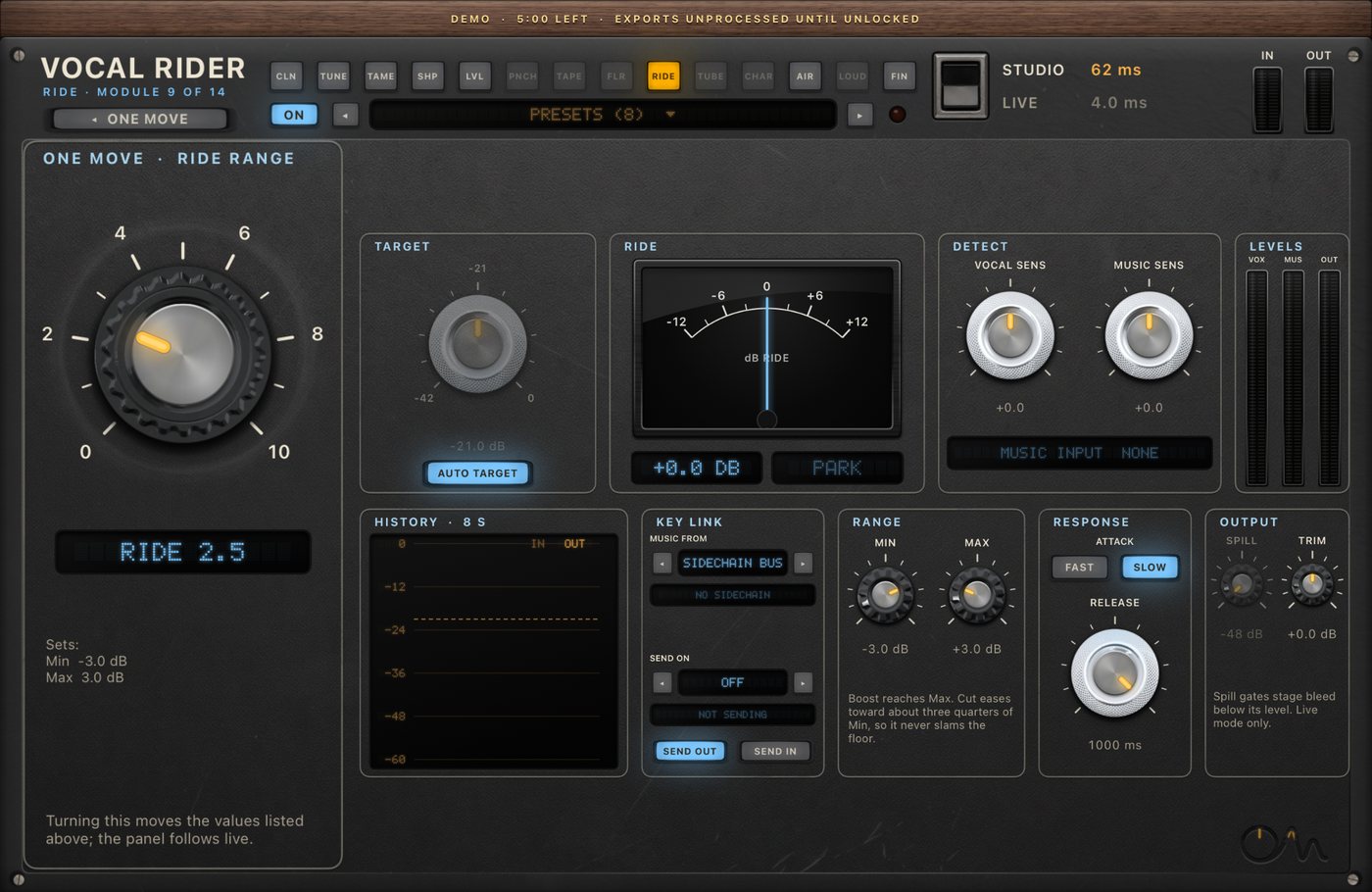
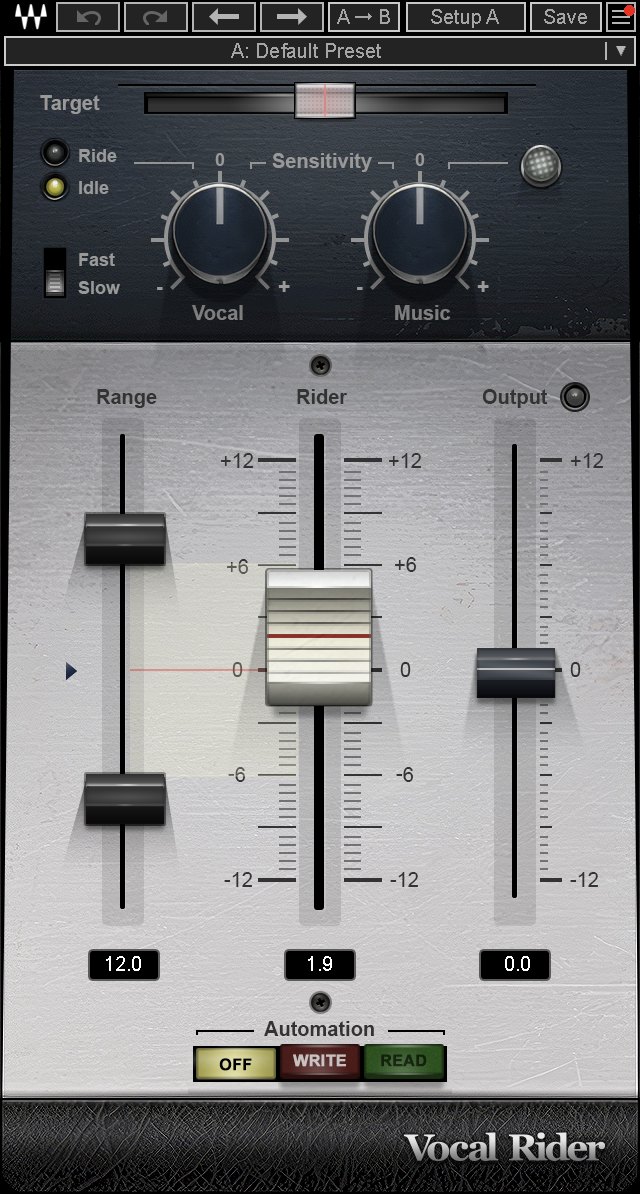
Ride and Vocal Rider
Ride (Standard ±6 dB) and Vocal Rider (Moderate Riding), vocal only, no music. Before and after are set to the same loudness, so you hear the change, not a level jump.
"More Than 2 Sides (accapella)" by Colin Mutchler (ccmixter.org/files/commonsplice/2599), licensed CC BY 2.5 (creativecommons.org/licenses/by/2.5). Excerpt, processed by OneMove Vocal Console. Compared with Waves Vocal Rider, Moderate Riding preset.
| measured, same loudness | dry | Ride | Vocal Rider |
|---|---|---|---|
| Phrase-to-phrase level swing | 4.4 dB | 4.4 dB | 4.6 dB |
In practice: this test doesn't separate them. Neither evened out this excerpt without music to follow, and this test host can't feed Vocal Rider a side-chain. A rider earns its keep against a backing track: hear Ride follow one.
Clean, Clarity Vx and Clarity Vx Pro (noise reduction)
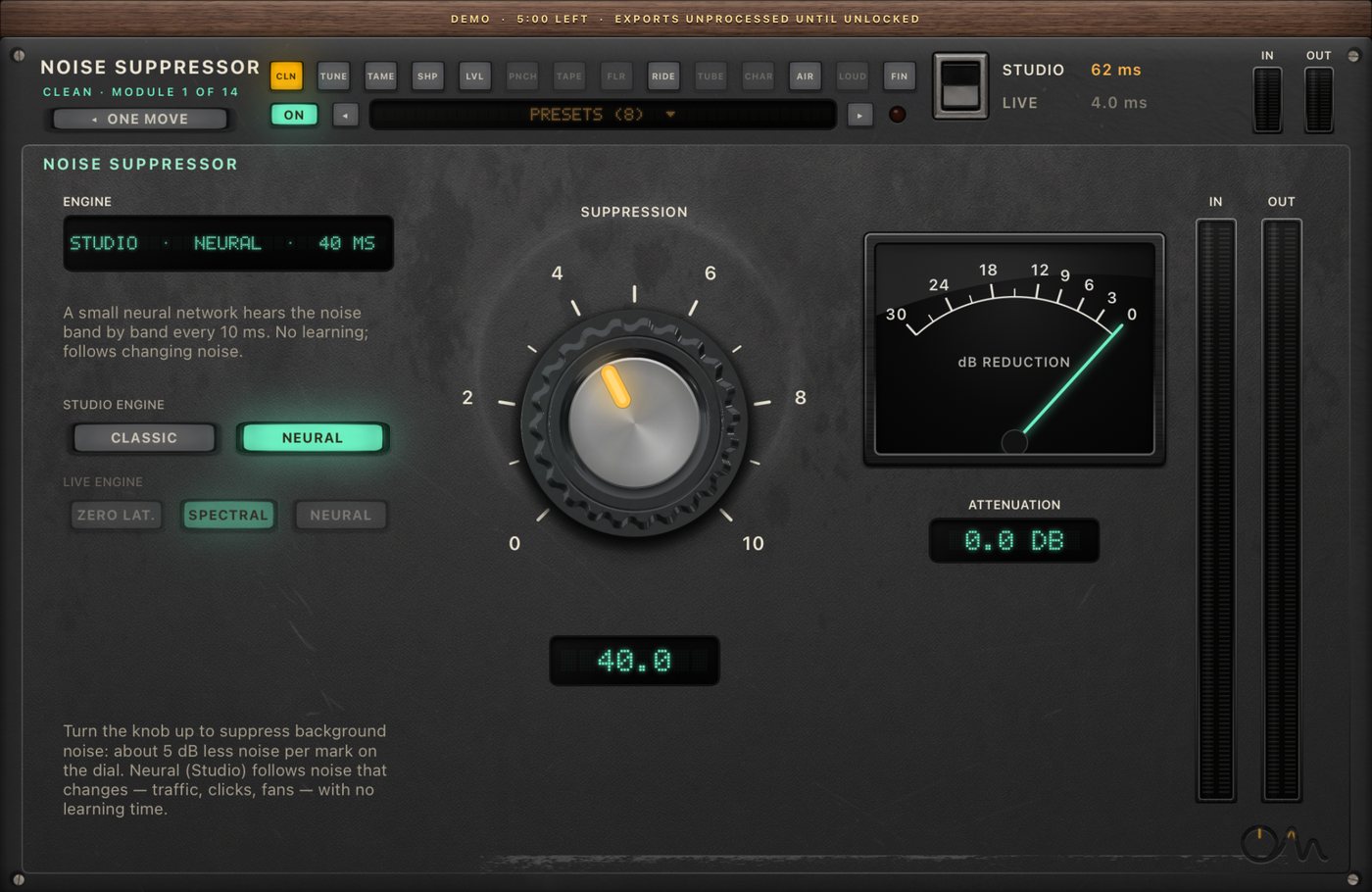
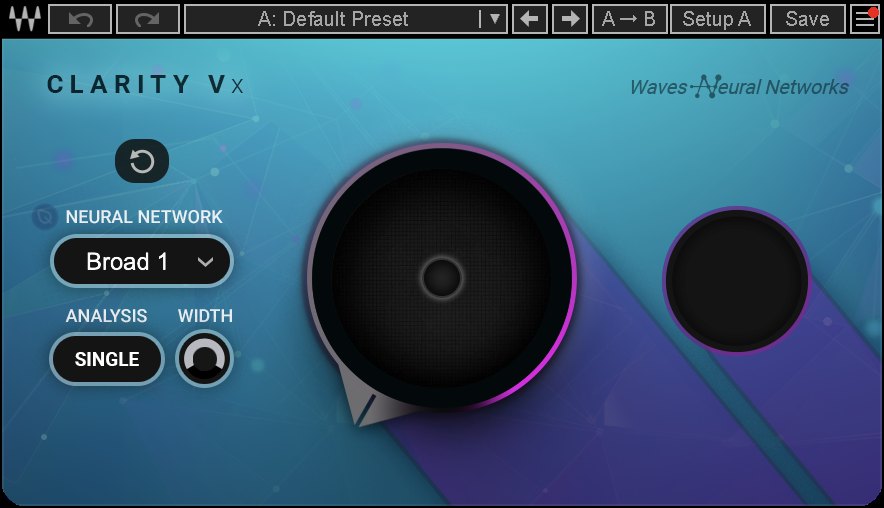
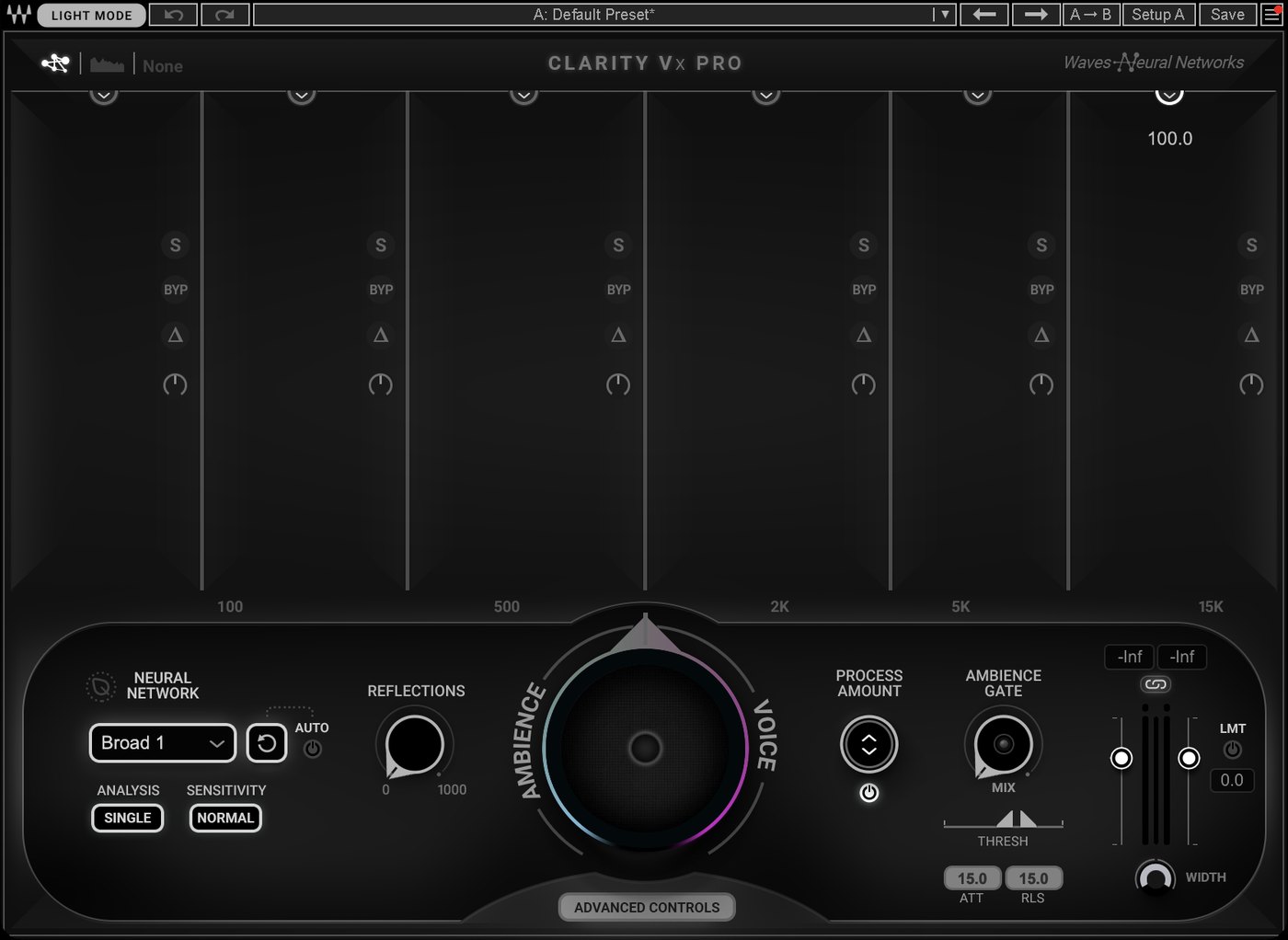
Clean, Clarity Vx and Clarity Vx Pro
A vocal with a fan, then Clean (Neural, Fan & Air Con), Clarity Vx (Reduce Constant Noise preset) and Clarity Vx Pro (main knob at 750 of 1000). Before and after are set to the same loudness, so you hear the change, not a level jump.
"Lost_Pella" by queeniemusic (ccmixter.org/files/queeniemusic/65508), licensed CC BY 3.0 (creativecommons.org/licenses/by/3.0). Excerpt, processed by OneMove Vocal Console. Generated fan noise added. Compared with Waves Clarity Vx and Clarity Vx Pro.
| measured, same loudness | with fan | Clean | Clarity Vx, preset | Clarity Vx Pro, knob 750 | either Clarity, full strength |
|---|---|---|---|---|---|
| Fan level in the gaps | −31.3 dB | −65.0 dB | −52.6 dB | −46.7 dB | −92.7 dB |
| Change in the voice | −0.1 dB | −0.2 dB | −0.2 dB | −0.2 dB | |
| Change above 8 kHz | 0.0 dB | −1.2 dB | −1.1 dB | −1.2 dB |
In practice: these are different strengths, so compare by ear. Clarity at full strength removes the most fan. Clean sits between that and Clarity's gentler settings, and keeps the top end. Vx and Vx Pro measured the same at full strength, with both on the default Broad 1 network; Vx Pro's extra controls weren't used. On our ten-vocal test the results vary by noise type.
Tune and Auto-Tune
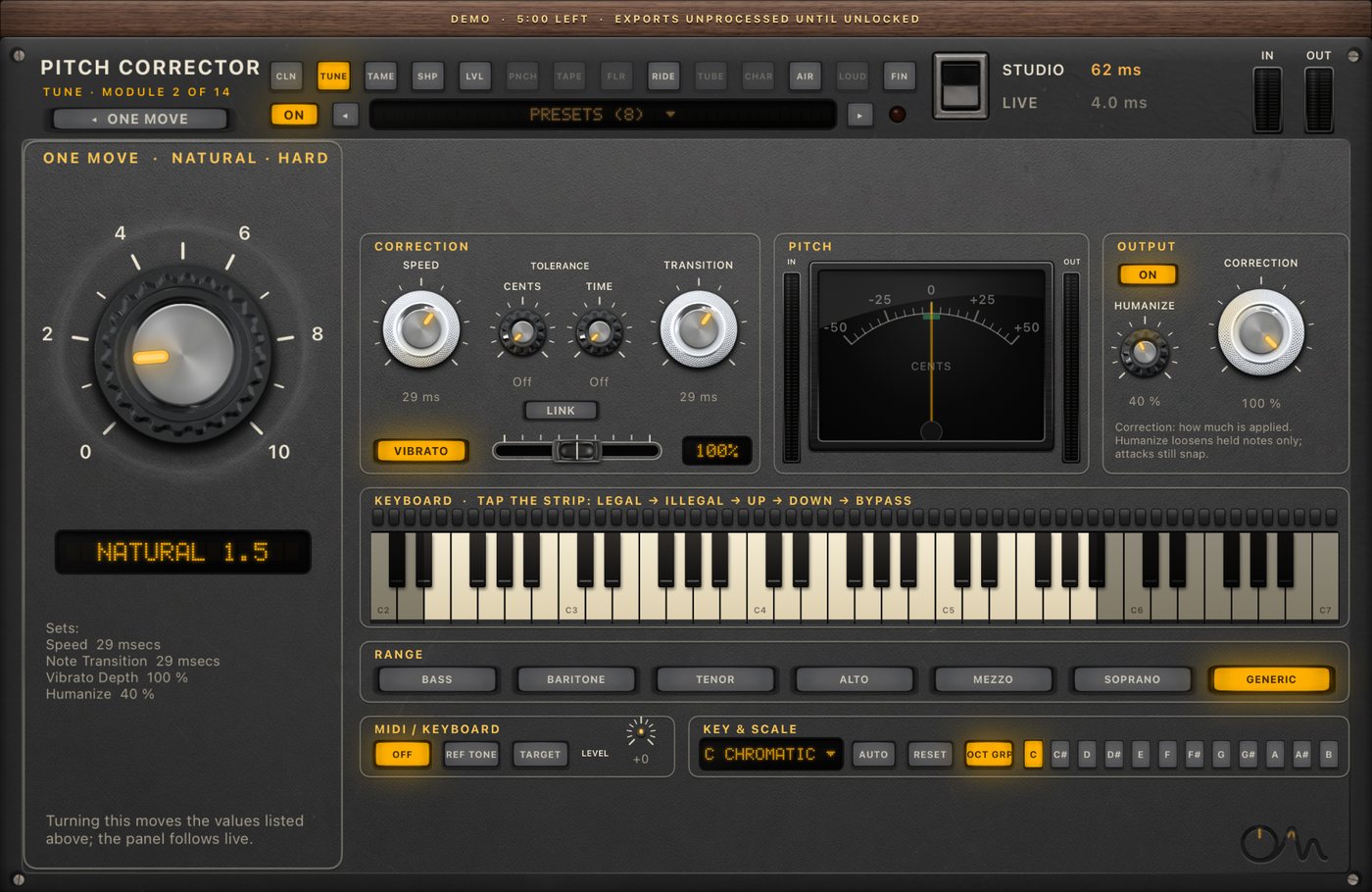
Tune and AutoTune Advanced
Tune (Natural) and AutoTune Advanced in chromatic mode. Before and after are set to the same loudness, so you hear the change, not a level jump.
"Lost_Pella" by queeniemusic (ccmixter.org/files/queeniemusic/65508), licensed CC BY 3.0 (creativecommons.org/licenses/by/3.0). Excerpt, processed by OneMove Vocal Console. Compared with Antares AutoTune Advanced.
| measured | dry | Tune, Natural | AutoTune Advanced |
|---|---|---|---|
| Median distance from the nearest semitone | 21.0 cents | 15.2 cents | 12.8 cents |
| Delay it reports | 61.6 ms, whole chain in Studio | 70.4 ms measured on this take |
In practice: AutoTune Advanced pulls notes closer at this setting. Natural is meant to leave vibrato and expression in; turn Tune's knob further for a tighter result. For the full test: the pitch research.
How we tested
- Dry vocal excerpts of 15 seconds, the same ones on every plug-in; each desktop plug-in's delay is removed before comparing.
- "Same loudness" means EBU R128 integrated loudness. Top-end changes are also measured after matching.
- Settings and raw numbers are kept in our research files and these are the versions installed on the test date.
- Pitch is an autocorrelation estimate from 40 ms frames: good for comparing, not a lab measurement.
Auto-Tune and AutoTune are trademarks of Antares Audio Technologies. CLA-76, CLA-2A, Vocal Rider and Clarity Vx are trademarks of Waves Audio Ltd. Fresh Air is a trademark of Slate Digital. LA-2A and 1176 are trademarks of Universal Audio. OneMove is not affiliated with or endorsed by them; other products are named only for comparison.