
Latency explained
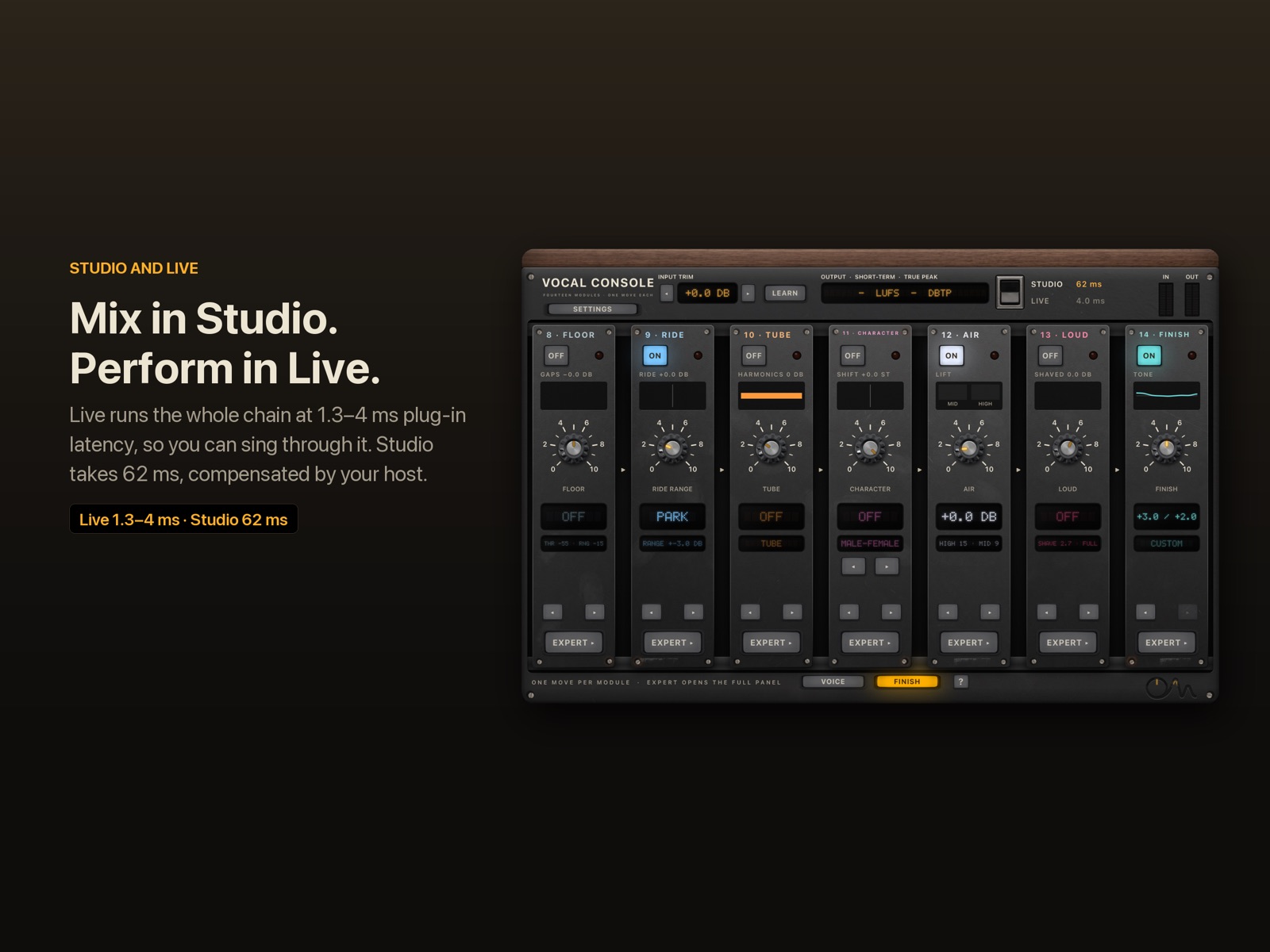
When you sing through a plug-in, you hear yourself a little late. How late decides whether monitoring feels natural or distracting. OneMove Vocal Console has two modes for that reason: Live keeps its own delay to 1.3–4 ms, and Studio spends 32–62 ms on better noise reduction and pitch correction, which your host hides when you play back.
The short answer
| mode | Clean engine | plug-in latency at 48 kHz | when to use it |
|---|---|---|---|
| Live | Zero latency or Neural 0 ms | 1.3 ms (63 samples) | performing, tracking with in-ear monitoring |
| Live | Spectral (default) | 4.0 ms (191 samples) | tracking with the best Live noise reduction |
| Studio | Classic | 32.3 ms (1,550 samples) | mixing, with less delay |
| Studio | Neural (default) | 61.6 ms (2,958 samples) | mixing, with the strongest noise reduction |
These figures are the plug-in's own latency, the number it reports to your host. They don't include your host's buffers or your audio interface.
Plug-in latency vs round-trip latency
Round-trip latency is everything between your voice reaching the microphone and the processed voice reaching your ears: the interface's converters, the input buffer, every plug-in on the way, and the output buffer.
Plug-in latency is only the part a plug-in adds. A host compensates it on playback by shifting the track earlier, so a recorded vocal stays in time with the music whatever the plug-in's latency is. What compensation can't fix is live monitoring: while you sing, the host can't play your voice before it arrives.
A worked example: at 48 kHz, a host buffer of 128 samples is 2.7 ms in each direction. Add the interface's converters and Live mode's 4.0 ms, and you hear yourself roughly 10–12 ms after you sing. Studio mode's 61.6 ms on top of the same buffers would be clearly audible as an echo. That's why you record in Live and mix in Studio.
Where the time goes
Most modules in OneMove Vocal Console add no latency at all: the EQs, compressors, saturation, rider, gate, air, loudness and reverb work sample by sample. The delay comes from three jobs that need to hear a stretch of audio before they can act:
| job | Studio | Live |
|---|---|---|
| Noise reduction (Clean) | neural: 40 ms of model time, plus resampling; classic: 10.7 ms | spectral 2.7 ms; zero-latency and Neural 0 ms: 0 ms |
| Pitch correction (Tune) | 20 ms of look-ahead, for clean splices | 0.67 ms |
| Voice character (Character) | 0.67 ms | 0.67 ms |
| Output safety | true-peak limiter, 1 ms look-ahead | zero-latency soft safety stage |
A module that is switched off keeps its delay, so switching modules never moves the vocal in time. Latency only changes when you switch modes or change Clean's Live engine.
Why pitch correction can't be instant
To correct a note, Tune first has to know which note you are singing. Pitch is the repetition rate of the waveform, so a detector must see at least one, and in practice about two, full cycles of the voice before it can measure it.
| note | frequency | one cycle |
|---|---|---|
| A2 (low male voice) | 110 Hz | 9.1 ms |
| A3 | 220 Hz | 4.5 ms |
| A4 (high voice) | 440 Hz | 2.3 ms |
Tune's detector gives its first usable reading 15.5 ms (median) after a note starts, on real recordings (the benchmark). The correction then has to move the pitch smoothly, or it clicks. So even at the hardest setting, Tune settles on a new note in 15 ms in Studio (its 20 ms look-ahead lets it start early) and 28 ms in Live. The commercial reference tuner we measured needs 13 ms and 31 ms; no real-time tuner snaps instantly.
The good news: the first 20–30 ms of a sung note are its attack, which singers and listeners expect to move. Correction that arrives after the attack sounds natural. Correction that arrives during it sounds robotic, which is what the hard-tuned effect deliberately does.
Why neural noise reduction needs time
The neural engine works on 10 ms frames: it collects a frame, predicts the noise, and hands back the cleaned frame. In Studio, Clean also runs the model on its own thread so it never loads your host's audio thread, which adds a frame. That's 40 ms of model time. Studio mode is for mixing, where the host compensates all of it.
For Live, the Neural 0 ms engine lets the model listen on the side and steer a filter bank that adds no delay, so the chain stays at 1.3 ms. It removes less noise than Studio, because its gains arrive a frame late. Neural noise reduction, measured.
What we recommend
- Recording or performing: Live mode, Spectral Clean (4.0 ms), the smallest host buffer your device handles without crackles, and headphones.
- Lowest possible delay: Live mode with Zero-latency or Neural 0 ms Clean (1.3 ms).
- Mixing: Studio mode with Neural Clean. The host compensates the 61.6 ms.
The figures are reported to the host exactly, to the sample. A host test checks that with all modules off the output is the input delayed by exactly the reported latency.
Latencies measured at 48 kHz, 8 November 2026. Auto-Tune is a trademark of Antares Audio Technologies; the reference tuner is named on the pitch correction page.