
A full vocal chain on an iPad Air M3 at about 6 % of one core
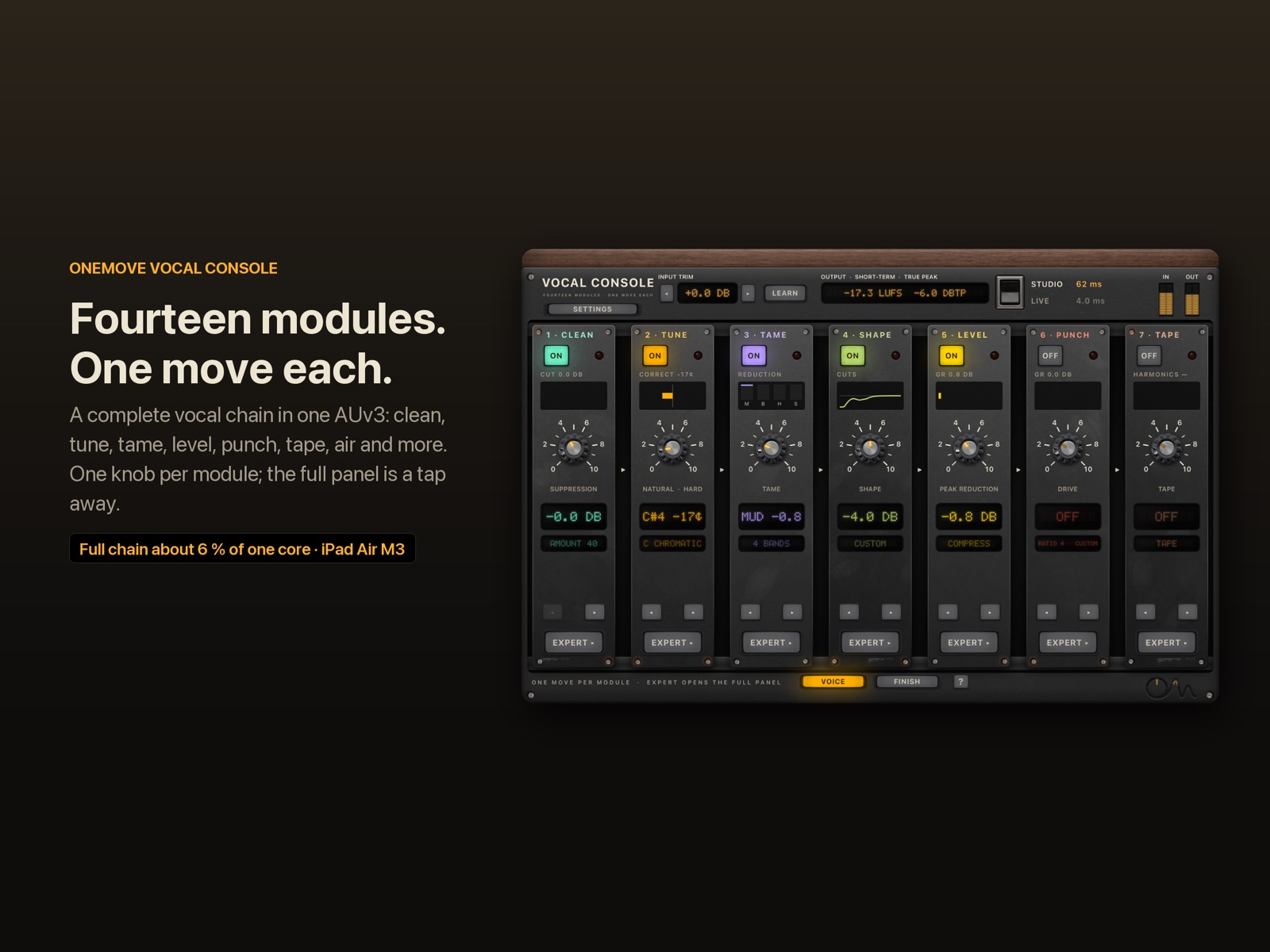
A typical vocal chain is six or more plug-ins: noise reduction, pitch correction, a dynamic EQ, two compressors, saturation, maybe a rider. On an iPad each one is its own process, with its own interface and its own buffers. We built OneMove Vocal Console as one plug-in with 14 modules, and we wanted to know exactly what that costs.
Results
All 14 modules switched on, in our iPad Air M3 13" benchmark:
| configuration | CPU (one core) | plug-in latency |
|---|---|---|
| Studio mode, classic noise reduction | 5.7 % | 32 ms |
| Live mode, spectral noise reduction | 5.2 % | 4.0 ms |
| Live mode, zero-latency noise reduction | 6.5 % | 1.3 ms |
| Studio mode, neural noise reduction | 5.6 % audio thread, 10.7 % total | 62 ms |
| Live mode, neural noise reduction (0 ms) | 6.6 % audio thread, 11.6 % total | 1.3 ms |
These figures were measured before Space was added; Space adds about 0.3–0.4 % of one core on the Mac (5.2 → 5.6 % there). We will re-run the iPad benchmark with Space on.
Each module on its own costs between 1.0 % and 2.4 %, including about 1 % that the plug-in costs even with everything switched off. Modules that are switched off cost almost nothing: pitch correction and voice transformation then run only a delay line, so the plug-in's latency doesn't change.
The neural noise model costs about 5 % of one core. It runs on its own thread, so the host's audio thread, which is what DSP meters show, carries only the filtering.
Each module on its own
The whole plug-in with one module switched on, Studio mode, audio thread (the report's "Only …" rows). Each figure includes the plug-in's fixed cost of about 1 %.
These rows were measured before Finish gained its Space reverb and doubler. Space adds about 0.3–0.4 % of one core on our development Mac; we will re-run the iPad benchmark and update this page.
How we measured
- Device: iPad Air M3, 13", iPadOS 27.2, plugged in, nothing else running.
- Signal: 30 seconds of a synthetic voice per run: sung notes with vibrato and formants over a −50 dBFS noise floor, so every module has real work to do.
- Settings: 48 kHz, 256-frame buffers, each module at its default One Move setting (noise reduction at 60).
- Audio-thread CPU: the CPU time of the thread that renders the audio, divided by 30 s.
- Total CPU: the CPU time of the whole process, including the neural model's thread.
- Tool: the benchmark is built into the app. The raw report is published: ipad-air-m3-2026-11-07.txt.
Why one plug-in is cheaper than a stack
- One render call, not six. Every plug-in in a host gets its own render call, buffer copies and, on iPad, its own extension process. One plug-in with 14 modules does all of that once.
- Idle modules cost nothing. A switched-off module bypasses its analysis and keeps only its fixed delay.
- Interface cost. Six plug-in windows redrawing meters and curves keep the graphics busy. One window with simple hardware-style drawing redraws only what changes.
A stack of separate plug-ins. In our own early tests a comparable stack of separate plug-ins on the same iPad used several times more CPU than OneMove Vocal Console. We will publish those figures once the stack, the host and the settings are documented in full, so anyone can repeat them.
What we haven't measured yet
- Long sessions: heat, throttling and battery.
- Older iPads and iPhones.
We'll publish those when we have them.
"2A-style" and "76-style" describe circuit behaviour; OneMove is not affiliated with the owners of any hardware trademarks.